Free Macsoftware One click Download
Graphic and Design
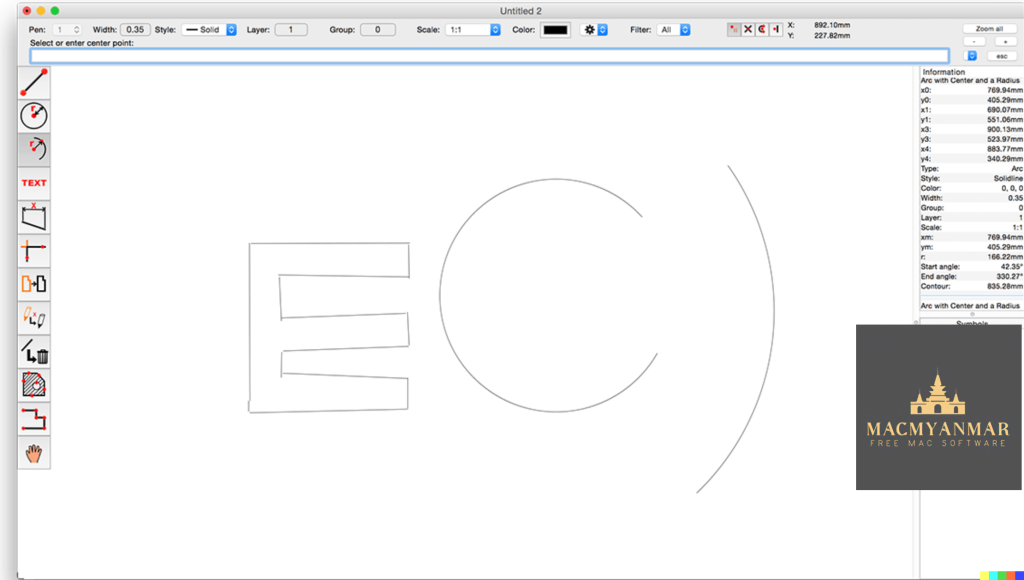
CADintosh X For Mac Free V- 8.8.4 (689)
03 years

Name : CADintosh X
Size : 68.73 MB
CADintosh X For Mac Free V- 8.8.4 (689)
CADintosh is a 2D CAD (Computer-Aided Design) program primarily used for creating technical and architectural drawings. It offers a range of features and tools that make it suitable for such tasks. Here’s an overview of its features and the changes introduced in version 8.8.4:
Key Features:
- Interactive Window Redrawing: CADintosh allows you to work within a drawing while it is redrawing, enhancing your productivity.
- Element Limit: The number of elements you can include in your drawings is limited by your computer’s memory.
- Pen-Oriented Mode: Offers 8 line widths, line colors, and pens for drawing versatility.
- Individual Mode: Provides precise control over line width (ranging from 0.0 to 99.99 mm), line patterns, and colors.
- Drawing Tools: CADintosh includes various tools such as lines, arcs, dimensions, splines, hatching, and more to assist in drawing creation.
- File Format Support: It supports the import and export of HPGL, DXF, and PICT file formats, facilitating compatibility with other CAD software.
- Line Types: You can choose from 6 line types, including solid, dash, dot-dash, phantom, zigzag, and dotted lines.
- Grouping: CADintosh allows you to organize your elements into up to 32,000 groups for better management.
- Layer Support: You can use up to 1,024 layers, which helps in structuring complex drawings.
- Unit Options: It offers the flexibility to work with alternative units, such as inches or user-defined units.
- Layer Filters: The registered version of CADintosh includes an extended layer filter system, making it easier to manage and work with layers.
- Symbol Libraries: In the registered version, you have access to external symbol libraries and improved symbol handling.
- User Preferences: Your preferences are saved within the drawing for a seamless workflow.
- Platform: CADintosh runs natively on macOS X and supports both Apple Silicon and Intel Core processors.
What’s New in Version 8.8.4:
- Sets: You can now open sets and replace duplicates or existing sets, streamlining your drawing organization.
- Automatic Catch Mode: It can find the center of gravity for hatchings, making it easier to work with hatched areas.
- File Format Enhancement: The “Open” option now includes support for the FIX format.
- Text Attributes: Support for pen width has been added to text attributes editing.
- Hatching Attributes: The preview now accurately reflects color changes when editing hatching attributes.
- Hatching Display: The center of gravity for hatching is now displayed.
- DXF/DWG Import: Improvements have been made to support vertex data.
- Layer Attributes: A new attribute, “catchable,” has been introduced.
- Bug Fixes: Various bug fixes have been implemented, addressing selection issues with radian dimensions, symbol selection, and more.
Overall, CADintosh is a CAD software designed for macOS users, offering a range of features for creating technical and architectural drawings, with a focus on ease of use and efficiency.
EazyDraw for Mac free Download V- 10.12.0
03 years

Name : EazyDraw
Size : 147.57 MB
EazyDraw for Mac free Download V- 10.12.0
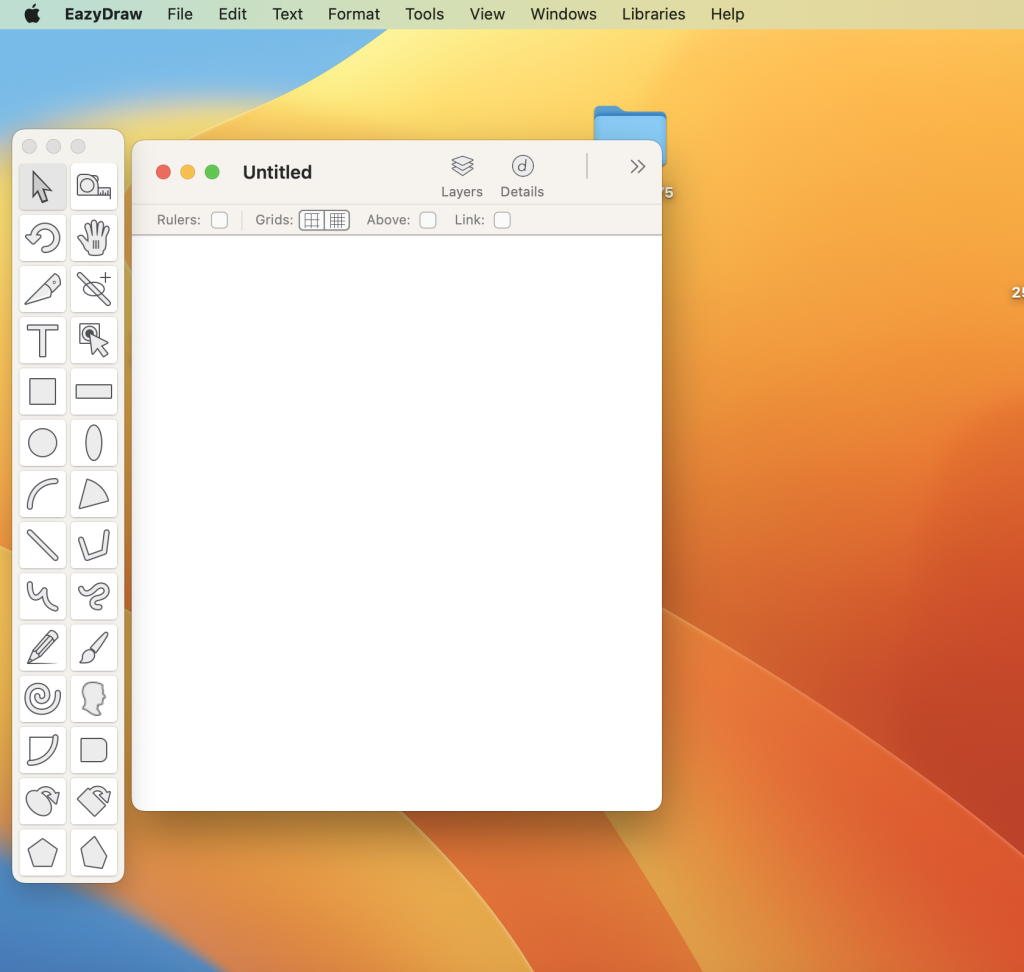
EazyDraw is a vector drawing application designed for macOS. It has been a pioneering app in the world of vector drawing on the Mac platform, providing users with a wide range of features for creating vector-based graphics. Here are some key features and details about EazyDraw:
Key Features:
- Vector Drawing: EazyDraw is a powerful vector drawing tool suitable for a variety of tasks, including technical drawing, web and app graphic design, print publishing, logo creation, and page layout.
- Balanced Feature Set: It offers a balanced feature set that caters to both beginners and advanced users, providing the tools needed for various design and illustration projects.
- Bitmap and Vector Support: EazyDraw supports both bitmap and vector graphic formats, allowing you to work with different types of images.
- PDF and EPS Import: You can import PDF and EPS files and ungroup them for editing within EazyDraw, making it convenient for working with existing vector graphics.
- SVG and DXF Import/Export: EazyDraw supports both importing and exporting of SVG (Scalable Vector Graphics) files and DXF (Drawing Exchange Format) files, enhancing compatibility with other design software.
- Preview and Publish: You can preview and publish your creations to EPS (Encapsulated PostScript) and TIFF (Tagged Image File Format) with RGB or CMYK process colors, making it suitable for professional print projects.
- CAD Drawing Exchange: EazyDraw allows you to exchange scaled CAD drawings with the DXF format, which is commonly used in CAD software.
- Web Graphics: You can create and publish web graphics directly from the application, simplifying the process of designing graphics for websites.
- App Development Graphics: EazyDraw is suitable for creating graphics and icons for Mac, iPhone, and iPad app development, providing the necessary tools for designing app interfaces and assets.
In-App Purchases:
The full version of EazyDraw is included in the app, so users don’t need to make any additional in-app purchases to access its full functionality.
System Requirements:
- Compatibility: macOS 10.13 or later (64-bit)
EazyDraw is a versatile vector drawing application that has been a part of the Mac ecosystem for a long time, evolving to meet the needs of designers, illustrators, and graphic artists. It offers a comprehensive set of features for creating, editing, and exporting vector-based graphics for various purposes.
GraphicConverter 12.0.3 for Mac Free (6157)
03 years

Name : GraphicConverter 12.0.3 for Mac Free
Size : 247.74 MB
GraphicConverter 12.0.3 for Mac Free (6157)
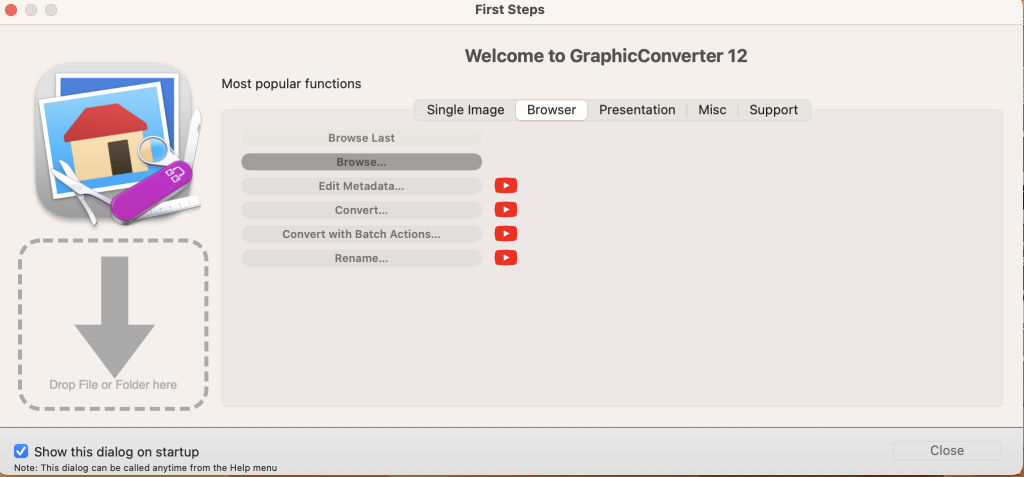
GraphicConverter is a versatile image-editing program for macOS that offers a wide range of features for working with graphic-based formats. It supports importing 200 different graphic formats, editing images, and exporting them in various file formats. Here are some key features and the changes introduced in GraphicConverter 11:
Key Features:
- Format Compatibility: GraphicConverter can import 200 different graphic-based formats and export images to 80 available file formats.
- High-End Editing Tools: The program provides advanced editing tools suitable for graphic manipulation. It also supports Photoshop-compatible plug-ins, expanding its capabilities.
- Batch Conversion: Users can perform batch conversions to process multiple images simultaneously, saving time and effort.
- Slide Show: GraphicConverter includes a slide-show window for viewing and presenting images.
- Batch Renaming: You can rename multiple files in batches for efficient file management.
- Metadata Editing: The software supports batch and individual editing of metadata, including EXIF, IPTC, and XMP data, allowing you to add or modify image information.
What’s New in GraphicConverter 11:
- RAW Developer: GraphicConverter 11 enhances support for RAW images, making them easier to edit. It includes a full-screen dialog for opening RAW files with controls for Exposure, Contrast, and Color Corrections. Additionally, it provides tools to reduce picture noise.
- Unpack Archives: GraphicConverter now allows you to easily view the contents of archive files by double-clicking on them. It supports various archive formats, including Zip, TAR, TGZ, and more.
- Wide Equalization: In wide-angle photographs, distortion can occur at the edges of the image. GraphicConverter 11 introduces wide-angle equalization, which can help reduce this distortion.
- Gradients: The software offers a new dialog for creating color gradients with up to 10 colors, making it easy to generate background gradients for collages and designs.
- Duo-Tone: GraphicConverter 11 enables the creation of duo-tone images where lighter shades are colored with one color and darker shades with another, resulting in unique and artistic effects.
- Apple Finder Tags: If you use Finder Tags in macOS for organizing your work, GraphicConverter now integrates with them. You can use the context menu in the browser to display and modify Finder Tags.
System Requirements:
- Compatibility: macOS 10.13 or later
GraphicConverter is a powerful image-editing tool that caters to both basic and advanced users. It offers extensive format support, editing capabilities, batch processing, and various enhancements to streamline image management and manipulation tasks on macOS.
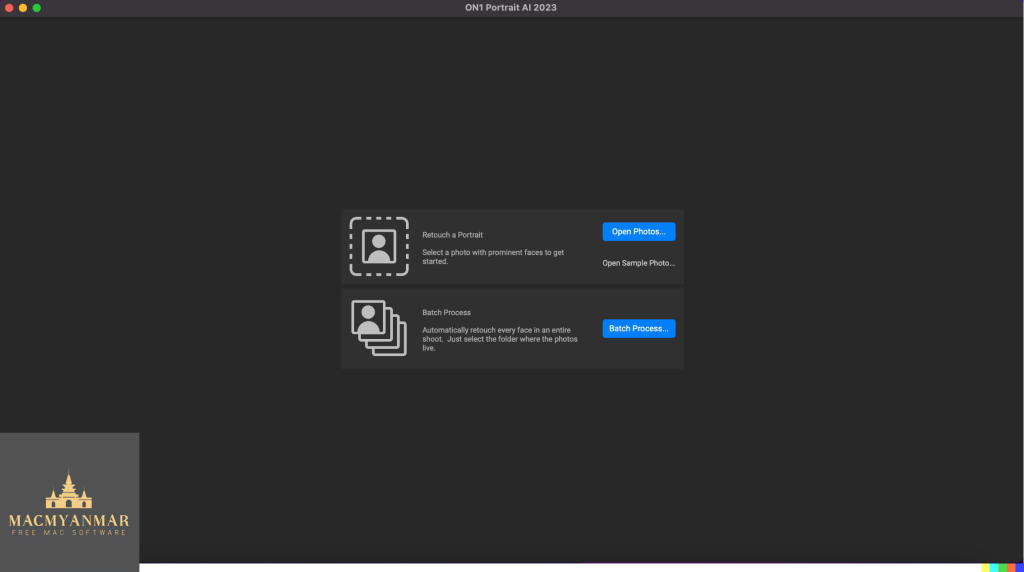
ON1 Portrait AI 2023.5 for Mac os v17.5.1.14028
03 years
Name : ON1 Portrait AI 2023.5
Size: 892.76 MB
ON1 Portrait AI 2023.5 for Mac os v17.5.1.14028
ON1 Portrait AI is a software tool designed for flawless retouching of portraits using artificial intelligence (AI) technology. It automates the process of enhancing faces in photos by identifying each face and applying the appropriate retouching adjustments to improve the skin, eyes, and mouth. ON1 Portrait AI is compatible with various photo editing workflows and software applications. Here’s an overview of its features and the changes introduced in version 2023.5 v17.5.1.14028:
Key Features:
- Automatic Face Detection: ON1 Portrait AI uses machine learning to identify every face in a photo, ensuring that each face is enhanced correctly.
- Retouching: It automatically applies the right amount of retouching to improve skin texture, eye clarity, and mouth appearance, resulting in professional-looking portraits.
- Plug-in Compatibility: ON1 Portrait AI seamlessly integrates into various popular photo editing workflows and applications, including:
- Adobe Photoshop
- Adobe Lightroom Classic
- Adobe Photoshop Elements
- Affinity Photo
- Capture One (coming soon)
- Apple Photos
- Corel Paintshop Pro
What’s New in Version 2023.5 v17.5.1.14028:
Unfortunately, specific release notes for version 2023.5 v17.5.1.14028 were not available at the time of this listing update. Typically, software updates may include bug fixes, performance enhancements, and potentially new features or improvements to existing functionality.
System Requirements:
- Compatibility: macOS 10.15 or later
ON1 Portrait AI is designed to simplify the portrait retouching process, making it accessible for photographers of all levels. It leverages AI technology to save time and effort while achieving professional-level results in portrait photography retouching. Users can seamlessly incorporate it into their preferred photo editing workflow, making it a valuable tool for photographers and designers working with portrait images.
Super Vectorizer Pro for Mac free V- 2.3.0
03 years
Name : Super Vectorizer Pro 2.3.0
Size : 7.91 MB
Super Vectorizer Pro for Mac free V- 2.3.0
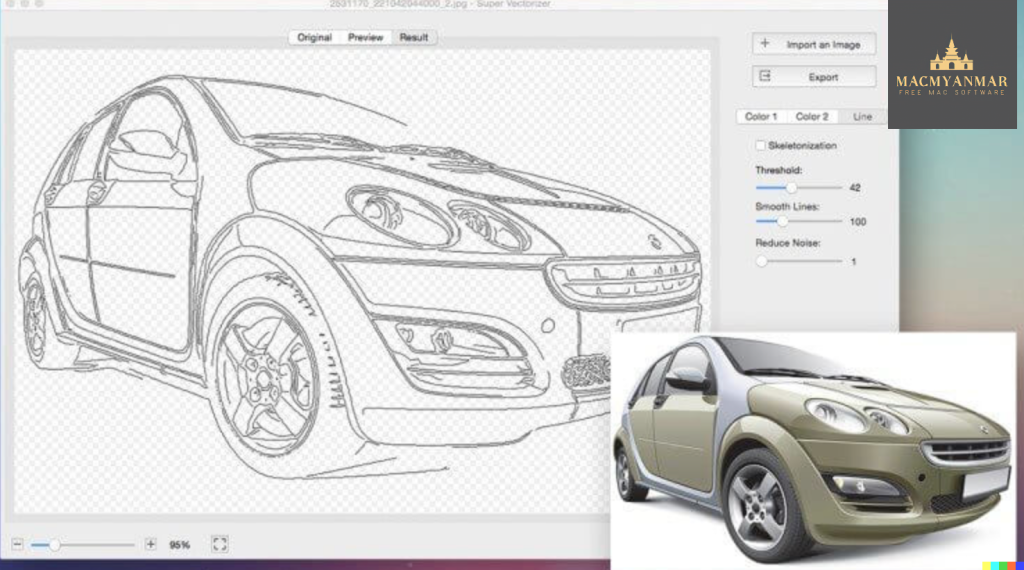
Super Vectorizer 2 is a professional vector-trace tool designed for macOS. It’s used to convert raster or bitmap images (e.g., JPEG, BMP, PNG) into scalable vector graphics (SVG, AI, DXF, PDF) with ease. This software is valuable for a wide range of users, from hobbyists to graphic designers, as it simplifies the process of creating clean and scalable vector art from images. Here are its key features and the changes introduced in version 2.3.0:
Key Features:
- Fully Automatic Vectorization: Super Vectorizer 2 offers an automated process for converting raster images to vector graphics, making it user-friendly.
- Color Support: It can handle images with up to 64 colors, providing flexibility when vectorizing colorful images.
- Wide Image Format Compatibility: Supports tracing images in over 70 formats, including JPG, BMP, PNG, GIF, PDF, PSD, and many more.
- Segmentation Editing: This feature simplifies vector graphics by automatically tracing clean line borders and avoiding region overlapping.
- Color Modes: Users can choose from two color modes: Edge or Color or Gray Color, depending on the desired output.
- Vectorization Methods: Offers options for vectorizing images by Edge, Color, Gray Color, Skeletonization, or Line, allowing users to customize the vectorization process.
- Enhanced Line-Tracing Engine: Super Vectorizer 2 includes an improved line-tracing engine to better meet users’ needs.
- Skeletonization: This function enables the conversion of pencil drawings into vector graphics with ease.
- Pre-processing Smoothing: Provides a smoothing function that simplifies complex images and offers a four-times better smoothing algorithm compared to the previous version.
- Better Accuracy: The vectorized output more closely resembles the input image, ensuring high-quality results.
- Output Formats: Supports various vector graphic output formats, including Ai, SVG, DXF, and PDF.
- Optimized User Experience: Offers convenient zooming in and out for checking processing results and supports file opening via drag-and-drop for ease of use.
- Large Image Handling: Capable of vectorizing very large images efficiently.
- Transparency Support: Maintains transparency in vectorized images when applicable.
What’s New in Version 2.3.0:
Unfortunately, specific release notes for version 2.3.0 were not available at the time of this listing update. However, it’s common for software updates to include bug fixes, performance improvements, and possibly new features or enhancements to existing functionality.
Super Vectorizer 2 is compatible with macOS 10.9 or later and is designed for 64-bit processors. It provides a valuable tool for users who need to convert raster images into high-quality vector graphics for various purposes, including graphic design and illustration projects.
Red Giant Magic Bullet Suite For Mac free14.0.4
13 years
Name : Red Giant Magic Bullet Suite
Size : 356.47 MB
Red Giant Magic Bullet Suite For Mac free14.0.4
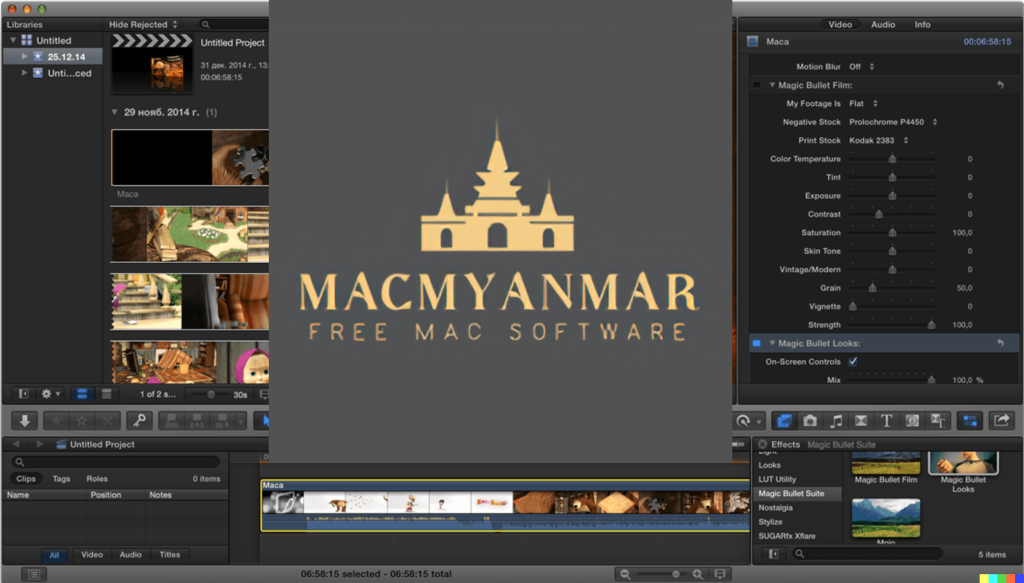
Magic Bullet Suite 14, developed by Red Giant, is a comprehensive set of plugins designed to enhance and stylize your video footage directly within your editing timeline. It offers a wide range of tools for color correction, stylization, and cleanup, allowing you to achieve professional-grade results. Here are some key features and components of Magic Bullet Suite 14:
- Color Correction:
- Balance and adjust the color of your footage to create a more visually pleasing and cohesive look.
- Correct skin tones, reduce wrinkles, and remove blemishes to make your talent look their best.
- Stylization:
- Give your footage the appearance of Hollywood films with cinematic contrast and sophisticated color palettes.
- Access fully customizable presets inspired by popular movies and TV shows to achieve beautiful results quickly.
- Refine Skin:
- Quickly and easily balance skin tones, remove wrinkles, and eliminate skin imperfections, resulting in natural and polished talent appearance.
- Noise Reduction:
- Clean up video noise caused by shooting in low-light conditions or at high ISO settings.
- Preserve the details in your shot while reducing noise for a cleaner and more professional look.
- Texture and Film Grain:
- After color grading, Magic Bullet Suite can reintroduce subtle texture and natural film grain to give your final product an authentic and unprocessed appearance.
- Tools:
- Magic Bullet Suite consists of seven individual tools that provide real-time color correction and more, seamlessly integrated into your editing workflow.
- Compatibility:
- Magic Bullet Suite 14 is compatible with macOS 10.11 or later.
- It can be used with Adobe Creative Cloud (2017 – 2021), making it a valuable addition to popular video editing applications such as Adobe Premiere Pro and Adobe After Effects.
Whether you’re looking to correct color issues, stylize your footage, or perform advanced cosmetic cleanup, Magic Bullet Suite 14 offers a suite of tools to help you achieve your desired look and enhance the overall quality of your video projects. For the latest information on Magic Bullet Suite, including specific features, system requirements, and compatibility details, it’s recommended to visit the official Red Giant website. Please note that software features and compatibility may evolve over time.
Lyn for Mac Free V-2.3.4
03 years
Name : Lyn for Mac Free V-2.3.4
Size : 38 MB
Lyn for Mac Free V-2.3.4
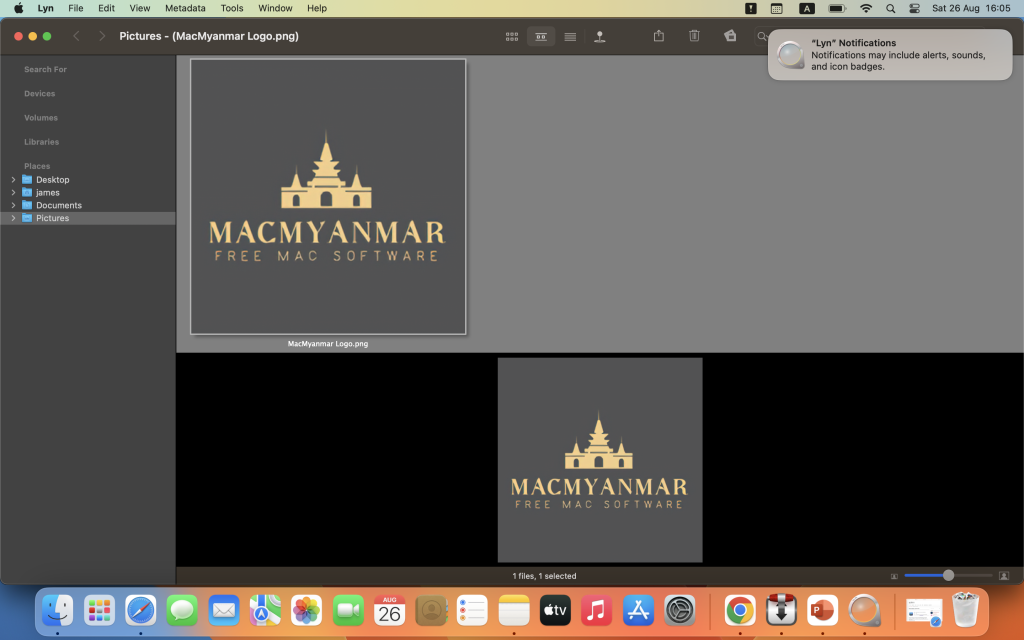
Lyn is an image browser and viewer designed primarily for photographers, graphic artists, and web designers. It offers a lightweight and fast way to browse, view, and manage images on macOS. Lyn comes with an aesthetically pleasing interface and various features for image handling and sharing. Here are the main features and details about Lyn:
Key Features:
- Image Format Support: Lyn natively supports a wide range of popular image formats, including JPEG, TIFF, JPEG 2000, PNG, PPM, TGA, RAW, HDR, OpenEXR, animated GIF, and any other image format supported by macOS.
- Movie Player: Lyn includes a movie player that allows you to watch camera recordings and videos.
- Image Editing: Lyn provides a built-in image editing inspector that lets you enhance and adjust your photos. You can modify exposure, color temperature, brightness, contrast, and apply various effects like black and white, sepia tone, and vignette.
- Progressive Display: Lyn can efficiently display images of virtually any size, and it supports single- or multiple-monitor configurations.
- Multi-threading: The application takes advantage of multi-core CPUs for faster image processing.
- Color Correction: Lyn can display color-corrected images and offers a soft-proofing function for accurate color representation.
- Metadata Handling: It supports common metadata parsing, including EXIF, camera makernote, GPS, GeoTIFF, and IPCT. This is especially useful for photographers who want to manage and access image information.
- Image Navigation: Lyn allows image navigation using Apple Remote Control or Magic Trackpad, providing convenience in browsing your image collection.
- Thumbnails Cache: You can switch between user-defined thumbnails caches for efficient image browsing.
- Filtering and Searching: Lyn offers filtering options based on tags and metadata, making it easier to find specific images in your collection.
- Slideshow: It supports fullscreen viewing and slideshow functionality with music.
- IPTC Editing: You can perform full IPTC editing with user-defined presets.
- Batch Operations: Lyn allows batch operations like conversion and renaming of images.
- Geotagging: You can geotag your photographs and edit locations using a drag-and-drop interface.
- Integration: Lyn can easily browse iPhoto, Aperture, and Lightroom libraries. It also supports sharing to platforms like Facebook, Flickr, Dropbox, SmugMug, 500px, and Picasa Web Albums.
- Maps Layout: Lyn features a maps layout that lets you geotag photos and edit locations.
- QuickTime Video Player: It includes an integrated QuickTime video player for playing videos within the application.
Compatibility:
Lyn is compatible with macOS 10.11 or later.
Homepage:
For more information about Lyn and to download the application, you can visit the official homepage via the provided link.
Lyn is a versatile image management and viewing tool that caters to the needs of photographers and designers. Its support for various image formats, editing capabilities, metadata handling, and integration with popular image libraries and sharing platforms make it a comprehensive solution for organizing and working with images on macOS.
Audio Editor 1.6.1 for Mac
03 years
by Jameskarke
in Graphic and Design

Name : Audio Editor 1.6.1
Size : 199 MB
Audio Editor 1.6.1 For Mac
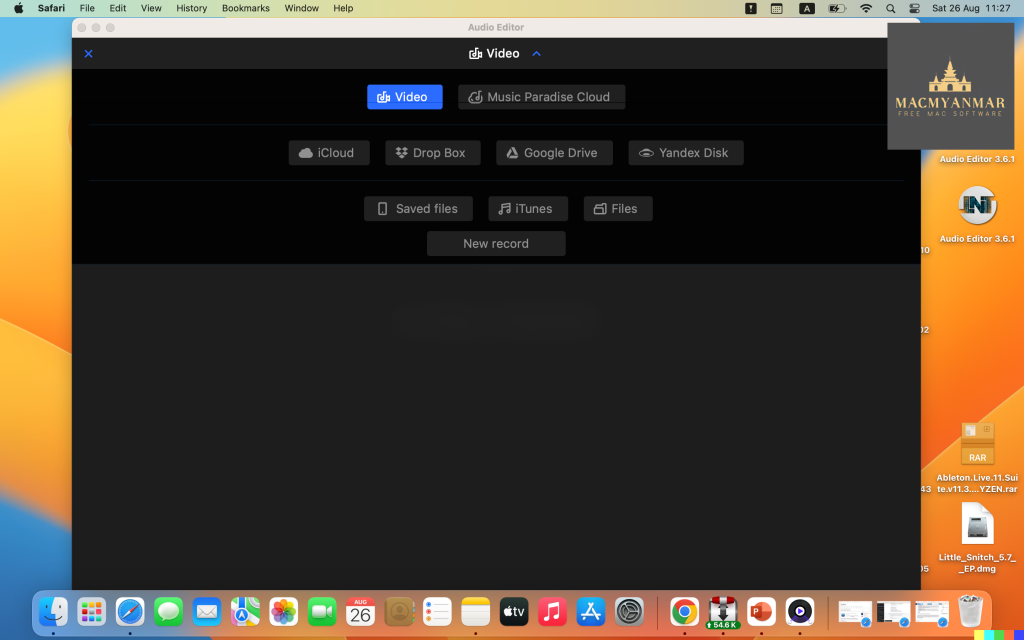
Audio Editor – Merge, Split And Edit appears to be a sound editing program designed for macOS users. It offers a range of features for editing audio files. Here’s a summary of its key features and compatibility:
Key Features:
- Open and Save Audio Files: You can use this software to open existing audio files and save your edited projects.
- Precise Audio Editing: The program allows for precise audio editing by providing a waveform view, which lets you see the audio’s graphical representation. This can help you make accurate edits.
- Create Ringtones and Jingles: You can use this tool to create custom ringtones and jingles by editing audio files.
- Cut, Copy, Paste, and Delete: You can perform standard audio editing operations such as cutting, copying, pasting, and deleting selected areas of audio.
- Fine Selection: The software enables fine selection on the waveform, which is useful for making detailed edits to your audio.
- Timeline Editing: You can perform your audio editing on a timeline, making it convenient for arranging and editing audio tracks.
- Zoom In/Out: You can zoom in and out on the timeline to find and edit specific moments within the audio.
Compatibility:
- This software is compatible with macOS 10.13.2 or later.
It seems like Audio Editor – Merge, Split And Edit offers a user-friendly interface and basic audio editing features, making it suitable for tasks like creating custom ringtones, making simple edits to audio recordings, and more. Users interested in these functionalities can find it on the Mac App Store through the provided homepage link.
MotionVFX – mTransition Light 2 – 50 Luminous Transitions for FCPX
03 years
by Jameskarke
in Graphic and Design

Name : MotionVFX – mTransition Light 2 – 50 Luminous Transitions for FCPX
Size : 3.01 GB
MotionVFX – mTransition Light 2 – 50 Luminous Transitions for Final Cut Pro X
mTransition Light 2 is a plugin designed exclusively for Final Cut Pro X (FCPX) that adds dynamic light leak transitions to your video projects. Here are some key features and information about this plugin:
- Exclusively for FCPX: mTransition Light 2 is specifically created for Final Cut Pro X, ensuring seamless integration and easy access to its features from within the application.
- Published Parameters: The plugin offers published parameters, making it simple to customize the transitions according to your project’s requirements. You can adjust various settings to achieve the desired look and feel.
- Drag & Drop: The plugin is designed for an efficient workflow, allowing you to drag and drop transitions onto your clips in the FCPX timeline. This simplifies the process of adding and adjusting transitions.
- High-Resolution Ready: mTransition Light 2 is built to support high-resolution video editing. You can use these transitions in your projects without the need for additional transformations, ensuring compatibility with a wide range of resolutions and quality standards.
- Spectacular Light Leaks: Light leaks are a popular stylistic element in video editing, adding a touch of glamour and excitement to your transitions. These transitions can help create smooth and visually appealing shifts between shots.
- MotionVFX: The plugin is created by MotionVFX, a well-known provider of plugins and templates for video editing software. They specialize in creating high-quality, easy-to-use assets for video editors.
- Compatibility: As of my last knowledge update in September 2021, the plugin is designed for use with Final Cut Pro X. It’s advisable to check the MotionVFX website or contact them directly for the most up-to-date compatibility information and any potential updates or newer versions of the plugin.
To learn more about mTransition Light 2, its features, and how to use it, you can visit the MotionVFX website using the provided homepage link. Additionally, you can explore their documentation or tutorials to see how this plugin can enhance your video editing projects in Final Cut Pro X.
Motionvfx – mTitle Abstract FCPX Free Mac OS
23 years
by Jameskarke
in Graphic and Design
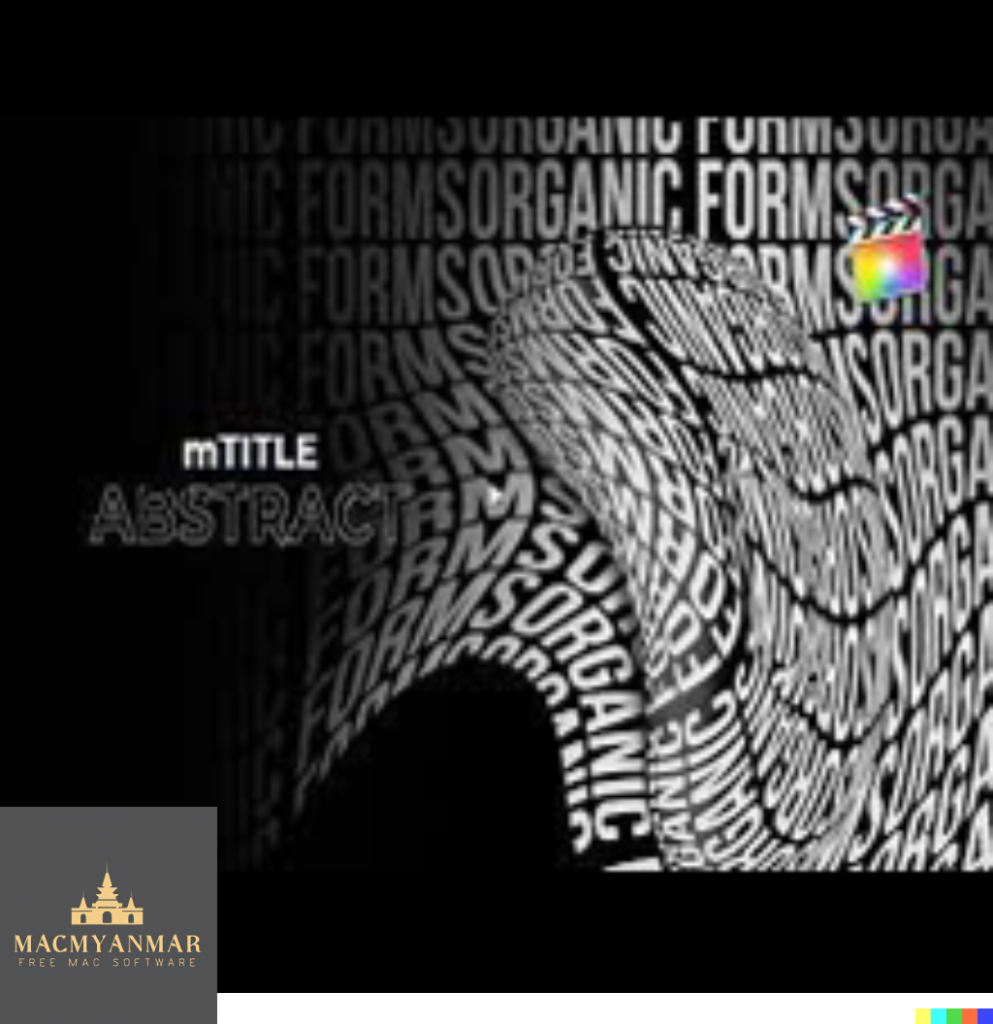
Name : Motionvfx – mTitle Abstract FCPX
Size : 11.9 MB