Free Macsoftware One click Download
Graphic and Design
Download GraphicConverter Mac v-12.0.4 (6240)
03 years

Name : GraphicConverter
Size : 247 MB
Download GraphicConverter Mac v-12.0.4 (6240)
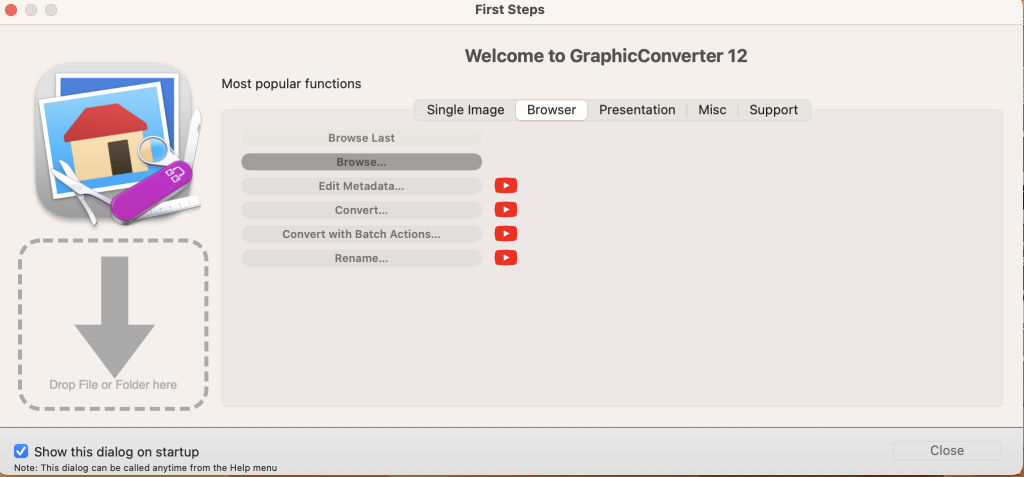
GraphicConverter is a comprehensive image-editing program for macOS that offers a wide range of features for importing, editing, and exporting graphic-based formats. It is a versatile tool suitable for various image manipulation tasks. Here are some key features and information about GraphicConverter:
Key Features:
- Format Support: GraphicConverter can import and export a vast array of graphic-based file formats. It supports approximately 200 different formats for importing and 80 formats for exporting.
- Editing Tools: The software provides a range of high-end editing tools, making it suitable for graphic manipulation. Users can perform various image edits, including those compatible with Photoshop plug-ins.
- Batch Conversion: GraphicConverter offers batch-conversion capabilities, allowing users to process multiple images simultaneously, saving time and effort.
- Metadata Editing: Users can edit metadata such as EXIF, IPTC, and XMP data for individual or batches of images.
- RAW Image Support: The software includes tools for processing RAW images, offering features like exposure adjustment, contrast control, color correction, and noise reduction.
- Archive Unpacking: GraphicConverter can unpack archive files, including ZIP, TAR, TGZ, and more. It allows you to view the contents of archives and extract files from them.
- Wide Angle Equalization: This feature helps correct distortion in wide-angle images, particularly noticeable on the edges of the frame.
- Gradients: Users can create color gradients with up to 10 colors using the software’s gradient dialog.
- Duo-Tone Effects: GraphicConverter enables the creation of duo-tone images where lighter and darker shades are colored differently, resulting in unique visual effects.
- Apple Finder Tags Integration: If you use Finder Tags in macOS for organizing files, GraphicConverter allows you to display and change these tags directly within the application.
Compatibility: GraphicConverter is compatible with macOS 10.13 (High Sierra) or later versions of the operating system.
Homepage: You can find more information about GraphicConverter and download it from the official website at https://www.lemkesoft.de.
GraphicConverter is a powerful and versatile image-editing tool that can be useful for both amateur and professional users who need to work with a wide range of image formats and perform various editing tasks on their macOS devices.
Shadow v1.0.3 Plugin for Photoshop Mac
03 years
by Jameskarke
in Graphic and Design
Name : Shadow v1.0.3 Plugin for Photoshop
Size : 1.09 MB
Shadow v1.0.3 Plugin for Photoshop Mac
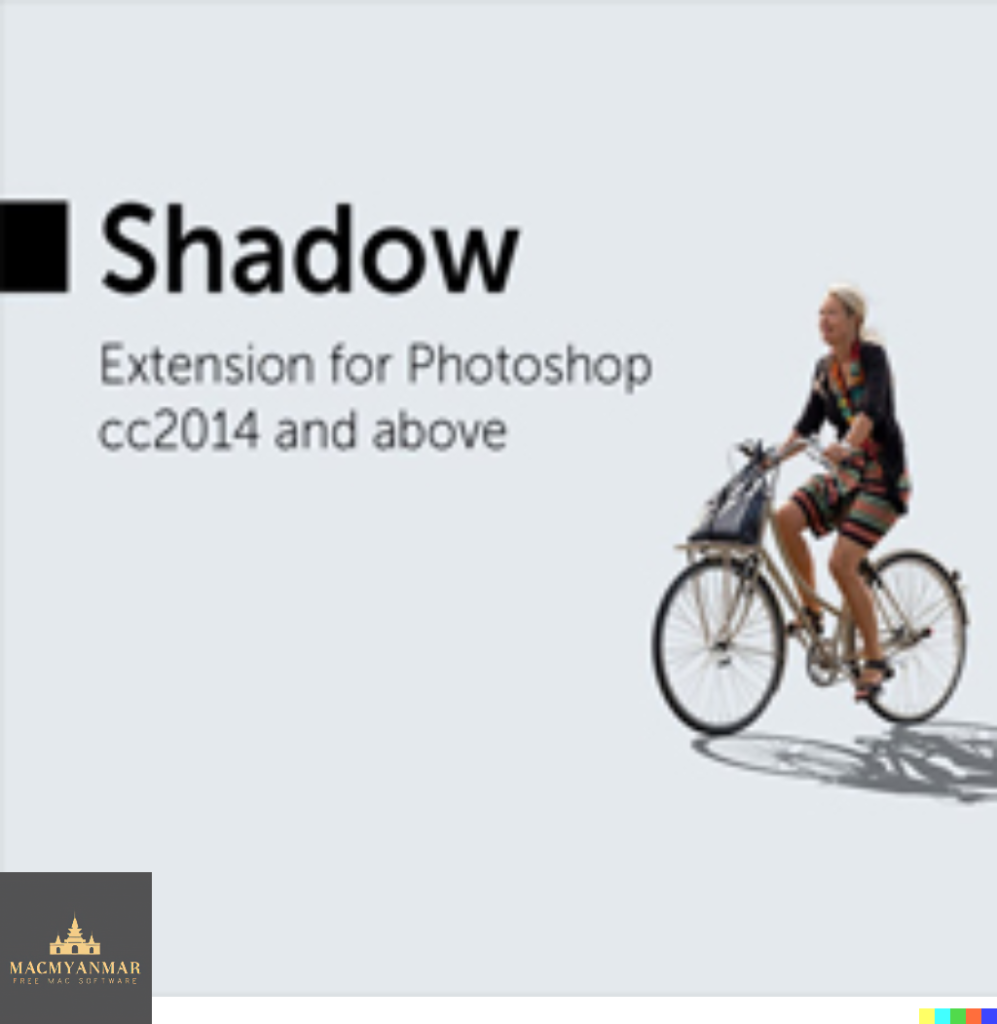
It appears that you are referring to the “Shadow” Photoshop extension, version 1.0.3, for macOS. This extension is designed to help you add realistic shadows to standing objects in Photoshop. Here are some key features and details about this extension:
Features:
- Compatible with various layer types: You can apply realistic shadows to text layers, regular (raster) layers, and smart objects within Photoshop.
- Angle control: You have the option to manually set the shadow angle or use the “Sun position” option to achieve the desired effect.
- Customization options: You can adjust the scale, blur (shadow dispersion), opacity, and color of the shadow to fine-tune its appearance.
- Auto-updates: The extension provides almost real-time updates, making it easier to preview and adjust the shadow effect as you work on your project.
Compatibility:
The extension is compatible with the following versions of Adobe Photoshop:
- Photoshop 2020
- Photoshop CC 2019
- Photoshop CC 2018
- Photoshop CC 2017
- Photoshop CC 2015.5
- Photoshop CC 2015
Homepage:
You can find more information about this Photoshop extension and download it from its official homepage: Shadow Photoshop Extension
Download Blackmagic Design DaVinci Resolve Studio 18.6.0.0009 for Mac
03 years
Name : Blackmagic Design DaVinci Resolve Studio
Size : 4.49 GB
Download Blackmagic Design DaVinci Resolve Studio 18.6.0.0009 for Mac
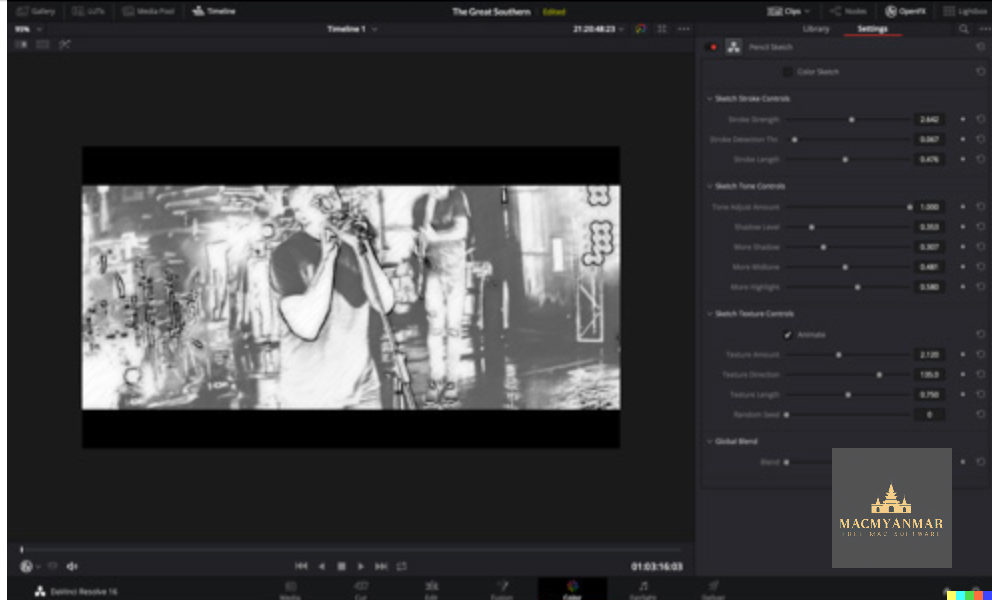
DaVinci Resolve is a comprehensive software solution for post-production that combines video editing, color correction, visual effects, motion graphics, and audio post-production into a single application. It’s known for its powerful capabilities and is widely used in the film and television industry. Here are some key features and highlights of DaVinci Resolve:
- All-in-One Solution: DaVinci Resolve integrates various post-production tasks into one software tool, eliminating the need for switching between multiple applications.
- Color Correction: It’s renowned for its advanced color correction tools, including HDR grading, primary and secondary color grading, PowerWindows™, qualifiers, tracking, and more. Many high-end films and TV shows use it for color correction.
- Editing: The editing features include cut and edit pages, metadata-based “slate” view, zoomed waveforms for audio editing, smart reframing, proxies, live effect previews, and more.
- Visual Effects: The Fusion page is dedicated to visual effects and motion graphics. Editors can create effects, titles, and transitions on the Fusion page and use them on the edit and cut pages.
- Audio Post-Production: The Fairlight page provides audio post-production capabilities, including a high-performance audio engine that supports up to 2,000 tracks on a single system.
- Media Organization: The media and deliver pages are used for importing, managing, and delivering final projects. It offers full control over encoding options and formats.
- Resolve FX: DaVinci Resolve Studio includes over 100 GPU and CPU accelerated Resolve FX, covering categories such as blurs, light effects, noise reduction, image restoration, and more.
- Color Panels: DaVinci Resolve offers dedicated color panels for adjusting multiple parameters simultaneously, providing greater control over color grading.
- DaVinci Resolve Studio: While there is a free version of DaVinci Resolve, there is also a paid version called DaVinci Resolve Studio that includes additional features and plugins.
- System Requirements: DaVinci Resolve is compatible with macOS 10.15 or later.
Whether you’re a professional colorist, video editor, visual effects artist, or audio engineer, DaVinci Resolve offers a comprehensive set of tools and capabilities to meet your post-production needs. It’s used in the industry for its high-quality results and efficiency in post-production workflows.
You can learn more and download DaVinci Resolve from the official Blackmagic Design website.
Download SketchUp Pro 2023 v23.1.318 Mac
13 years

Name : SketchUp Pro 2023
Size : 908 MB
Download SketchUp Pro 2023 v23.1.318 Mac
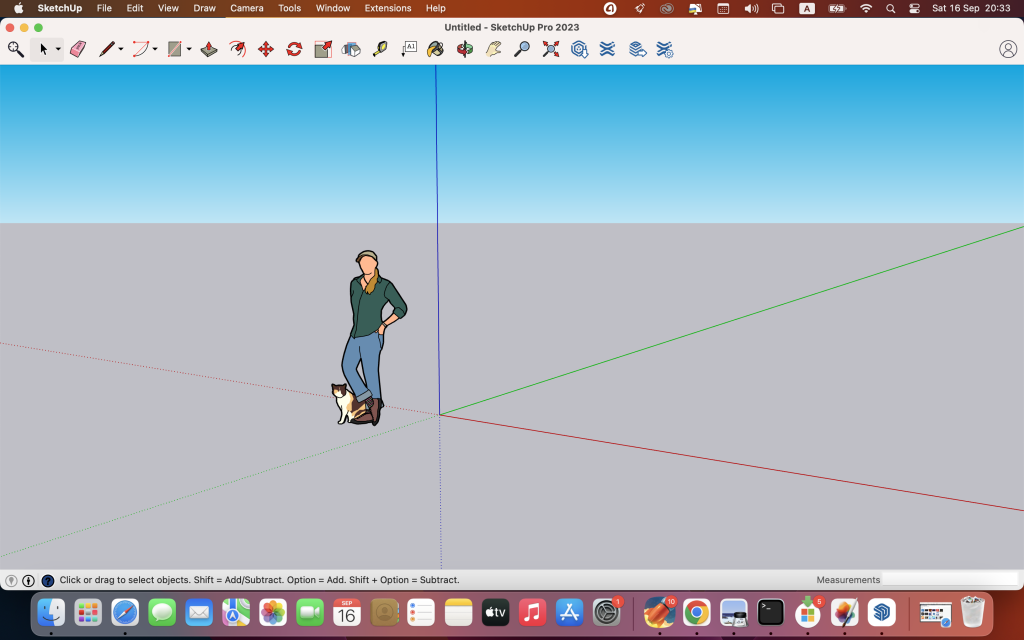
SketchUp is a versatile 3D modeling program known for its user-friendly interface and accessibility. It allows users to create 3D models for various purposes, including architectural design, woodworking projects, and more. Here are some key features and components of SketchUp:
Key Features:
- 3D Modeling: SketchUp provides an easy-to-learn and intuitive 3D modeling environment, making it suitable for both beginners and professionals.
- Design Exploration: Users can use SketchUp to explore and visualize their design ideas in 3D. It’s commonly used for creating 3D models of houses, buildings, interior spaces, landscapes, and more.
- SketchUp Pro for Desktop: The desktop version of SketchUp Pro offers a wide range of 3D modeling tools and features. It’s ideal for creating detailed 3D models and designs.
- SketchUp for Web: SketchUp for Web is a powerful web-based modeler that allows users to create and edit 3D models directly in their web browsers. It offers convenience and accessibility for users who prefer working in a web environment.
- Cloud Storage: SketchUp Pro provides unlimited cloud storage through Trimble Connect. Users can easily store, share, and collaborate on their projects in the cloud, providing flexibility and peace of mind.
- 2D Design Documentation: SketchUp includes LayOut, a tool for creating scaled 2D drawing sets. This feature is useful for creating design documentation, construction plans, and presentations.
- VR Model Viewing: SketchUp allows users to showcase their 3D models in virtual reality (VR) environments. This feature can impress clients and stakeholders by providing immersive walkthroughs of projects.
- Custom Styles and Materials: Users can customize the appearance of their 3D models with custom styles and materials. This allows for unique and visually appealing designs.
- Outliner: The Outliner feature helps users organize and manage complex models by providing a hierarchical view of components and groups within a project.
- Dynamic Components: SketchUp offers dynamic components that allow users to create interactive and parametric models. This feature adds functionality to models, making them more versatile and responsive.
System Requirements:
- Compatibility: SketchUp requires macOS 10.15 or later.
Official Website:
For more information about SketchUp, including tutorials, resources, and download options, you can visit the official SketchUp website provided. SketchUp is widely used in architecture, interior design, construction, woodworking, and other fields where 3D modeling and visualization are essential for creating and presenting design ideas.
Download Cisdem PDF Converter OCR 8.2.0
03 years
by Jameskarke
in Graphic and Design

Name : Cisdem PDF Converter OCR
Size : 143 MB
Download Cisdem PDF Converter OCR 8.2.0
Cisdem PDFConverterOCR is a versatile PDF conversion tool for macOS that incorporates OCR (Optical Character Recognition) technology. It allows users to convert a variety of PDFs, including native PDFs, scanned PDFs, encrypted PDFs, and image files, into editable and searchable formats such as Word, Text, Excel, PowerPoint (PPT), ePub, HTML, RTFD, Pages, Keynote, or various image document formats while preserving the original layout. Here are some of its key features:
Key Features:
- Multiple Output Formats: Cisdem PDFConverterOCR supports a wide range of output formats, including Word, Text, Excel, PowerPoint (PPT), ePub, HTML, RTFD, Pages, Keynote, and various image formats (JPG, BMP, PNG, TIFF, GIF).
- Maintains Original Layout: The tool ensures that the original layout of the document is maintained during the conversion process, including tables, columns, and graphics.
- Customizable Area Selection: Users can select specific areas of a document for conversion, providing flexibility and control over the output.
- Color Marking: Cisdem PDFConverterOCR automatically marks different parts of a loaded PDF or image file in different colors based on the nature of the content, making it easier to identify and process text, images, and tables.
- Supports Multiple Languages: The software supports text recognition in 49 languages, including English, French, Italian, Chinese, and more. It can also handle PDFs with multiple languages.
- High OCR Accuracy: With a character recognition accuracy of up to 99.8%, the tool ensures that the converted documents closely resemble the original source.
System Requirements:
- Compatibility: Cisdem PDFConverterOCR is compatible with macOS 10.13 or later.
Official Website:
For more information about Cisdem PDFConverterOCR, including additional details and download options, you can visit the official Cisdem website provided. This software is particularly useful for users who need to convert PDFs into editable and searchable formats while preserving the original document’s formatting and layout.
Download Maxon Cinema 4D 2024.0 for Mac
03 years
Name : Maxon Cinema 4D
Size : 1.9 GB
Download Maxon Cinema 4D 2024.0 for Mac
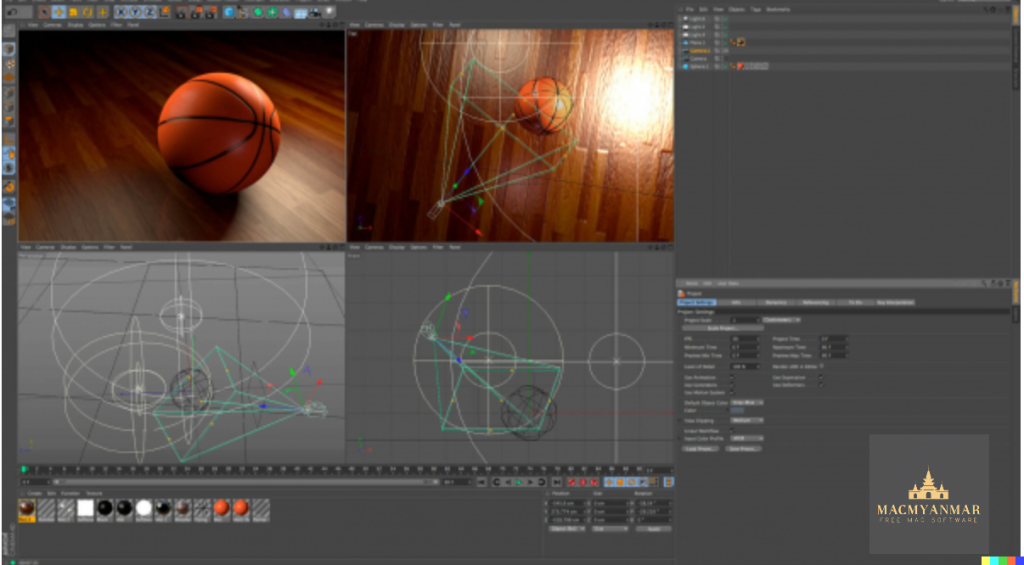
Cinema 4D is a professional 3D modeling, animation, simulation, and rendering software that caters to a wide range of creative professionals, including those in design, motion graphics, visual effects (VFX), augmented reality (AR), mixed reality (MR), virtual reality (VR), game development, and various visualization fields. Here’s an overview of its features and capabilities:
Key Features:
- Comprehensive 3D Toolset: Cinema 4D provides a powerful and flexible toolset for 3D modeling, animation, simulation, and rendering. It allows users to create complex 3D scenes and animations with ease.
- Speed and Performance: The 2024 version of Cinema 4D is optimized for speed and performance, making it more than twice as fast as previous versions. This optimization is achieved through Maxon’s new core technology.
- Unified Simulation System: Cinema 4D’s Unified Simulation System allows various types of simulations, including rigid body simulations, soft bodies, cloth simulations, ropes, and pyro (fire and smoke simulations), to interact with each other. This feature enhances realism and creative possibilities.
- Pyro Enhancements: The Pyro simulation in Cinema 4D has been enhanced with more precise controls, enabling artists to art direct their simulations to match their creative vision. Pyro can now be emitted from particles and matrices, allowing for realistic fire and smoke effects.
- Vertex Normal Tools: Cinema 4D 2024 introduces Vertex Normal tools that offer artists precise control over surface details, helping them perfect their 3D models and scenes.
- UpRes: The UpRes feature allows users to work with lower resolution simulations during the concept and art direction stages of a project for quicker feedback and then render the simulation in full quality for final output.
- Cross-Discipline Workflow: Cinema 4D is designed to facilitate collaboration among creative professionals working on various aspects of 3D projects, including modeling, animation, simulation, and rendering.
- Stunning Results: The software is known for producing stunning 3D visuals and animations, whether you’re working individually or as part of a team.
System Requirements:
- Compatibility: Cinema 4D is compatible with macOS 10.13 or later.
Official Website:
You can find more information about Cinema 4D, including tutorials, resources, and download options, on the official Maxon website provided.
Cinema 4D is widely used in the entertainment industry and by professionals in architecture, product design, and various other fields that require 3D visualization and animation. It offers a versatile set of tools for creating high-quality 3D content.
Pixelmator Pro for Mac v- 3.4.1
03 years

Name : Pixelmator Pro
Size : 594 MB
Pixelmator Pro for Mac v- 3.4.1
Pixelmator Pro is a powerful image editing application designed exclusively for macOS. It offers a wide range of professional-grade image editing tools, a user-friendly interface, and compatibility with various macOS features. Here’s an overview of its features and capabilities:
Exceptional Design and Functionality:
- Single-Window Interface: Pixelmator Pro features a modern single-window interface optimized for image editing on a Mac.
- Intuitive Design: Its intuitive and refined design makes image editing accessible, even for beginners.
- Adaptive Appearance: The application supports native dark and light appearances that adapt to the light and dark modes of macOS.
- Customizable Interface: Users can customize their creative environment according to their preferences and choose from workspace presets tailored for photography, design, illustration, and painting.
- Photos Extension: Pixelmator Pro includes a full-featured Photos extension, allowing you to edit images within the Photos app and save layered, nondestructive edits directly to your library.
Professional Tools:
- Nondestructive Editing: You can edit images nondestructively, allowing adjustments to be made at any time without losing data.
- Object Manipulation: Easily move, resize, and arrange objects to create stunning compositions.
- Color Adjustments: The application offers a collection of nondestructive, machine learning-powered color adjustments to enhance your images.
- RAW Support: Pixelmator Pro provides excellent support for RAW files, allowing you to edit images using their full extended range data.
- Brushes: Create digital or traditional paintings with fully customizable, dual-texture brushes, including support for digital graphics tablets.
- Effects: Combine built-in effects to create artistic or special effects, and save combinations as presets for reuse.
- Retouching Tools: The application includes a comprehensive set of retouching tools for removing imperfections or objects, cloning, and precise area adjustments.
- Vector Graphics: You can add customizable vector graphics and create your own using the Pen tool.
- Typography: Design beautiful text with a full set of typography tools, including curved, circular, and path text.
- Web Optimization: Optimize and save images for the web with advanced compression options.
- Batch Processing: Streamline workflows with built-in Automator actions for batch processing.
- Automation: Automate tasks using full-featured AppleScript support.
Image Editing Enhanced by Machine Learning:
- Repair Tool: Use machine learning-powered Repair tool to remove objects and recreate image areas realistically.
- ML Enhance: Intelligently enhance photos using a machine learning algorithm trained on professional photos.
- ML Super Resolution: Zoom in and enhance image resolution with ML Super Resolution.
- ML Match Colors: Automatically match colors between photos.
- ML Denoise: Remove noise and compression artifacts while preserving details.
Compatibility:
- File Formats: Pixelmator Pro supports popular image formats, including JPEG, TIFF, PNG, PSD, HEIF, SVG, PDF, GIF, BMP, TGA, WebP, and JPEG-2000.
- Photoshop Support: You can open and edit Photoshop images with layers and SVG vector images.
- Sharing: Easily share your images via Photos, Mail, AirDrop, and other locations.
Built Exclusively for Mac:
Pixelmator Pro is designed exclusively for macOS and seamlessly integrates with macOS Big Sur.
Compatibility: macOS 11.0 or later.
You can find more information about Pixelmator Pro on its official homepage or download it from the Apple App Store. It is a versatile tool for image editing, suitable for both beginners and professionals.

Download Cycling ’74 Max v-8.5.6 Mac
03 years
by Jameskarke
in Graphic and Design

Name : Cycling ’74 Max
Size : 810 .29 Mb
Download Cycling ’74 Max v-8.5.6 Mac
Max is a powerful graphical environment for music, audio, and multimedia creation. It has been used by performers, composers, artists, scientists, teachers, and students for over two decades, making it a versatile tool for realizing your creative ideas and projects. Here are some key features and capabilities of Max:
Objects: In Max, objects represent various functions and capabilities. These objects can generate sound, control hardware, provide a user interface for interaction, and perform many other tasks.
Patchcords: Patchcords are used to connect objects together, allowing them to share their output with other connected objects. This patching system enables you to create complex and interactive software systems by connecting objects in meaningful ways.
Control: Max provides a range of user interface (UI) objects like dials, sliders, and buttons that you can use to control and manipulate your patches. You can map, modulate, and scale data to achieve precise control over your creations.
Custom Software: Max allows you to create custom software tailored to your specific needs. You can drag in audio clips, manipulate them, and connect various effects to achieve the desired sound. MIDI controllers can be mapped on the fly to control your patches.
Expanded Ideas: Max starts with a blank canvas, offering you the freedom to explore and build unique ideas without constraints. The patcher canvas automatically expands as your project grows, providing ample space for your creativity.
Sound Exploration: Max is a powerful tool for sound exploration. You can design custom synthesizers, manipulate audio samples with features like timestretching and pitch shifting, and create layered sounds using multichannel audio objects.
Visual Art: Max includes Jitter, a toolkit for audiovisual work, offering full-featured video and graphics capabilities. You can combine audio, sequencing, modulation, and visuals seamlessly in your projects.
Hardware Integration: Max can communicate with external hardware and other computers, making it suitable for various applications. It supports a wide range of hardware and communication protocols, allowing you to connect your computer to the external world.
Prototyping: Max is excellent for prototyping interactive projects. You can connect development boards, sensors, knobs, and switches to Max for rapid prototyping and evaluation.
Gen: Max includes Gen, a tool for fine-tuned audio, matrix data, and texture processing. It allows you to create custom processes by combining procedural commands with visual patching. Gen objects can also generate source code for use in other applications.
Package Manager: Max’s built-in Package Manager provides access to over 50 add-ons, expanding its capabilities. These add-ons cover a wide range of functions, from computer vision to hardware controller support.
Extendability: Max is highly extensible. If a specific feature or functionality doesn’t exist in Max, you can extend it using C++, NodeJS, Java, or JavaScript. This flexibility allows you to customize Max to suit your unique requirements.
Max is a versatile platform that has been used in countless commercial products, art installations, stage shows, and educational settings. Its user-friendly graphical interface combined with its extensive capabilities makes it a valuable tool for anyone interested in audio, music, multimedia, and interactive projects.
Mac Capture One 23 Enterprise V-16.2.4.34 Free
03 years

Name : Capture One 23 Enterprise
Size : 723 MB
Mac Capture One 23 Enterprise V-16.2.4.34 Free
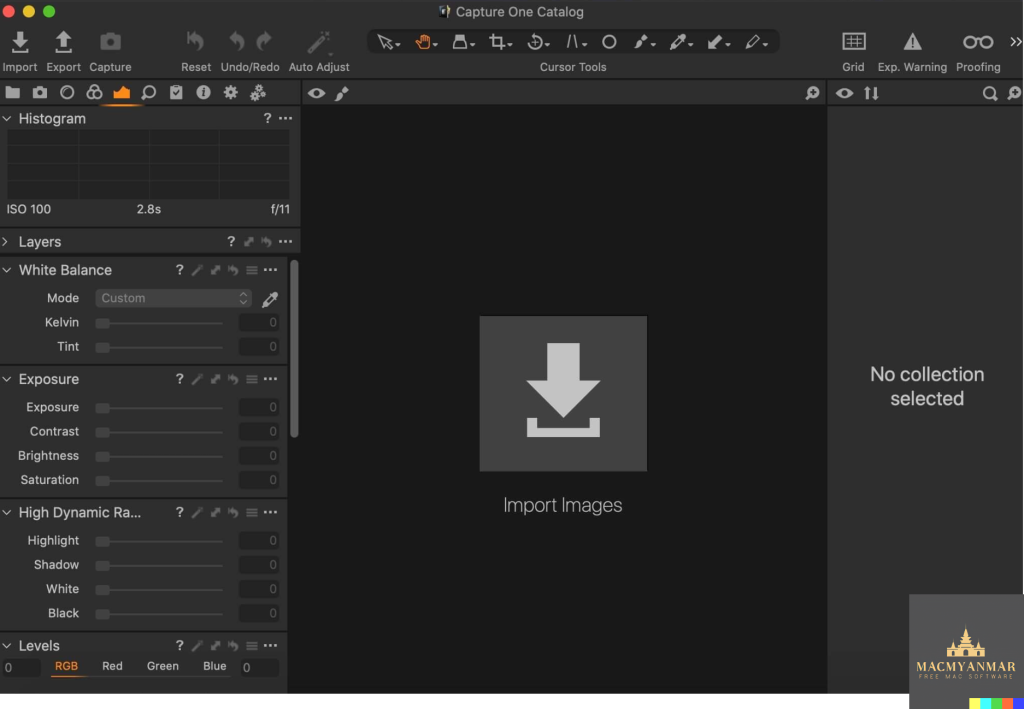
Capture One 23 Enterprise is a professional-grade photo editing and management software designed for image production studios and e-commerce platforms. It offers a wide range of features and tools tailored to the needs of studio photography and enterprise-level workflows. Here are some key features and benefits of Capture One 23 Enterprise:
1. True-to-Life Color Processing: Capture One is known for its authentic and true-to-life color processing capabilities. It ensures that colors in your images are reproduced accurately, which is crucial for product photography and e-commerce.
2. Seamless Editing Experience: The software provides a seamless and efficient editing experience, allowing photographers and retouchers to make precise adjustments to images. This is essential for achieving high-quality product images.
3. Fastest Tethering: Capture One boasts the fastest tethering in the industry, making it ideal for studio photography where real-time image capture and review are essential.
4. Collaboration and Workflow Optimization: Capture One Enterprise is designed to support collaboration among multiple team members within a studio or enterprise setting. It allows photographers, studio managers, retouchers, quality assurance managers, and project leaders to work together efficiently.
5. Integration with Other Systems: The software can be integrated with various systems, including barcode scanners, Product Information Management (PIM) systems, Digital Asset Management (DAM) systems, and e-commerce platforms. This integration streamlines the image production process and ensures data consistency.
6. Workflow Automation: Capture One Enterprise offers workflow automation features, allowing you to optimize and standardize repetitive tasks. This can significantly reduce the time required for image production.
7. Enterprise-Specific Features: Capture One Enterprise includes enterprise-specific features such as Barcode scanner tools, Advanced Guides, Next Capture Backup, Next Capture Keywords, Next Capture Metadata, Tool Locks, Capture Pilot with Enterprise enhancements, and Dedicated Studio workspaces.
8. Color Profiling: The software offers individual color profiles for businesses, ensuring accurate color reproduction. This is important for reducing product returns due to discrepancies between product images and the actual products.
9. Customized Solutions: Capture One Enterprise can be customized to meet the specific needs of your studio or enterprise. Custom solutions can maximize value and efficiency.
10. Value Creation: Capture One Enterprise helps studios and enterprises create value by optimizing key performance indicators (KPIs) such as “Time to Market,” “Cost per Image,” and “Reduce Risk.” It achieves this by improving efficiency, reducing costs, and minimizing errors.
Whether you’re managing a studio for product photography or an e-commerce platform with high image production demands, Capture One 23 Enterprise provides the tools and features necessary to streamline workflows, enhance image quality, and drive efficiency in your image production process. It’s a comprehensive solution for professional studio photography and enterprise-level image management.
Mac Software Sweet Home 3D V-7.1.1 Download
03 years
Name : Sweet Home 3D
Size : 294 MB
Mac Software Sweet Home 3D V-7.1.1 Download
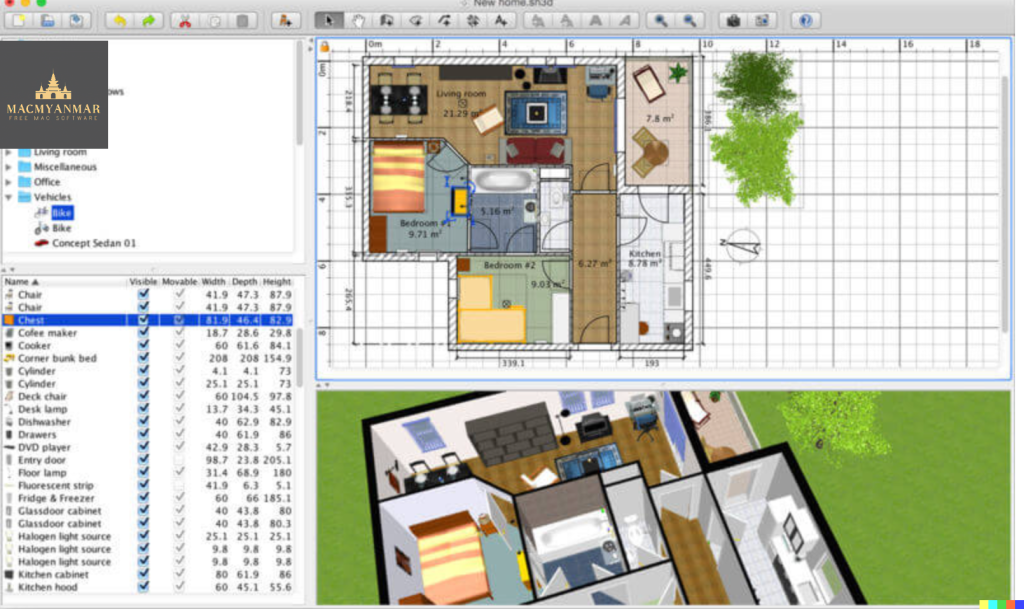
Sweet Home 3D is a user-friendly interior design application for macOS that makes it easy to create and visualize the interior of your home in both 2D and 3D. It’s an ideal tool for individuals who want to plan and design their living spaces quickly and efficiently. Here are some of the key features and capabilities of Sweet Home 3D:
Main Features:
- 2D Home Planning: You can draw the walls and rooms of your home from scratch or use existing plans as a reference. The application supports multiple levels or floors.
- Customizable Surfaces: Change the color or texture of walls, floors, and ceilings. You can even import your own patterns and textures.
- Furniture Catalog: Sweet Home 3D includes a catalog of 1205 furniture objects organized by categories. You can drag and drop doors, windows, and furniture into your plan. Additionally, you can import 3D models created by yourself or downloaded from the web.
- Furniture Customization: Customize the size, orientation, elevation, colors, and textures of each piece of furniture to fit your design preferences.
- 3D Visualization: View your home plan changes simultaneously in a 3D view. You can navigate in 3D from an aerial view or a virtual visitor’s perspective.
- Photorealistic Rendering: Create photorealistic images of your interior design, taking into account the time of day and the placement of light sources within the plan.
- Video Creation: Generate videos by defining a virtual path in the 3D view, allowing you to create walkthroughs of your design.
- Annotations and Documentation: Annotate your plan with room areas, dimension lines, text, arrows, and a compass rose. You can also print the home plan and the 3D view or export them in various file formats, including PDF, PNG, JPEG, SVG, and OBJ.
Compatibility:
- Sweet Home 3D is compatible with macOS 10.9 or later.
Sweet Home 3D is a versatile and accessible interior design tool that empowers users to plan and visualize their living spaces with ease. Whether you’re moving to a new home or simply want to redesign your existing space, this application provides a comprehensive set of features to help you create and view your interior design ideas in 2D and 3D.