Free Macsoftware One click Download
Graphic and Design
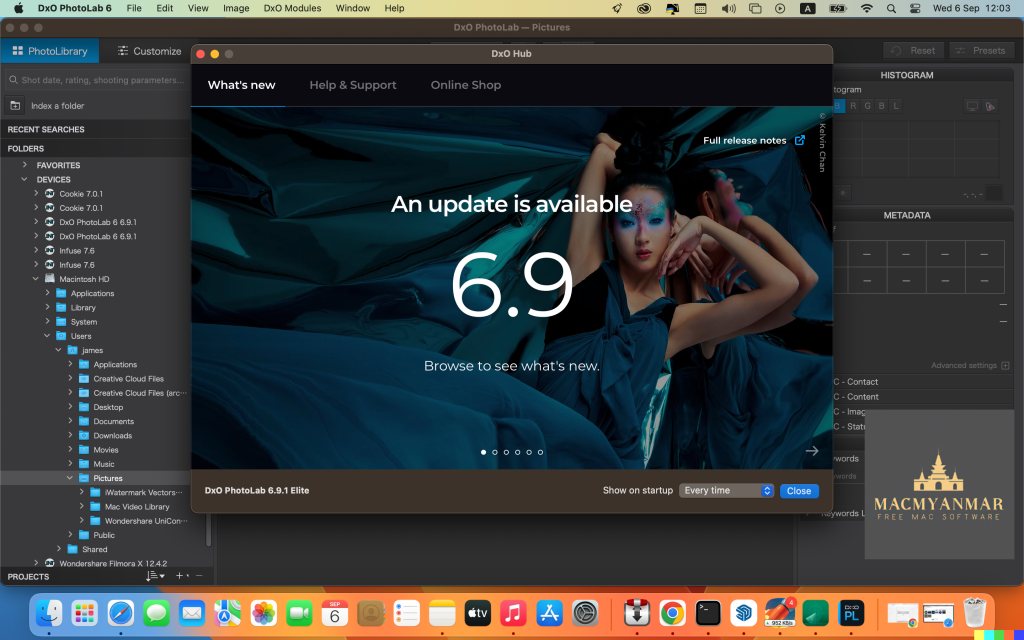
DxO PhotoLab 6 ELITE Edition v-6.16.0.70
02 years

Name : DxO PhotoLab 6 ELITE Edition
Size : 700 MB
DxO PhotoLab 6 ELITE Edition for Mac free Download
DxO PhotoLab (formerly DxO Optics Pro) offers a comprehensive suite of intelligent corrections that can be fine-tuned manually to your preference. With DxO PhotoLab, you can take control of every aspect of your photos, from noise reduction and light constraints to color detail recovery and sophisticated optical corrections.
Key Features:
- DxO DeepPRIME:
- Breaks new ground with the first artificial intelligence-based (AI) technology for demosaicing and denoising images simultaneously.
- Achieves spectacular results by removing noise while preserving color detail, resulting in smoother transitions and nearly two ISO sensitivity values improvement compared to previous versions.
- Opens up new possibilities for expert photographers to shoot at very high sensitivities and compensates for noise in compact and bridge cameras, as well as older-generation cameras.
- DxO Smart Lighting:
- Intelligent lighting adjustment tool that optimizes exposure and contrast while preserving details in both highlights and shadows.
- DxO ClearView:
- Enhances local contrast and removes haze from images to improve clarity and visual impact.
- DxO PRIME:
- Advanced noise reduction technology that effectively reduces digital noise while preserving image details and color accuracy.
- Optical Corrections:
- Corrects lens distortion, vignetting, and chromatic aberrations to ensure optical precision in your photos.
- U Point Technology:
- Introduces precise and selective editing capabilities with U Point control points for localized adjustments.
Compatibility:
DxO PhotoLab is compatible with macOS 11.6 or later.
Homepage:
For more information and to explore DxO PhotoLab, visit the official homepage at http://www.dxo.com.
Download GraphicConverter for Mac 12.1.1
02 years

Name : GraphicConverter
Size : 261 MB
GraphicConverter for Mac free Download
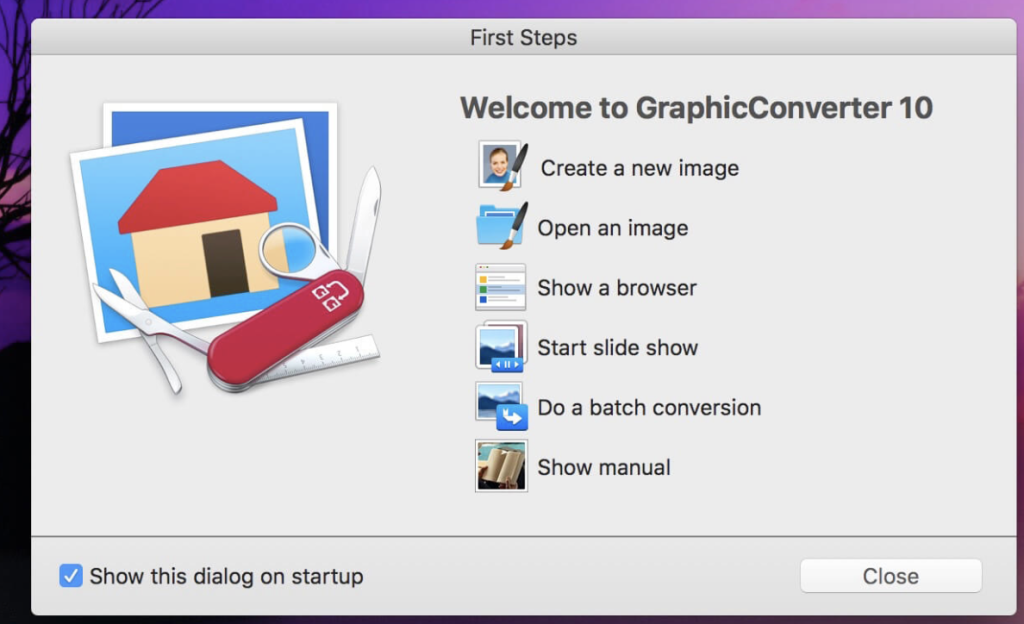
GraphicConverter is an indispensable image-editing tool designed to handle a wide range of graphic formats. With support for over 200 different graphic-based formats, it empowers users to import, edit, and export images in any of 80 available file formats.
Key Features of GraphicConverter 11:
- RAW Developer:
RAW images are easier to edit due to their extensive data depth. GraphicConverter provides a full-screen dialog for RAW files, offering controls for Exposure, Contrast, and Color Corrections. It also includes controllers for reducing picture noise. - Unpack Archives:
GraphicConverter allows users to easily view the content of archive files with a double-click. Supported formats include Zip, TAR, TGZ, and more. - Wide Equalization:
Correct distortions in wide-angle shots by reducing width distortion on the edges of the image. - Gradients:
Easily create color gradients with up to 10 colors using the new gradient dialog. - Duo-Tone:
Apply duo-tone effects to images by coloring lighter shades with one color and darker shades with another, resulting in captivating images. - Apple Finder Tags Integration:
Organize your work more efficiently by directly displaying and changing Finder Tags from within GraphicConverter’s browser using the context menu.
Compatibility:
GraphicConverter is compatible with macOS 10.13 or later.
Homepage:
For more information, visit the official homepage of GraphicConverter at https://www.lemkesoft.de.
Autodesk Flame for Mac Download 2025
02 years

Name : Autodesk Flame
Size : 3.45 GB
Autodesk Flame for Mac free Download 2025
Autodesk Flame® is advanced 3D visual effects software designed for professionals working in the fields of visual effects, finishing, compositing, advanced graphics, color grading, conform, editorial, and look development. Here are some key features and components of Autodesk Flame®:
- 3D Compositing (Action): Combines the interactive speed of traditional 2D compositing with powerful 3D visual effects. It includes a WYSIWYG preview for artists in session, allowing for fast and interactive 3D compositing.
- Node-Based Compositing (Batch): Batch is a node-based procedural compositing environment that integrates with the timeline and desktop to combine 2D and 3D elements seamlessly.
- Editorial Timeline: Provides tools to oversee projects, create consistent looks, and correctly match graded and 3D VFX shots. It includes scene detection capabilities to streamline the editing process.
- Matchbox API: Allows users to leverage GPU-accelerated GLSL shaders to solve challenges in Flame’s 3D compositing environment. Lightbox, Matchbox, and PBR shaders are available for this purpose.
- Action Projection Tracking: Enables users to turn a projection into a UV set for geometry, facilitating precise tracking and alignment of elements in the scene.
- Connected Conform Smart Merge: Dynamically merges new editorial cuts with work-in-progress shots late in a project, ensuring seamless integration of updated content.
- Python API: Provides a scriptable interface to drive the Batch environment, allowing for automation and customization of workflows.
- Pybox: Offers a scriptable handler to process images via external renderers, enhancing flexibility and integration with other tools and pipelines.
Autodesk Flame® has specific system requirements to ensure optimal performance:
- Operating System: Apple® macOS® Mojave v10.14.x/Catalina v10.15.x/Big Sur v11.1+
- GPU: Mac native installed graphics cards with a minimum of 8GB VRAM. Recommended: Radeon Pro Vega II.
- CPU: Recommended: Intel Core i7 or higher. Please note that Apple M1 CPU is not currently supported.
- RAM: 32GB/64GB
- Display: 1920 x 1200 display with a 60Hz refresh rate
For more information about Autodesk Flame® and its capabilities, you can visit the official homepage: Autodesk Flame® Overview
Rhino 8 for Mac v8.6.24101.05002
02 years

Name : Rhino 8
Size : 717 MB
Rhino 8 for Mac free Download
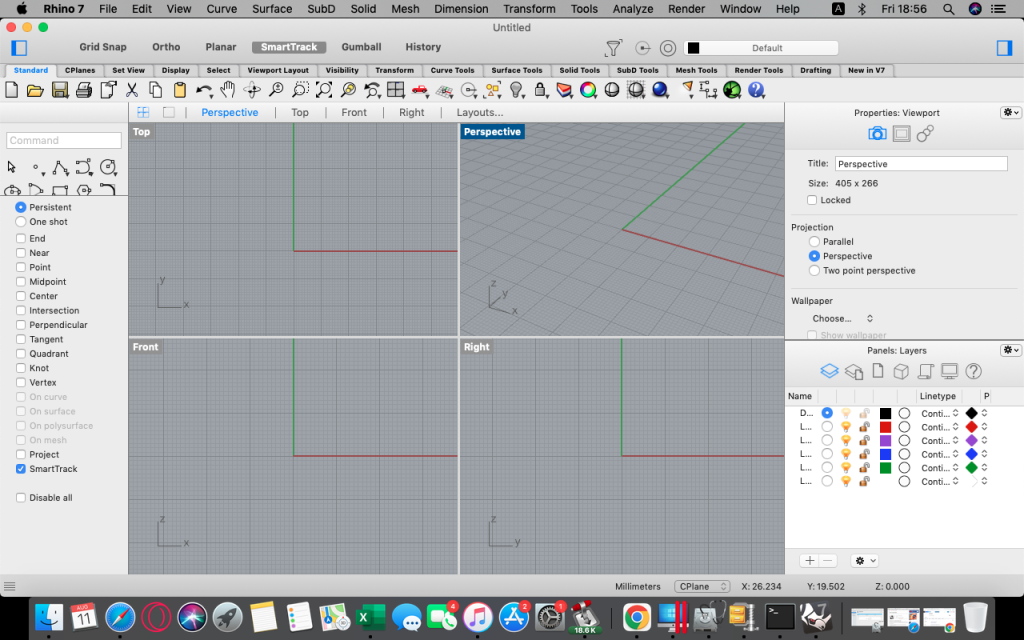
Rhino also known as Rhinoceros, is a versatile 3D modeling software with a wide range of capabilities. Here are some of its key features:
- Free-form 3D Modeling: Rhino provides powerful tools for free-form 3D modeling, allowing users to create virtually any shape imaginable.
- Precision and Accuracy: The software offers high accuracy, making it suitable for designing, prototyping, engineering, analyzing, and manufacturing a wide range of products, from airplanes to jewelry.
- Compatibility: Rhino is compatible with various design, drafting, CAM (Computer-Aided Manufacturing), engineering, analysis, rendering, animation, and illustration software, ensuring seamless integration into existing workflows.
- Mesh and IGES File Support: It can read and repair meshes, as well as handle challenging IGES files, ensuring smooth data exchange with other software.
- User-Friendly Interface: Rhino features an intuitive and accessible interface, making it easy to learn and use. This allows users to focus on design and visualization without being hindered by complex software.
- Performance: The software is fast and efficient, running smoothly even on ordinary laptop computers. It doesn’t require special hardware, resulting in an affordable solution for users.
- Affordability: Rhino offers an affordable purchase price with no maintenance fees, making it accessible to a wide range of users.
Rhino is compatible with macOS 12.4 or later. You can find more information and download Rhino from the official website: Rhino3D Homepage
Download Pixelmator Pro for Mac v- 3.5.8
02 years

Name : Pixelmator Pro
Size : 612 MB
Pixelmator Pro for Mac free Download
Pixelmator Pro is an image editor tailored for Mac users, combining professional-grade editing tools with an intuitive interface. Here’s a summary of its features:
Exceptional Design and Functionality:
- Modern single-window interface designed for Mac users
- Intuitive and accessible design, suitable for beginners and professionals alike
- Dark and light mode appearances adapt to macOS settings
- Customizable interface with workspace presets for various creative tasks
- Photos extension allows editing within the Photos app, saving edits directly to the library
Professional Tools:
- Comprehensive set of nondestructive editing tools for enhancing and creating images
- Edit nondestructively, adjusting changes individually at any time
- Move, resize, and arrange objects easily for stunning compositions
- Color adjustments powered by machine learning for precise adjustments
- Superior support for RAW files, preserving extended range data
- Handcrafted, customizable brushes for digital or traditional paintings
- Built-in effects for artistic and special effects, with the ability to create custom presets
- Retouching tools for removing imperfections, cloning, and adjusting specific areas
- Reshaping tools for modifying object shapes
- Vector graphics library and Pen tool for creating and editing vector graphics
- Typography tools for designing text with various styles and effects
- Batch processing and Automator actions for efficient workflows
- Full-featured AppleScript support for automation
Image Editing Enhanced by Machine Learning:
- Repair tool for magically removing objects with realistic results
- ML Enhance intelligently enhances photos based on professional photo data
- ML Super Resolution zooms and enhances image resolution
- ML Match Colors automatically matches the look of one photo to another
- ML Denoise removes noise and compression artifacts while preserving details
- Quick Selection tool for making accurate selections effortlessly
Compatibility:
- Supports popular image formats including JPEG, TIFF, PNG, PSD, HEIF, SVG, PDF, GIF, BMP, TGA, WebP, and JPEG-2000
- Opens and edits Photoshop images with layers
- Opens and edits SVG vector images
- Share images via Photos, Mail, AirDrop, and other platforms
Built Exclusively for Mac:
- Designed exclusively for macOS, integrating seamlessly with macOS features
- Compatible with macOS Big Sur
- Compatibility: macOS 12.0 or later
Pixelmator Pro offers a powerful yet user-friendly environment for editing images on Mac. You can find more information and download Pixelmator Pro from the Mac App Store.

Adobe Animate 2024 v24.0.2 for Mac
02 years

Name : Adobe Animate 2024
Size : 3 GB
Adobe Animate 2024 for Mac free Download
Animate CC, formerly known as Adobe Flash Professional, is a powerful animation toolset that allows you to design interactive vector and bitmap animations for games, apps, and the web. Here are some key features and compatibility details:
Key Features:
- Design interactive animations for games, apps, and multimedia content that moves across any screen.
- Create interactive web-based content for games and ads using powerful illustration and animation tools.
- Build game environments, design start screens and interfaces, create interactive player sprites, and integrate audio.
- Sketch and draw expressive characters with pressure- and tilt-sensitive vector brushes.
- Create frame-by-frame animations for characters, including blinking, talking, and walking animations.
- Design interactive web banners that respond to user interactions such as mouse movement, touch, and clicks.
- Export animations to multiple platforms, including HTML5 Canvas, WebGL, Flash/Adobe AIR, and custom platforms like SVG.
- Include code directly within your projects and add actions without needing to code.
- Asset sculpting feature allows you to create new poses for vector or raster content using mesh deformation.
- Better layer control with parent-child hierarchy for easier animation between poses.
- Auto lip-sync feature automatically matches mouth poses to sound inflections using Adobe Sensei.
Compatibility:
- macOS 10.15 or later
Animate CC provides a comprehensive toolset for creating dynamic and interactive animations for various platforms, including desktop, mobile, and TV. You can learn more and download Animate CC from the official website: Adobe Animate CC Homepage
Affinity Photo for Mac free Download v-2.4.2
02 years

Name : Affinity Photo
Size : 924 MB
Affinity Photo for Mac free Download
Affinity Photo is a professional photo editing software for Mac that redefines the boundaries of photo editing with its powerful tools and intuitive interface. Here are some key features of Affinity Photo:
Professional Editing Tools:
- Affinity Photo offers sophisticated tools for enhancing, editing, and retouching images.
- Users can work with a variety of color spaces including RGB, CMYK, Greyscale, and LAB, and benefit from end-to-end CMYK workflow with ICC color management.
- It supports full 16 and 32-bit per channel editing, ensuring high-quality results for professional projects.
Compatibility and Performance:
- Users can open, edit, and save Photoshop PSD files seamlessly, making it easy to collaborate with users of other software.
- Affinity Photo supports a wide range of standard formats including PNG, TIFF, JPG, GIF, SVG, EPS, EXR, HDR, and PDF.
- The software offers live panning and zooming at 60fps, with live previews, live tools, and real-time editing, ensuring smooth and responsive performance.
- Users can open and edit massive images without compromising performance or running out of memory.
What’s New in Version 2.4.2:
- Specific release notes for version 2.4.2 were not available at the time of this listing update.
Affinity Photo is compatible with macOS 10.15 or later. It provides professional-grade photo editing capabilities in an intuitive interface, making it suitable for both professional photographers and enthusiasts alike. You can learn more and download Affinity Photo from the official website: Affinity Photo Homepage

Affinity Publisher for Mac free Download 2.4.2
02 years

Name : Affinity Publisher
Size : 824 MB
Affinity Publisher for Mac free Download
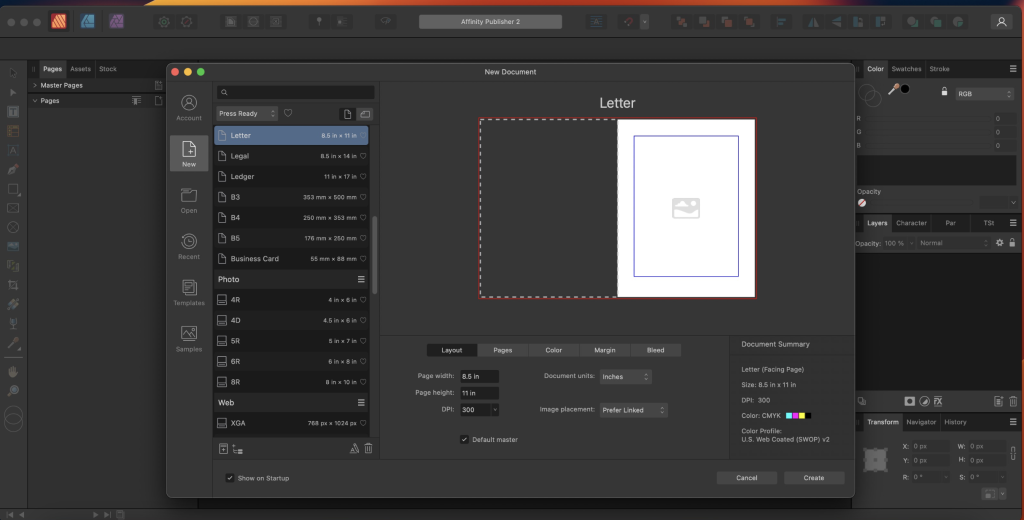
Affinity Publisher is a professional publishing software that empowers users to bring their vision to life through creating stunning layouts for various publications, including magazines, books, brochures, posters, reports, and more. Here are some key features of Affinity Publisher:
Versatile Layout Creation:
- Affinity Publisher allows users to combine images, graphics, and text seamlessly to create beautiful layouts for publication.
- It offers essential features such as master pages, facing page spreads, grids, tables, advanced typography, text flow, and full professional print output.
Advanced Layout Tools:
- Users can take advantage of double page spreads, live master pages (including nested master pages), intelligent scaling options for image frames, text wrapping with fine padding control, custom shaped text frames, and more.
- Affinity Publisher also supports linking multiple text frames together across the document, enabling efficient text flow management.
Precision and Customization:
- The software provides advanced guides, grids, and snapping features, allowing users to align and position elements precisely.
- Tables and custom table formats are available, offering flexibility and customization options for organizing data within publications.
What’s New in Version 2.4.2:
- Unfortunately, specific release notes were not available at the time of this listing update.
Affinity Publisher is compatible with macOS 10.15 or later and supports multiple languages. It can be downloaded from the official website: Affinity Publisher Homepage
Whether you’re a professional graphic designer, publisher, or someone looking to create professional-quality publications, Affinity Publisher offers a comprehensive set of tools and features to bring your creative vision to life.
Affinity Designer for Mac free Download 2.4.2
02 years

Name : Affinity Designer
Size : 832 MB
Affinity Designer for Mac free Download
Affinity Designer is a professional-grade graphic design application for Mac users, offering a wide range of tools and features for creating various graphic materials. Here’s an overview of its key features:
Versatile Workspace:
- Affinity Designer provides a customizable workspace, allowing you to work with either a docked or floating user interface that seamlessly integrates with macOS features such as iCloud, Full Screen, and Spaces.
Powerful Design Tools:
- The application offers a comprehensive set of design and graphic tools, including node, pen, crop, pencil, vector brushes, gradient fill, text, alignment guides, and more.
- It also provides accurate pixel control with real-time pixel preview, enabling you to edit in pixels if necessary.
Raster Tools:
- Affinity Designer includes a suite of raster tools such as lasso, pixel brush, eraser, blur, dodge, burn, smudge, selection brush, and sharpen.
- The pressure and velocity of a stylus can be utilized to draw smooth, editable strokes with variable opacity and brush texture.
Non-Destructive Pixel Brush Tools:
- You can use pixel brush tools to erase and paint inside vectors in a non-destructive manner, allowing for precise painting of shadows, textures, and highlights onto vector shapes.
Support for Popular File Formats:
- The application supports a wide range of file formats, including AI, PSD, PDF, SVG, RGB, LAB, CMYK, and Greyscale.
- You can export areas, layers, or objects independently with standard or retina versions.
What’s New in Version 2.4.2:
- Unfortunately, release notes were unavailable at the time of this listing update.
Affinity Designer is compatible with macOS 10.15 or later and can be downloaded from the official website: Affinity Designer Homepage
It’s a powerful tool for graphic designers, web designers, and illustrators looking for professional-grade graphic design capabilities on macOS.
Adobe Character Animator 2024 for Mac v24.2
02 years
by Jameskarke
in Graphic and Design

Name : Adobe Character Animator 2024
Size : 3.4 GB
Adobe Character Animator 2024 for Mac free Download
Character Animator is an innovative software from Adobe that allows you to animate characters in real-time using your own expressions and movements. Here’s a summary of its features and capabilities:
Animate in Real Time:
- Character Animator uses your webcam and microphone to capture your facial expressions and movements in real-time and apply them to your animated characters.
- Your character mimics your expressions, gestures, and even lip-syncs to your voice, making the animation process intuitive and dynamic.
Create Characters Quickly:
- Use the Characterizer feature, powered by Adobe Sensei AI technology, to turn any piece of artwork into an animated character within seconds.
- Modify built-in character templates or import artwork from Adobe Illustrator or Photoshop to create your own unique characters.
Easy Performance Capture:
- Bring your characters to life through your own performance without the need for complex keyframe animation.
- Character Animator matches your expressions and movements to animate your character seamlessly.
Gesture Controls:
- Control gestures such as waving or nodding using your keyboard or MIDI device.
- Save movements as buttons for easy access during live performances.
Seamless Integration:
- Character Animator integrates seamlessly with other Adobe apps like Premiere Pro and After Effects, allowing you to include your animated characters in larger projects effortlessly.
- It’s widely used by Hollywood studios, broadcasters, and online content creators for its speed and flexibility.
New Features:
- Characterizer: Quickly create stylized, animated characters from artwork using Adobe Sensei AI technology.
- Replays: Easily re-use your best expressions or gestures with the new Replays feature.
- Magnets: Make animations more dynamic by allowing characters to interact with static objects.
- Improved Walking Behavior: Enhancements to walking behavior for more realistic character movements.
System Requirements:
- Processor: Multi-core Intel processor with 64-bit support
- Operating System: Microsoft Windows 10 (64 bit) version 1703 or higher
- RAM: 8 GB of RAM (16 GB or more recommended)
- Hard Disk Space: 3 GB of available hard-disk space for installation
- Display: 1280×1080 display (1920×1080 or larger recommended)
- OpenGL: Latest qualified graphics driver for your GPU, with at least OpenGL 3.2 support
Character Animator is a powerful tool for creating animated characters quickly and easily, making it ideal for both professional animators and beginners alike.
For more information and to download Character Animator, visit the official Adobe website: Adobe Character Animator Homepage