Free Macsoftware One click Download

Posts by Jameskarke
iTubeGo YouTube Downloader for Mac V-7.0.3
03 years

Name : iTubeGo YouTube Downloader
Size :57 MB
iTubeGo YouTube Downloader for Mac V-7.0.3
iTubeGo HD Video Downloader is a powerful tool designed for downloading high-quality videos from a wide range of websites, including popular platforms like YouTube, Facebook, Instagram, and more. It offers several features that make it a convenient choice for users who want to download and save videos. Here’s an overview of its key features:
- High-Speed Downloads: iTubeGo claims to provide 10X faster download speeds, allowing you to download videos quickly and efficiently.
- Built-in Browser: The software includes a built-in browser that enables you to browse video and music content on various websites and download them directly from within the application.
- Video Quality Options: iTubeGo offers various video quality options, including standard definition (SD) and ultra-high definition (UHD) resolutions such as 480p, 720p, 1080p, 2K, 4K, and even 8K. This flexibility allows you to choose the video quality that suits your preferences.
- Support for Various Websites: You can download videos from a wide range of websites, including YouTube, Facebook, Instagram, Dailymotion, Vimeo, TikTok, Pornhub, Xvideos, SpankBang, xHamster, and many others.
- Audio Extraction: In addition to video downloads, iTubeGo can extract audio from videos and save it in high-quality 320kbps MP3 format. This feature is particularly useful for creating audio collections or downloading music.
- MP3 Downloads: iTubeGo supports MP3 downloads from most music websites, making it a versatile tool for downloading music tracks.
- Compatibility: iTubeGo HD Video Downloader is compatible with macOS 10.10 (Yosemite) and later versions of the macOS operating system.
Please note that the specific changes in version 7.0.3 were not available at the time of this listing.
In summary, iTubeGo HD Video Downloader is a feature-rich application for downloading videos and audio from various online sources. It offers high-speed downloads, supports multiple websites, provides various video quality options, and includes an integrated browser for easy access to online content. Whether you’re looking to save videos for offline viewing or extract audio from videos, iTubeGo aims to provide a comprehensive solution.
Musify 3.3.0 For Mac Free Download
03 years
by Jameskarke
in Application

Name: Musify 3.3.0
Size : 47 MB
Musify 3.3.0 For Mac Free Download
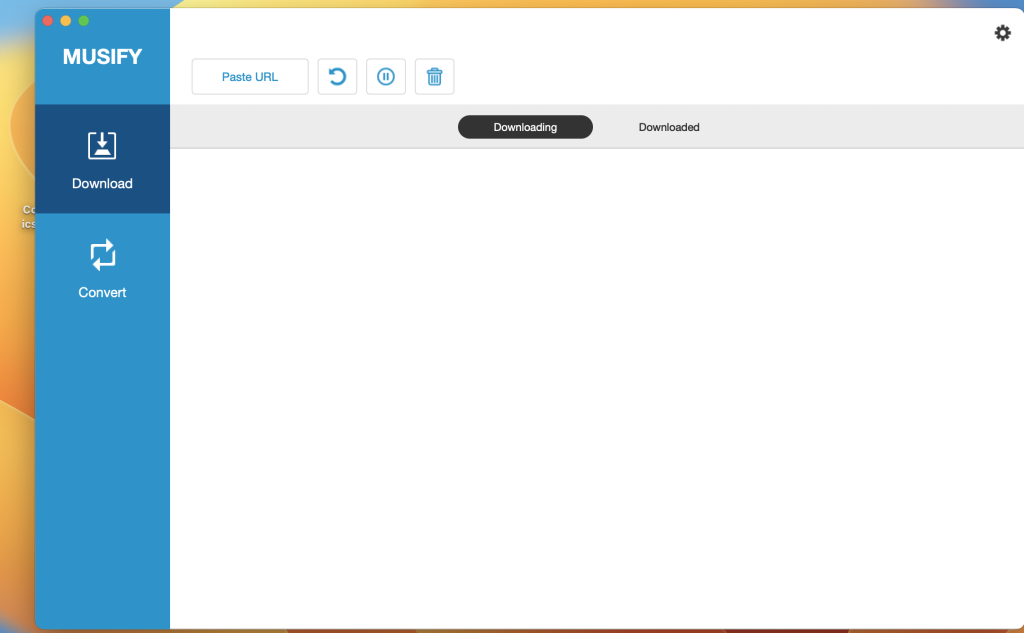
Musify is a versatile software tool designed for downloading and converting music from various online sources, including YouTube, Spotify, SoundCloud, and more. It offers several features for music enthusiasts. Here’s an overview of Musify’s key features:
- Download Music from Multiple Sources: Musify allows you to download music from over 1000+ music-sharing websites, including YouTube, Spotify, SoundCloud, Facebook, Instagram, and others. This enables you to access music offline without compromising audio quality.
- Convert to Various Formats: You can convert downloaded music files to different formats, including MP3, M4A, and WAV. This format versatility ensures compatibility with a wide range of devices, including iPhone, iPad, iPod, Android devices, and music players.
- High-Speed Conversion: Musify offers high-speed music conversion, making it efficient for converting multiple files quickly and easily. This is particularly useful when you need to convert a large number of MP3 files at once.
- Metadata Preservation: The software preserves metadata during the conversion process. This means that important information like song titles, artist names, album names, and album artwork are retained, helping you maintain an organized music library.
- YouTube Music Downloader: Musify can automatically extract music files from YouTube videos and playlists and download them to your computer. You can convert YouTube videos to MP3, M4A, or WAV formats for various purposes, such as creating a music collection or setting a mobile ringtone.
- Spotify Music Downloader: You can download Spotify audio tracks without needing to log in to a Spotify account or subscribe to Spotify Premium. Musify allows you to download Spotify music via URLs of artists, albums, playlists, and more, converting them to MP3, M4A, or WAV formats.
- Support for Multiple Websites: In addition to YouTube and Spotify, Musify supports downloading MP3 music from various social websites, including SoundCloud, MixCloud, Bandcamp, Facebook, Freesound, Audioboom, Veojam, and more.
- Music Playlist Downloader: Musify is capable of downloading entire music playlists from platforms like YouTube, Spotify, SoundCloud, and Bandcamp. It enables you to download the entire playlist in one click and convert it to your preferred format without losing the original sound quality.
- Music Converter: Musify’s music conversion capabilities support dozens of audio and video formats, allowing you to convert to popular formats like MP3, M4A, and WAV. This ensures that you can play your music on various media players and mobile devices.
- System Compatibility: Musify is compatible with macOS 10.12 (Sierra) and later versions of the macOS operating system.
In summary, Musify is a comprehensive music downloader and converter tool that provides a convenient way to access music from a variety of online sources, convert it to different formats, and maintain metadata for organized music libraries. It supports multiple websites, offers high-speed conversion, and is compatible with various devices and media players.
YT Saver Video Downloader & Converter Mac V- 7.0.3
03 years
by Jameskarke
in Application

Name: YT Saver Video Downloader & Converter 7.0.3
Size : 57 MB
YT Saver Video Downloader & Converter Mac V- 7.0.3
YT Saver is a software tool designed for downloading videos, audio, and playlists from a wide range of websites. It also offers video conversion capabilities. Here are some key features and details about YT Saver:
- Built-in Browser: YT Saver includes a built-in web browser, making it easy to browse and access video and audio content on various sharing sites. You can initiate downloads directly from these websites.
- Unlimited Downloads: The PRO version of YT Saver allows for unlimited video and playlist downloads from streaming sites. This means you can save videos for offline viewing, and you can download multiple videos simultaneously in bulk.
- Fast Download Speed: YT Saver claims to provide a 10X faster video download speed, allowing for ultra-fast downloading of videos from the internet. Faster downloads result in quicker access to your desired content.
- Privacy Protection: To ensure the privacy of your downloaded videos and audio, YT Saver offers a Private Mode. This feature allows you to store your downloaded content in a password-protected folder, preventing unauthorized access.
- Supported Input Formats: YT Saver supports a wide range of video and audio input formats, including MP4, M4V, 3GP, MPEG, DAT, AVI, ASF, WMV, VOB, MKV, FLV, and many more for video, and AAC, AC3, FLAC, M4A, WAV, WMA, and others for audio.
- Supported Output Formats: You can convert downloaded content to various output formats, such as MP4, MOV, WMV, AVI, FLV, MKV, HEVC MP4, HEVC MKV, 3GP, and more for video, and M4A, MKA, WAV, AAC, FLAC, AIFF, OGG, and others for audio.
- Device Compatibility: YT Saver allows you to convert videos for playback on different devices, including iPhone, iPod, iPad, Android phones, and Android tablets.
- System Requirements: YT Saver is compatible with macOS 10.10 (Yosemite) and later versions of the operating system.
In summary, YT Saver is a macOS application that offers a convenient way to download videos and audio from a variety of websites, convert them into different formats, and store them securely in a password-protected folder. It aims to provide fast download speeds and supports a wide range of input and output formats to meet various user preferences and device compatibility requirements.
ExactScan Enterprise For Mac OS V- 23.5
03 years

Name : ExactScan Enterprise 23.5
Size : 19 MB
ExactScan Enterprise For Mac OS V- 23.5
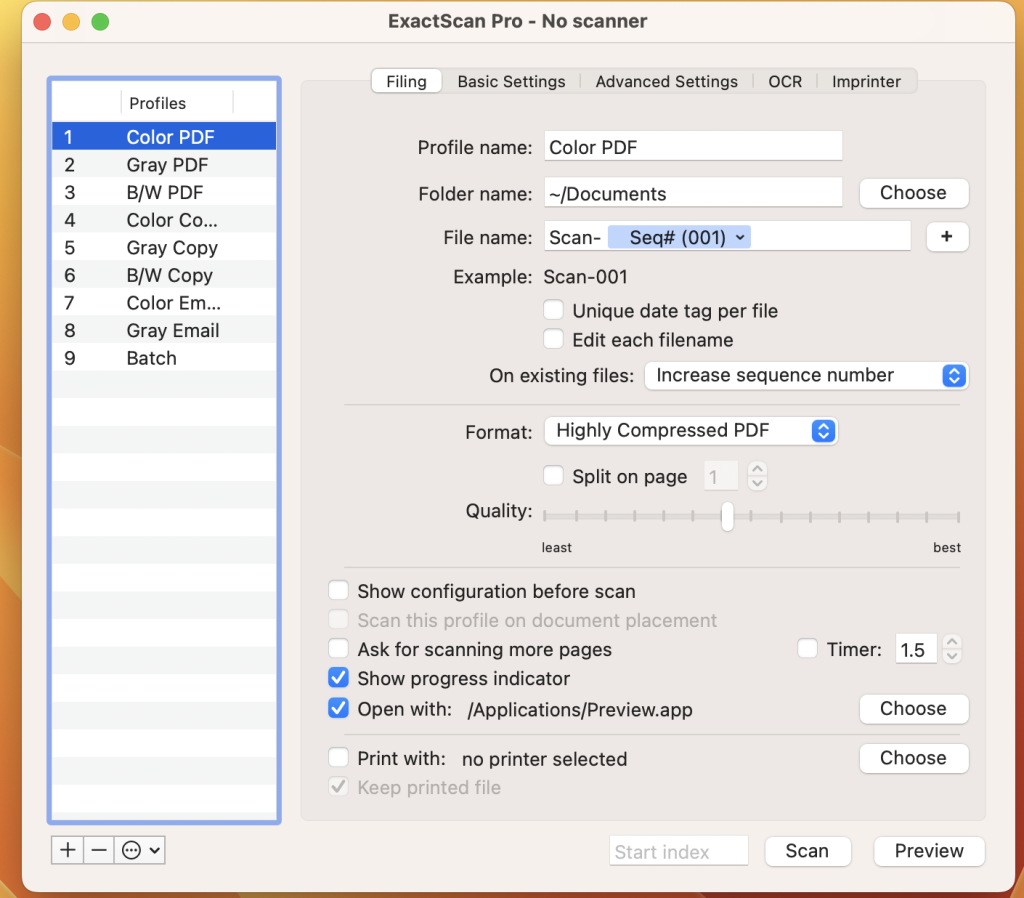
ExactScan Enterprise is a professional scanning solution designed for Mac users who require advanced scanning capabilities for a paperless office environment. Here are some key features and details about ExactScan Enterprise:
- Scanner Compatibility: ExactScan Enterprise provides support for over 400 professional document scanners from various manufacturers, including Avision, Canon DR-series, Fujitsu fi-series, Kodak, Oki, Panasonic, Visioneer, and Xerox. These drivers are native to ExactScan and enable users to utilize scanners that may not have built-in Mac drivers.
- Third-Party Scanner Support: In addition to the built-in drivers, ExactScan Enterprise also allows you to use third-party scanners through ImageCapture and TWAIN drivers, expanding your scanning options.
- Scan Formats: You can save scanned documents in various formats, including PDF, TIFF, JPEG, JPEG 2000, PNG, BMP, and PNM.
- Image Processing: ExactScan Enterprise offers advanced and intelligent image processing algorithms, including auto-crop and de-skew, as well as blank page removal. This ensures that your scanned documents are of high quality.
- Direct Scan to Print: You have the option to scan documents directly to a printer, making it convenient for tasks like copying documents.
- Scan Profiles: The software allows you to configure scan workflows using profiles, which can streamline your scanning process for different types of documents or tasks.
- AppleScript Support: Professionals can take advantage of AppleScript support to automate and customize scanning workflows.
- OCR (Optical Character Recognition): ExactScan Pro, which is an additional feature, offers OCR capabilities to create searchable PDF files. It supports multiple languages for OCR, including English, German, French, Spanish, and more.
- Content-Based Page De-Skew: This feature automatically corrects the orientation of scanned pages based on content.
- Automatic Rotation and Source Detection: The software can automatically rotate pages and detect color sources.
- Imprinter: You can print flexible text directly onto scanned images.
- Barcode Recognition: ExactScan Enterprise can recognize 1D barcodes and, in the Enterprise version, it also supports 2D barcode recognition, including Datamatrix and PDF-417 codes.
- Batch Processing: The software supports batch processing of existing image files, which can be useful for handling large volumes of scanned documents.
- PDF/A Support: The Enterprise version includes support for PDF/A-1b, which is a standardized format for long-term archival of electronic documents.
- High-Speed Scanners: ExactScan Enterprise is optimized for high-speed volume scanners, capable of scanning at speeds of 100 pages per minute and higher.
- Spotlight Integration: The software enables you to find searchable PDF documents easily using Spotlight search on your Mac.
- System Compatibility: ExactScan Enterprise is compatible with macOS 10.9 (Mavericks) and later versions.
In summary, ExactScan Enterprise is a comprehensive scanning solution for Mac users, particularly those in professional or office settings, offering a wide range of features for document scanning, processing, and management. It supports a variety of scanners, formats, and automation options to enhance efficiency and organization in a paperless office environment.
Magic Disk Cleaner For Mac V-2.3.3
03 years

Name : Magic Disk Cleaner
Size : 5 MB
Magic Disk Cleaner For Mac V-2.3.3
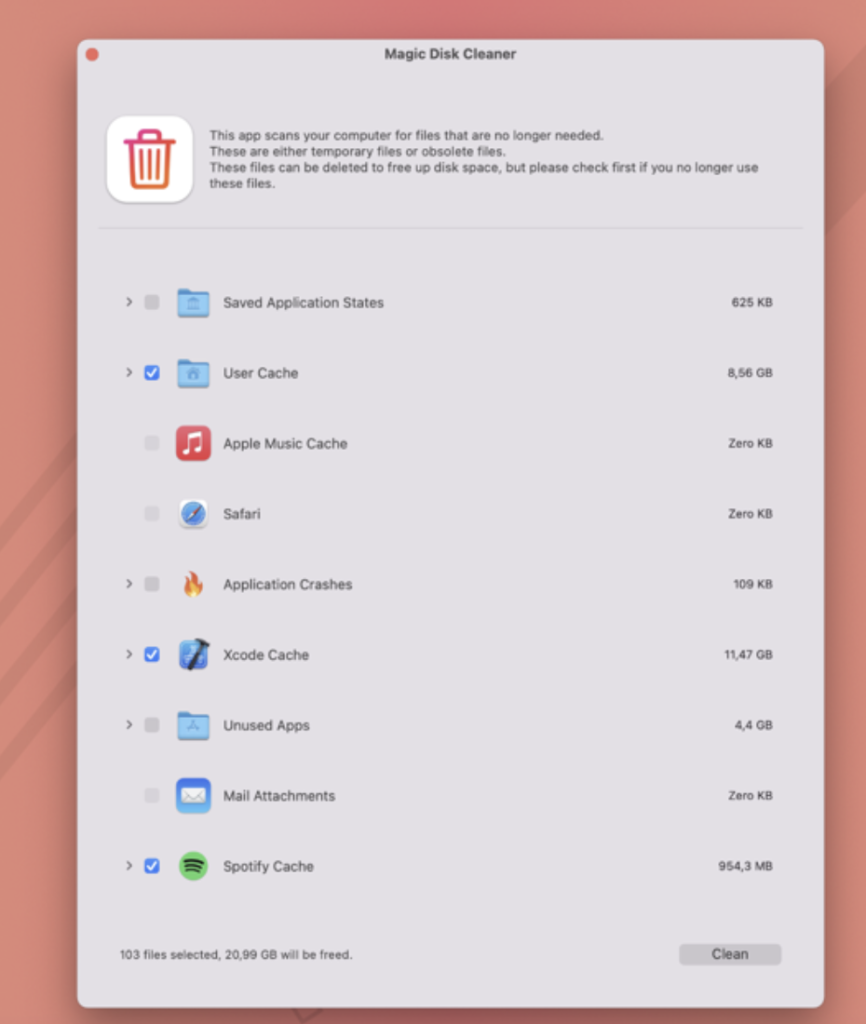
Magic Disk Cleaner is a macOS application designed to help users find and delete temporary files that take up unnecessary space on their computers. Here are some key features and information about the app:
- Fast Search: Magic Disk Cleaner is known for its speed. It quickly scans your computer for temporary files that can be safely removed. This can help free up valuable disk space, potentially improving your computer’s performance.
- Ease of Use: The application is designed to be extremely user-friendly. As soon as you start the app, it begins searching for temporary files, and you can delete them with just one click. This simplicity makes it accessible to users of all experience levels.
- Manual Deletion: Magic Disk Cleaner prioritizes user control and safety. It does not automatically delete any files without your explicit consent. You have the freedom to review the list of temporary files it finds and choose which ones you want to delete and which ones you want to keep.
- System Requirements: Magic Disk Cleaner is compatible with macOS 11.0 or later, ensuring that it can run on newer versions of the macOS operating system.
- Mac App Store: You can find Magic Disk Cleaner on the Mac App Store, making it easy to download and install on your Mac device.
It’s important to note that while applications like Magic Disk Cleaner can be useful for freeing up disk space and optimizing your Mac’s performance, it’s always a good practice to review the files it identifies for deletion to ensure that you don’t accidentally remove any important data. Temporary files are generally safe to delete, but it’s still wise to exercise caution and make informed choices when using disk cleaning tools.
Inboard – Image Organizer for Mac OS V- 1.1.7
03 years

Name : Inboard – Image Organizer
Size : 10 MB
Inboard – Image Organizer for Mac OS V- 1.1.7
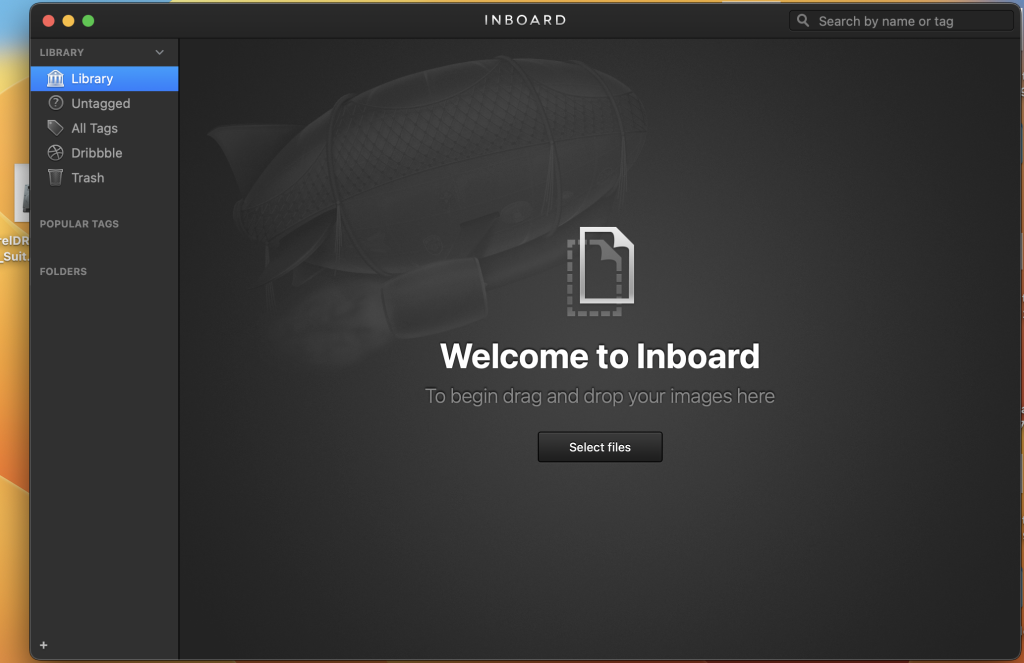
Inboard is an application designed to help you organize and manage your screenshots and photos effectively. It offers a visual and Pinterest-like approach to organizing your images, making it easier to find and browse through them for inspiration or reference. Here are some key features of Inboard:
Key Features:
- Pinterest-Like Display: Inboard provides a visually pleasing and organized display of your images, resembling the Pinterest layout. This makes it easy to view and manage your image collection.
- Webpage Screenshot Capture: You can capture full-height screenshots of websites you love, which is useful for saving web design inspiration or referencing specific web content.
- Dribbble Likes Import: Inboard allows you to import your liked shots from Dribbble, making it convenient to keep track of design inspiration from the Dribbble community.
- Import/Export Library: You can import and export your image library as a .zip file, simplifying the process of migrating your image collection to another system or device.
- Tagging and Folders: Inboard offers the ability to organize your images using tags and folders, helping you categorize and sort your collection for easy retrieval.
- Masonry Image Grid: The software utilizes a masonry image grid layout, maximizing screen space usage and allowing you to see more images at once.
- Compatibility: Inboard is compatible with macOS 12.0 (or later), making it suitable for use on the latest Mac operating systems.
Inboard is a valuable tool for individuals who work with a large number of images and screenshots and need an efficient way to organize, categorize, and access their visual content. Whether you’re a designer, photographer, or anyone who relies on visual inspiration or references, Inboard can help streamline your image management workflow.
CADintosh X For Mac Free V- 8.8.4 (689)
03 years

Name : CADintosh X
Size : 68.73 MB
CADintosh X For Mac Free V- 8.8.4 (689)
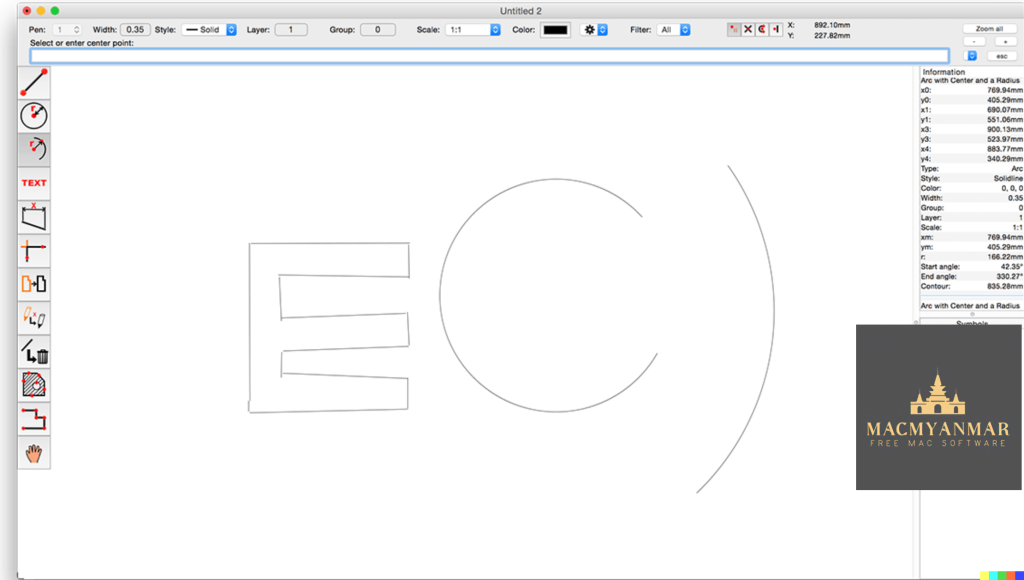
CADintosh is a 2D CAD (Computer-Aided Design) program primarily used for creating technical and architectural drawings. It offers a range of features and tools that make it suitable for such tasks. Here’s an overview of its features and the changes introduced in version 8.8.4:
Key Features:
- Interactive Window Redrawing: CADintosh allows you to work within a drawing while it is redrawing, enhancing your productivity.
- Element Limit: The number of elements you can include in your drawings is limited by your computer’s memory.
- Pen-Oriented Mode: Offers 8 line widths, line colors, and pens for drawing versatility.
- Individual Mode: Provides precise control over line width (ranging from 0.0 to 99.99 mm), line patterns, and colors.
- Drawing Tools: CADintosh includes various tools such as lines, arcs, dimensions, splines, hatching, and more to assist in drawing creation.
- File Format Support: It supports the import and export of HPGL, DXF, and PICT file formats, facilitating compatibility with other CAD software.
- Line Types: You can choose from 6 line types, including solid, dash, dot-dash, phantom, zigzag, and dotted lines.
- Grouping: CADintosh allows you to organize your elements into up to 32,000 groups for better management.
- Layer Support: You can use up to 1,024 layers, which helps in structuring complex drawings.
- Unit Options: It offers the flexibility to work with alternative units, such as inches or user-defined units.
- Layer Filters: The registered version of CADintosh includes an extended layer filter system, making it easier to manage and work with layers.
- Symbol Libraries: In the registered version, you have access to external symbol libraries and improved symbol handling.
- User Preferences: Your preferences are saved within the drawing for a seamless workflow.
- Platform: CADintosh runs natively on macOS X and supports both Apple Silicon and Intel Core processors.
What’s New in Version 8.8.4:
- Sets: You can now open sets and replace duplicates or existing sets, streamlining your drawing organization.
- Automatic Catch Mode: It can find the center of gravity for hatchings, making it easier to work with hatched areas.
- File Format Enhancement: The “Open” option now includes support for the FIX format.
- Text Attributes: Support for pen width has been added to text attributes editing.
- Hatching Attributes: The preview now accurately reflects color changes when editing hatching attributes.
- Hatching Display: The center of gravity for hatching is now displayed.
- DXF/DWG Import: Improvements have been made to support vertex data.
- Layer Attributes: A new attribute, “catchable,” has been introduced.
- Bug Fixes: Various bug fixes have been implemented, addressing selection issues with radian dimensions, symbol selection, and more.
Overall, CADintosh is a CAD software designed for macOS users, offering a range of features for creating technical and architectural drawings, with a focus on ease of use and efficiency.
EazyDraw for Mac free Download V- 10.12.0
03 years

Name : EazyDraw
Size : 147.57 MB
EazyDraw for Mac free Download V- 10.12.0
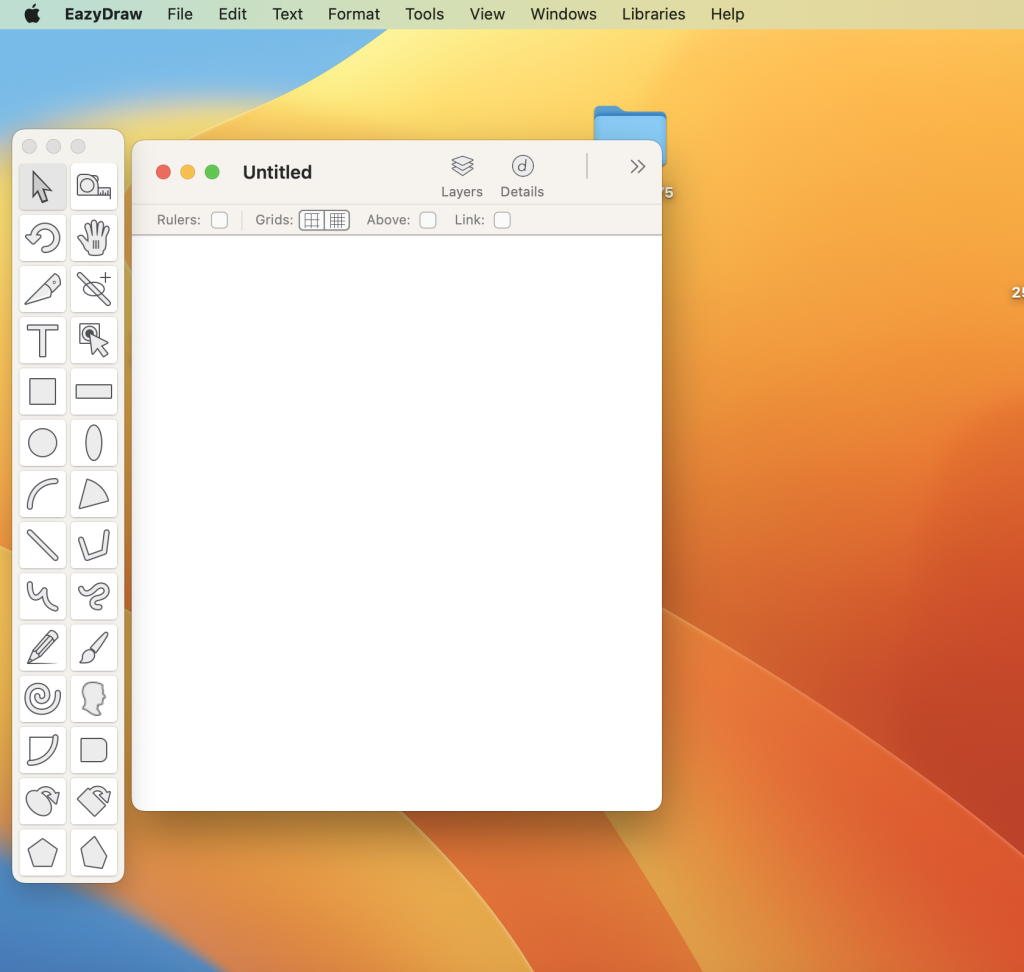
EazyDraw is a vector drawing application designed for macOS. It has been a pioneering app in the world of vector drawing on the Mac platform, providing users with a wide range of features for creating vector-based graphics. Here are some key features and details about EazyDraw:
Key Features:
- Vector Drawing: EazyDraw is a powerful vector drawing tool suitable for a variety of tasks, including technical drawing, web and app graphic design, print publishing, logo creation, and page layout.
- Balanced Feature Set: It offers a balanced feature set that caters to both beginners and advanced users, providing the tools needed for various design and illustration projects.
- Bitmap and Vector Support: EazyDraw supports both bitmap and vector graphic formats, allowing you to work with different types of images.
- PDF and EPS Import: You can import PDF and EPS files and ungroup them for editing within EazyDraw, making it convenient for working with existing vector graphics.
- SVG and DXF Import/Export: EazyDraw supports both importing and exporting of SVG (Scalable Vector Graphics) files and DXF (Drawing Exchange Format) files, enhancing compatibility with other design software.
- Preview and Publish: You can preview and publish your creations to EPS (Encapsulated PostScript) and TIFF (Tagged Image File Format) with RGB or CMYK process colors, making it suitable for professional print projects.
- CAD Drawing Exchange: EazyDraw allows you to exchange scaled CAD drawings with the DXF format, which is commonly used in CAD software.
- Web Graphics: You can create and publish web graphics directly from the application, simplifying the process of designing graphics for websites.
- App Development Graphics: EazyDraw is suitable for creating graphics and icons for Mac, iPhone, and iPad app development, providing the necessary tools for designing app interfaces and assets.
In-App Purchases:
The full version of EazyDraw is included in the app, so users don’t need to make any additional in-app purchases to access its full functionality.
System Requirements:
- Compatibility: macOS 10.13 or later (64-bit)
EazyDraw is a versatile vector drawing application that has been a part of the Mac ecosystem for a long time, evolving to meet the needs of designers, illustrators, and graphic artists. It offers a comprehensive set of features for creating, editing, and exporting vector-based graphics for various purposes.
GraphicConverter 12.0.3 for Mac Free (6157)
03 years

Name : GraphicConverter 12.0.3 for Mac Free
Size : 247.74 MB
GraphicConverter 12.0.3 for Mac Free (6157)
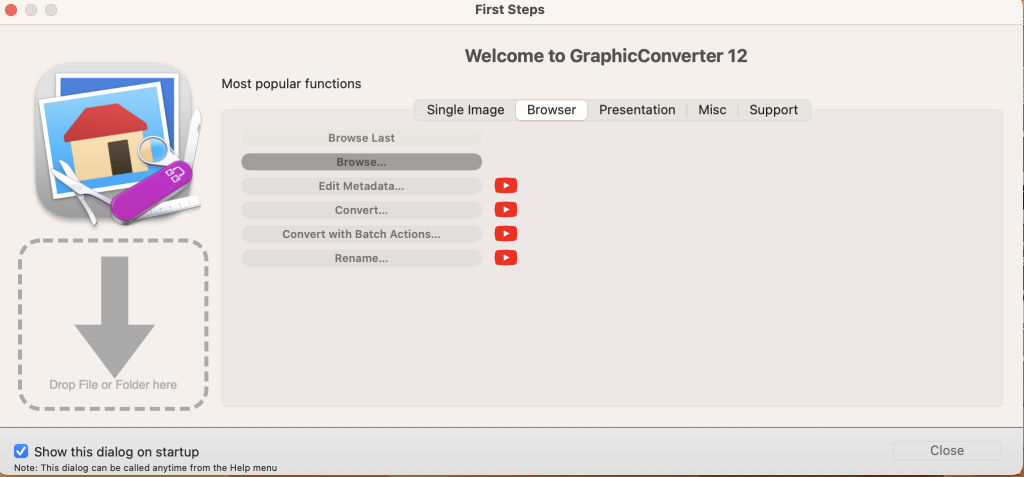
GraphicConverter is a versatile image-editing program for macOS that offers a wide range of features for working with graphic-based formats. It supports importing 200 different graphic formats, editing images, and exporting them in various file formats. Here are some key features and the changes introduced in GraphicConverter 11:
Key Features:
- Format Compatibility: GraphicConverter can import 200 different graphic-based formats and export images to 80 available file formats.
- High-End Editing Tools: The program provides advanced editing tools suitable for graphic manipulation. It also supports Photoshop-compatible plug-ins, expanding its capabilities.
- Batch Conversion: Users can perform batch conversions to process multiple images simultaneously, saving time and effort.
- Slide Show: GraphicConverter includes a slide-show window for viewing and presenting images.
- Batch Renaming: You can rename multiple files in batches for efficient file management.
- Metadata Editing: The software supports batch and individual editing of metadata, including EXIF, IPTC, and XMP data, allowing you to add or modify image information.
What’s New in GraphicConverter 11:
- RAW Developer: GraphicConverter 11 enhances support for RAW images, making them easier to edit. It includes a full-screen dialog for opening RAW files with controls for Exposure, Contrast, and Color Corrections. Additionally, it provides tools to reduce picture noise.
- Unpack Archives: GraphicConverter now allows you to easily view the contents of archive files by double-clicking on them. It supports various archive formats, including Zip, TAR, TGZ, and more.
- Wide Equalization: In wide-angle photographs, distortion can occur at the edges of the image. GraphicConverter 11 introduces wide-angle equalization, which can help reduce this distortion.
- Gradients: The software offers a new dialog for creating color gradients with up to 10 colors, making it easy to generate background gradients for collages and designs.
- Duo-Tone: GraphicConverter 11 enables the creation of duo-tone images where lighter shades are colored with one color and darker shades with another, resulting in unique and artistic effects.
- Apple Finder Tags: If you use Finder Tags in macOS for organizing your work, GraphicConverter now integrates with them. You can use the context menu in the browser to display and modify Finder Tags.
System Requirements:
- Compatibility: macOS 10.13 or later
GraphicConverter is a powerful image-editing tool that caters to both basic and advanced users. It offers extensive format support, editing capabilities, batch processing, and various enhancements to streamline image management and manipulation tasks on macOS.
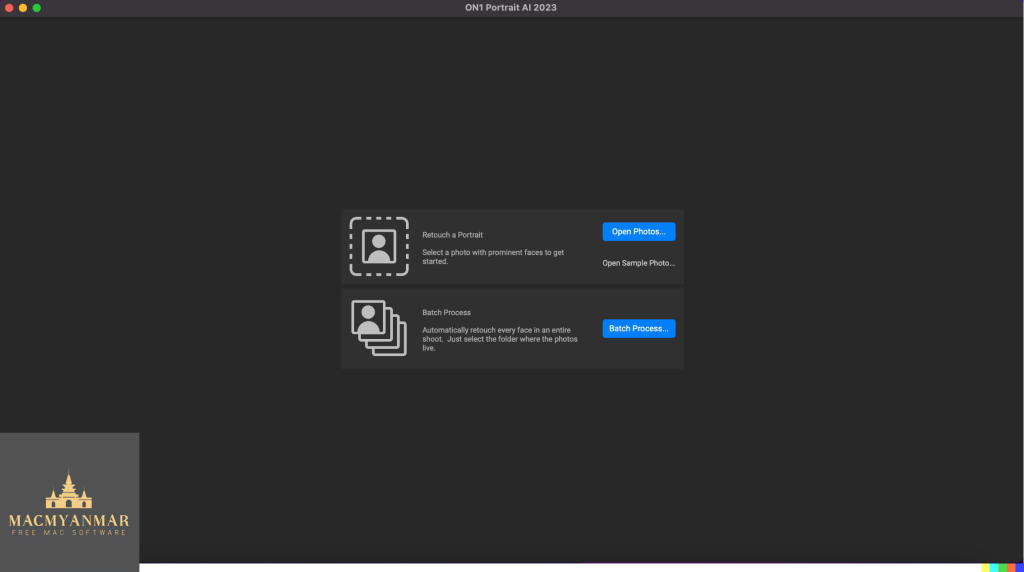
ON1 Portrait AI 2023.5 for Mac os v17.5.1.14028
03 years

Name : ON1 Portrait AI 2023.5
Size: 892.76 MB
ON1 Portrait AI 2023.5 for Mac os v17.5.1.14028
ON1 Portrait AI is a software tool designed for flawless retouching of portraits using artificial intelligence (AI) technology. It automates the process of enhancing faces in photos by identifying each face and applying the appropriate retouching adjustments to improve the skin, eyes, and mouth. ON1 Portrait AI is compatible with various photo editing workflows and software applications. Here’s an overview of its features and the changes introduced in version 2023.5 v17.5.1.14028:
Key Features:
- Automatic Face Detection: ON1 Portrait AI uses machine learning to identify every face in a photo, ensuring that each face is enhanced correctly.
- Retouching: It automatically applies the right amount of retouching to improve skin texture, eye clarity, and mouth appearance, resulting in professional-looking portraits.
- Plug-in Compatibility: ON1 Portrait AI seamlessly integrates into various popular photo editing workflows and applications, including:
- Adobe Photoshop
- Adobe Lightroom Classic
- Adobe Photoshop Elements
- Affinity Photo
- Capture One (coming soon)
- Apple Photos
- Corel Paintshop Pro
What’s New in Version 2023.5 v17.5.1.14028:
Unfortunately, specific release notes for version 2023.5 v17.5.1.14028 were not available at the time of this listing update. Typically, software updates may include bug fixes, performance enhancements, and potentially new features or improvements to existing functionality.
System Requirements:
- Compatibility: macOS 10.15 or later
ON1 Portrait AI is designed to simplify the portrait retouching process, making it accessible for photographers of all levels. It leverages AI technology to save time and effort while achieving professional-level results in portrait photography retouching. Users can seamlessly incorporate it into their preferred photo editing workflow, making it a valuable tool for photographers and designers working with portrait images.