Free Macsoftware One click Download
Archive for September, 2023
The Foundry MODO for Mac 16.1 v2
03 years

Name : The Foundry MODO for Mac 16.1 v2
Size : 603 MB
The Foundry MODO for Mac 16.1 v2
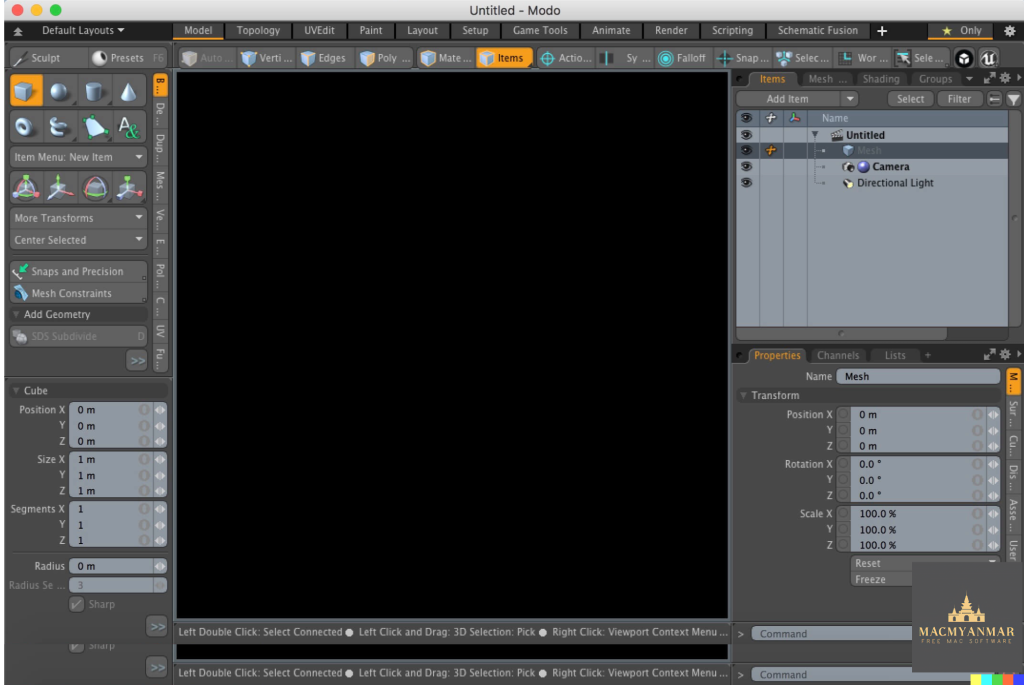
Modo is a versatile 3D modeling, texturing, and rendering software that is popular among artists and designers. Here are some of the key features and highlights of Modo:
- Powerful 3D Modeling: Modo boasts a powerful and flexible 3D modeling toolset that includes fast direct modeling, procedural modeling, the MeshFusion Boolean toolset, and sculpting tools. This range of modeling options allows artists to explore and create 3D models with ease.
- Creative Exploration: Modo is designed to be an artist-friendly and intuitive tool, allowing users to focus on their creative ideas without being bogged down by technical complexities. It provides a sandbox for creative exploration, from roughing out basic shapes to crafting intricate designs.
- Faster Iterations: The software offers advanced photorealistic viewports and a progressive renderer. This allows artists to visualize their designs as they work on them, making it easier to iterate and discover the full potential of their creations in less time.
- Customizable Workflow: Modo’s flexible tool assembly system enables users to create their own specialized toolkits by combining different operations. This customization can lead to increased efficiency in various tasks.
- Comprehensive Content Creation: Modo includes modeling, sculpting, texturing, painting, and photorealistic rendering tools within a single package. It’s an all-in-one solution for 3D content creation, and it also supports unlimited network rendering.
- Pipeline Integration: Modo seamlessly integrates into existing pipelines with support for Python and C++ APIs. It offers a fully customizable user interface and supports industry-standard formats like OpenSubdiv, OpenColorIO, OpenEXR, OpenVDB, and Alembic.
- Updates and Enhancements: Modo 14.0, mentioned in the description, introduces several improvements and features, such as animation markup, boolean embossing, topology workflows, viewport enhancements, and enhancements in modeling, UV tools, and procedurals.
- System Requirements: Modo is compatible with macOS (OS X) 10.9 or later and requires a 64-bit processor.
Modo is a valuable tool for 3D artists, designers, and creators who need robust modeling and rendering capabilities along with the flexibility to bring their creative ideas to life in the 3D space. It is known for its user-friendly interface and powerful features that cater to both beginners and experienced professionals.
Exposure X7 Bundle for Mac Free V -7.1.7.15
03 years
Name : Exposure X7 Bundle
Size : 649 MB
Exposure X7 Bundle for Mac Free V -7.1.7.15
The Exposure X Bundle is a comprehensive photo editing and organizing software package developed by Alien Skin. It combines several award-winning photo editing applications into one unified product. Here are the key components and features of the Exposure X Bundle:
- Exposure X7: This is the flagship application within the bundle. It serves as a non-destructive RAW photo editor and offers a wide range of editing tools and features. Users can edit and enhance their photos while maintaining the original image quality. Exposure X7 also includes organizing and cataloging capabilities to help photographers manage their photo collections efficiently.
- Snap Art 4: Snap Art is an integrated component of the bundle that focuses on transforming photos into stunning, handcrafted paintings and artwork. It provides various artistic styles and effects to give photos a unique and creative look.
- Blow Up 3: Blow Up is another integrated tool in the bundle that specializes in high-quality photo enlargement. It utilizes advanced resizing technology to upscale photos without compromising image quality. This is particularly useful for creating large prints from smaller images.
- Plug-ins for Lightroom and Photoshop: The Exposure X Bundle includes plug-ins that seamlessly integrate with Adobe Photoshop and Adobe Lightroom. This integration allows users to access the editing capabilities of Exposure X7, Snap Art 4, and Blow Up 3 within these popular photo editing applications.
- System Requirements: The software is compatible with macOS (OS X) 10.11 or later. Additionally, for the plug-in functionality, it requires Adobe Photoshop CS6 or Adobe Photoshop CC 2015 (or newer) and Adobe Lightroom 6 or Adobe Lightroom CC 2015 (or newer).
Overall, the Exposure X Bundle offers a comprehensive set of tools for photographers, including powerful editing capabilities, creative artistic effects, and high-quality photo enlargement. Its integration with Adobe Photoshop and Lightroom makes it a valuable addition to the workflow of photographers who use these applications for their post-processing needs.

Apple MainStage Free Download V-3.6.4
03 years

Name: Apple MainStage 3.6.4
Size : 1 Gb
Apple MainStage Free Download V- 3.6.4
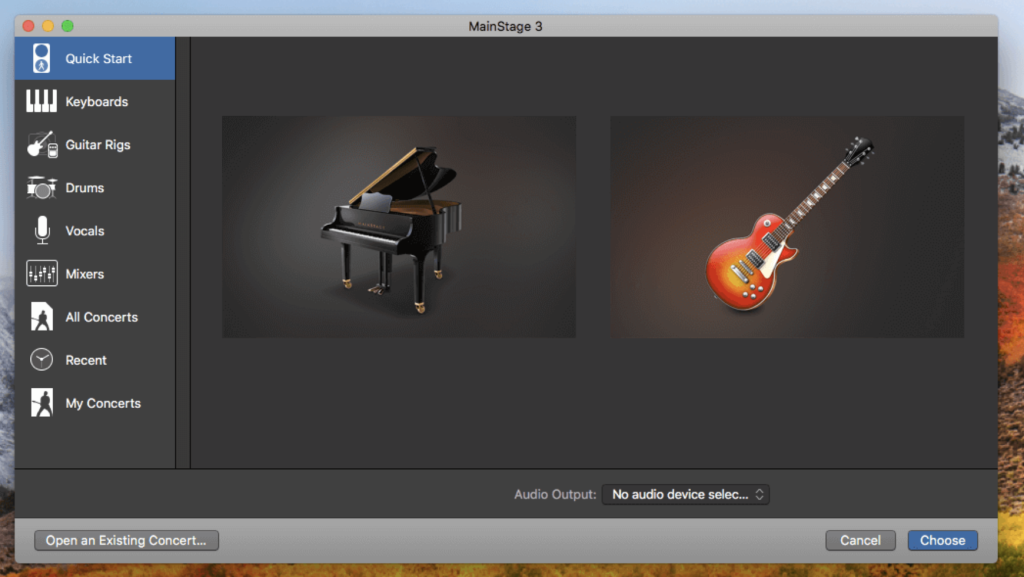
MainStage 3 is a software application developed by Apple for macOS that is designed for live music performance. It offers a wide range of features and capabilities for musicians and performers, including:
- Full-Screen Live Interface: MainStage 3 provides a customizable full-screen interface optimized for live performance. This interface allows performers to focus on what they need during their performance and offers a high-contrast view for easy visibility from a distance.
- Instrument and Effect Plug-Ins: MainStage 3 comes with a vast collection of over 80 instrument, effect, and MIDI plug-ins. These include virtual instruments, audio effects, and MIDI processors that can be used to create and manipulate sounds in real-time during a performance. Users can also incorporate their sounds from Logic Pro X and GarageBand into MainStage.
- Hardware Control: Performers can connect their favorite hardware controllers, such as keyboards, foot pedals, and drum pads, to MainStage 3 and use them to play and control the software’s plug-ins. The software offers automatic device recognition for quick setup and allows users to map hardware controls to onscreen parameters.
- Patch Management: MainStage 3 allows users to create and manage patches, which are collections of instruments, effects, and settings. Performers can switch between patches seamlessly during a live performance without cutting off held notes or stopping sound output.
- MIDI Plug-Ins: MainStage 3 includes nine MIDI plug-ins that enable creative manipulation of MIDI data in real-time. These plug-ins can be used to create dynamic performances, arpeggiate chords, trigger predefined chords with single notes, and more.
- Instrument Library: The software includes a wide variety of instrument plug-ins, including drum kits, synthesizers, vintage keyboard emulations, and sampled instruments. Users can access these instruments to create diverse sounds for their live performances.
- Effects and Mixing Tools: MainStage 3 offers a range of effects and mixing tools, including convolution reverb, delays, modulation effects, equalizers, dynamics processors, and more. These tools allow performers to shape and enhance their sound during live shows.
- Guitar and Bass Gear: Musicians can build custom guitar and bass rigs using Amp Designer, which includes vintage and modern amps, cabinets, and microphones. There’s also a pedalboard feature for adding delay, distortion, and modulation effects.
- Sound Library: MainStage 3 comes with an extensive sound library that includes over 4,300 instrument and effect patches, more than 1,800 meticulously sampled instruments, and 10,000 Apple Loops spanning various musical genres.
- System Requirements: MainStage 3 is compatible with macOS 12.3 or later and is available for download from the Mac App Store.
Overall, MainStage 3 is a powerful tool for musicians and performers looking to bring their studio-quality sound to the stage and enhance their live performances with a wide range of virtual instruments, effects, and creative tools.
Adobe Media Encoder 2023 For Mac Free V-23.4
03 years

Name : Adobe Media Encoder 2023 For Mac Free V-23.4
Size : 1.99 GB
Adobe Media Encoder 2023 For Mac Free V-23.4
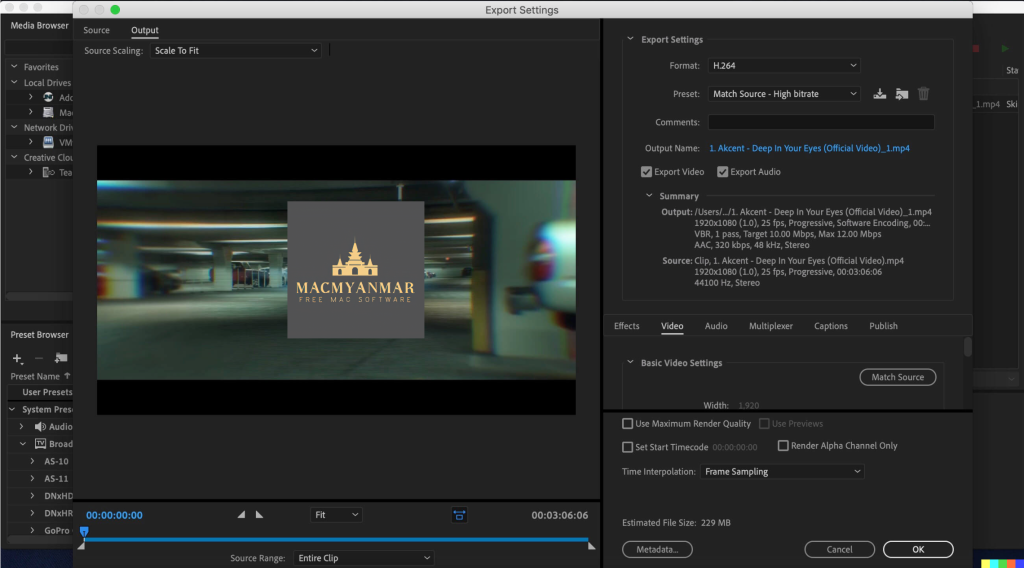
Adobe Media Encoder is a professional software program designed for encoding and processing media projects while maintaining high-quality output. It is a crucial tool for digital artists and video professionals who need to transcode, create proxies, and export media files in various formats to meet the demands of different platforms and devices. Here are some key features and system requirements for Adobe Media Encoder:
Key Features:
- Media Encoding: Adobe Media Encoder allows users to ingest, transcode, and output media files in almost any format, ensuring compatibility with various playback devices and platforms.
- Quality Control: It offers tools and settings to maintain the quality of media files during the encoding process, minimizing loss of visual and audio fidelity.
- Time Tuner: This feature enables users to adjust the duration of media content invisibly, making it easier to fit within specific time constraints.
- LUTs and Loudness Correction: Users can apply Look-Up Tables (LUTs) and loudness corrections to media files without the need to reopen projects, streamlining the post-production workflow.
- Integration: Adobe Media Encoder seamlessly integrates with other Adobe Creative Cloud applications such as Adobe Premiere Pro and After Effects, allowing for a smooth and efficient workflow.
- Video Tutorials: The software offers access to video tutorials created by experts, helping users learn how to use the tools effectively and achieve high-quality results.
System Requirements for Media Encoder for Mac:
- Operating System: Mac OS 10.14 or above.
- RAM: 8 GB of RAM is strongly recommended for efficient performance.
- Hard Drive Space: A minimum of 4 GB of free hard drive space is required to install and run the software.
- CPU: Adobe Media Encoder requires a 64-bit Intel processor.
- Monitor Resolution: A monitor with a resolution of 1280×1024 or higher is recommended for optimal usability.
These system requirements ensure that Adobe Media Encoder runs smoothly on macOS and provides users with the necessary resources to handle media encoding tasks effectively. Users working on video editing and media production projects can benefit from its wide range of features and capabilities, which help streamline the encoding and export processes while maintaining high-quality results.
FontLab 8.2.1 for Mac Free Download
03 years
by Jameskarke
in Application

Name : FontLab 8.2.1
Size : 109.6 MB
FontLab 8.2.1 for Mac OS Free Download
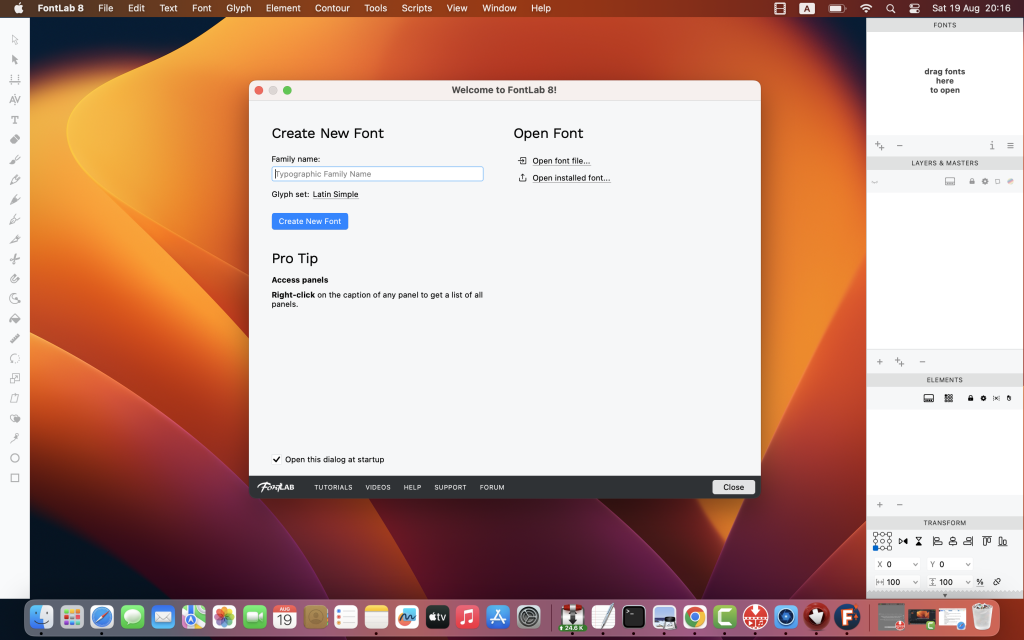
FontLab 8 for macOS is a professional font editor designed for type designers and font enthusiasts. It offers a wide range of features and tools for creating, modifying, and fine-tuning fonts for various applications, including desktop, web, and variable OpenType fonts. Here are some of the key features and highlights of FontLab 8:
Font Creation and Editing:
- Create, open, and edit fonts for any Unicode writing system, including Latin, Cyrillic, Greek, Arabic, Hebrew, Indic, Chinese, Japanese, emoji, symbols, and icons.
- Modify and customize font designs, including glyphs, characters, and spacing.
- Advanced drawing tools for precise control over font outlines.
- Responsive contour operations to streamline the design process.
Font Properties and Formats:
- Support for OpenType fonts, including variable fonts.
- Export fonts in various formats suitable for desktop and web use.
- Create and manage font families and styles.
- Extensive character set support.
Color and Variability:
- FontLab 8 supports color fonts, allowing you to create fonts with colorful and multilayered glyphs.
- Variable fonts support, enabling you to create fonts with adaptable designs.
Kerning and Hinting:
- Fine-tune kerning to ensure optimal spacing between characters.
- Hinting support for improved font rendering at small sizes.
Compatibility:
- FontLab 8 is compatible with macOS 10.13 or later.
Please note that the specific features and capabilities may vary across different versions and updates of FontLab 8. For the most up-to-date information and detailed release notes, you can visit the official FontLab 8 homepage at FontLab. FontLab 8 is a valuable tool for professional type designers and font creators, offering a comprehensive set of features to bring their font designs to life and explore new possibilities in font creation, including color and variability.