Jameskarke

Jameskarke

This user hasn't shared any profile information

Home page: http://macmyanmar.com

Posts by Jameskarke

Download Adobe Bridge 2024 for Mac v14.0

0

Name : Adobe Bridge

Size : 2.29 GB

Download Adobe Bridge 2024 for Mac v14.0

Adobe Bridge is a versatile asset management software that provides centralized access to files and assets used in creative projects. It offers various features to help users organize, batch edit, watermark, and manage their digital assets. Here are some key features and capabilities of Adobe Bridge:

Features:

  1. CC Libraries Integration: Adobe Bridge allows you to access and manage assets from your Creative Cloud Libraries, making it easy to use your assets across different Adobe applications.
  2. Bulk Import and Export: Easily import, export, and preview assets from CC Libraries in bulk.
  3. Edit Photo Capture Time: You can edit the capture time of JPEG and RAW image files, similar to Adobe Lightroom.
  4. Network Cache Export/Import: Share a cache with other Bridge users, reducing the need to rebuild the cache on different machines.
  5. Native PDF Output: Export contact sheets and PDF presentations directly from Bridge.
  6. Adobe Stock Integration: Upload your photos to Adobe Stock to earn royalties for your work.
  7. Retina and HiDPI Display Support: Bridge supports high-resolution displays with the ability to scale the interface.
  8. Automated Cache Management: Bridge offers automated cache management to optimize performance.
  9. Publish to Adobe Portfolio: Build your personalized website by publishing your work to Adobe Portfolio directly from Bridge.
  10. Panoramic and HDR Image Handling: Quickly organize and stack panoramic and HDR images.
  11. Mobile Device and Camera Import: Import photos and videos from your mobile device or digital camera (macOS only).
  12. CEP HTML5 Support: Bridge supports CEP HTML5 for extensions and add-ons.
  13. Batch Processing: Perform batch processing of files and apply metadata and adjustments to multiple files at once.
  14. Centralized Color Settings: Set and manage color preferences centrally.
  15. Enhanced User Interface: Adobe Bridge now features an enhanced user interface for a consistent experience with other Creative Cloud applications.
  16. Enhanced Creative Cloud Libraries: The Libraries workspace in Bridge displays high-quality previews of library items and supports multiple item selection.
  17. Media Cache Preferences: Bridge maintains a cache of audio and video playback files to improve performance, and users can set cache preferences.
  18. Cut, Copy, and Move Files: Easily cut, copy, or move files and folders between Adobe Bridge and File Explorer (Windows) or Finder (macOS).

Adobe Bridge is a valuable tool for organizing, managing, and accessing digital assets used in creative projects. It offers seamless integration with other Adobe Creative Cloud applications and simplifies asset management and workflow. Adobe Bridge is compatible with macOS 10.15 or later. For more information and access to the software, you can visit Adobe’s official homepage (https://www.adobe.com/).

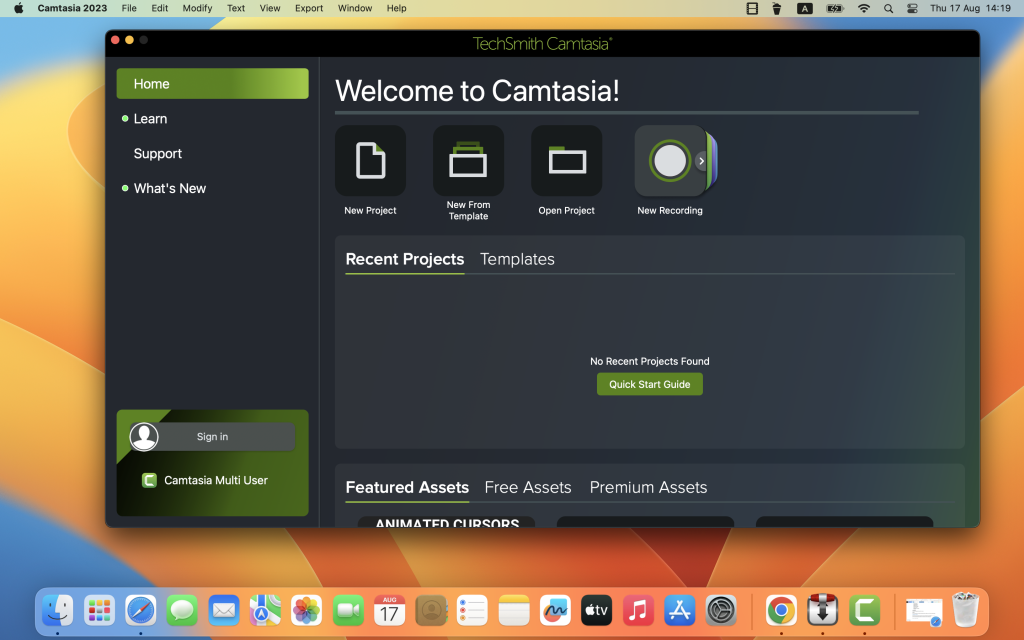
Download TechSmith Camtasia for Mac V-2022.6.9

0

Name: TechSmith Camtasia

Size : 445 MB

Download TechSmith Camtasia for Mac V-2022.6.9

Camtasia is a versatile video solution that is commonly used for creating professional-looking videos, software demonstrations, product tutorials, online lessons, recorded presentations, and more. It is designed to be user-friendly and doesn’t require prior video editing experience. Camtasia provides a range of features and tools for recording, editing, and sharing videos. Here are some of the key features and uses of Camtasia:

Video Creation:

  • Camtasia includes pre-built video templates that make it easy to create videos for various purposes.
  • Users can record their screens, import PowerPoint presentations, or add existing video footage to create video content.

Video Editing:

  • Edit videos with ease using drag-and-drop editing tools. Users can add effects, transitions, text, and more to enhance their videos.
  • The software provides a range of visual effects and animations to make videos engaging and polished.

Ease of Use:

  • Camtasia is designed to be quick to learn, making it accessible for both beginners and experienced video creators.
  • Templates and intuitive features help users get started and create high-quality videos without the need for advanced video editing skills.

Audience Engagement:

  • Video content is known for engaging viewers more effectively than text alone. Camtasia allows users to create engaging and informative videos that can be shared with their audience.

Use Cases:
Camtasia is commonly used for various video types, including video tutorials, how-to videos, software demonstrations, meeting recordings, YouTube videos, training videos, video lessons, instructional videos, explainer videos, presentation recordings, and more.

Compatibility:

  • Camtasia is compatible with macOS 10.15 or later.

Camtasia is a popular choice for educators, trainers, content creators, and anyone looking to create high-quality video content without the need for extensive video editing expertise. It provides a range of features to make the video creation and editing process straightforward and accessible. More information about Camtasia and access to the software can be found on the official homepage (https://www.techsmith.com/).
Download DxO PhotoLab 7 ELITE Edition V-7.0.2.32 for Mac

0

Name : DxO PhotoLab 7 ELITE Edition

Size : 753 MB

Download DxO PhotoLab 7 ELITE Edition V-7.0.2.32 for Mac

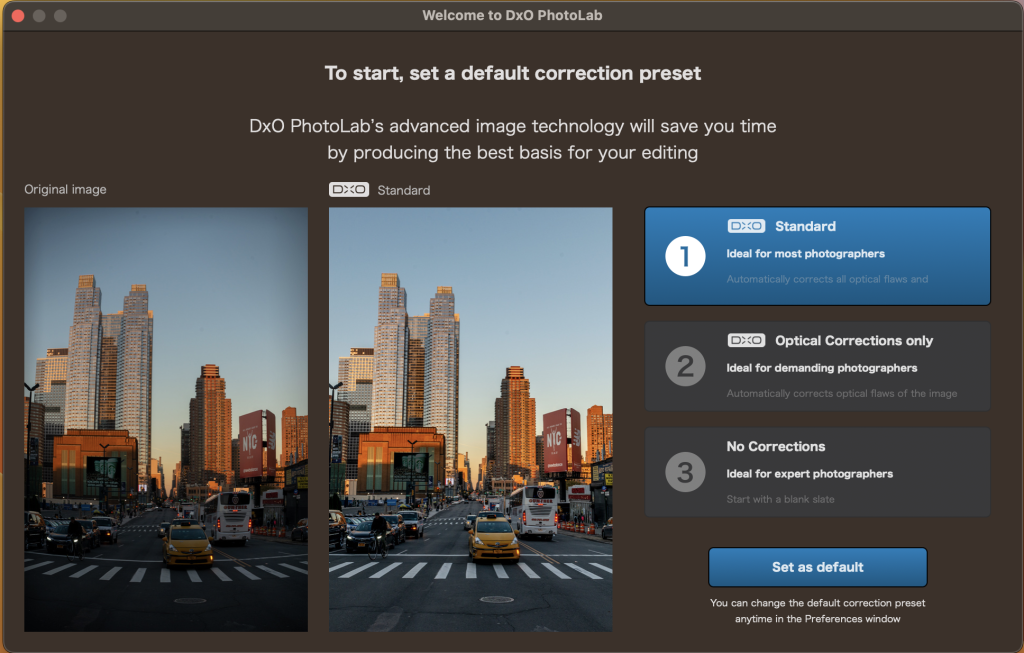
DxO PhotoLab is a comprehensive photo editing software that offers a range of smart-assisted corrections, as well as manual fine-tuning options. It is designed to help photographers enhance their photos by providing tools for noise reduction, exposure adjustment, color correction, optical corrections, and detail enhancement. Here are some of the key features and capabilities of DxO PhotoLab:

Smart Assisted Corrections: DxO PhotoLab provides a set of smart-assisted corrections that can be manually fine-tuned. These corrections allow users to effectively remove noise, eliminate exposure constraints, recover color details, apply sophisticated optical corrections, and enhance image details.

DxO DeepPRIME Noise Reduction: DxO PhotoLab introduces DxO DeepPRIME, an artificial intelligence-based technology designed to reduce digital noise in RAW images. It simultaneously handles demosaicing and denoising to achieve better results. DxO DeepPRIME is known for its ability to remove noise while preserving color detail, resulting in smoother transitions and a significant improvement in image quality.

High ISO Sensitivity: DxO DeepPRIME is particularly beneficial for expert photographers who need to shoot at high sensitivities. It compensates for the drawbacks of small sensors in compact and bridge cameras, allowing for noise reduction even at low ISO sensitivities. It can also improve image quality from older-generation cameras with significant digital noise.

Key Features:

  • DxO Smart Lighting: Adjust exposure and contrast intelligently.
  • DxO ClearView: Eliminate haze and enhance local contrast.
  • DxO PRIME: High-quality noise reduction.
  • Optical Corrections: Correct distortion, chromatic aberration, and vignetting.
  • U Point: A selective editing tool for precise adjustments.
  • And more.

System Requirements:

  • macOS 12.6.0 or later

DxO PhotoLab is a powerful and versatile photo editing software that appeals to both amateur and professional photographers. It provides a range of features for improving image quality, reducing noise, and enhancing the overall visual appeal of photos. You can find more information and download the software from the provided homepage link (http://www.dxo.com).

Download Adobe Acrobat Pro DC V2023.006.20320 for Mac

0

Name : Adobe Acrobat Pro DC

Size : 1.1 GB

Download Adobe Acrobat Pro DC V2023.006.20320 for Mac

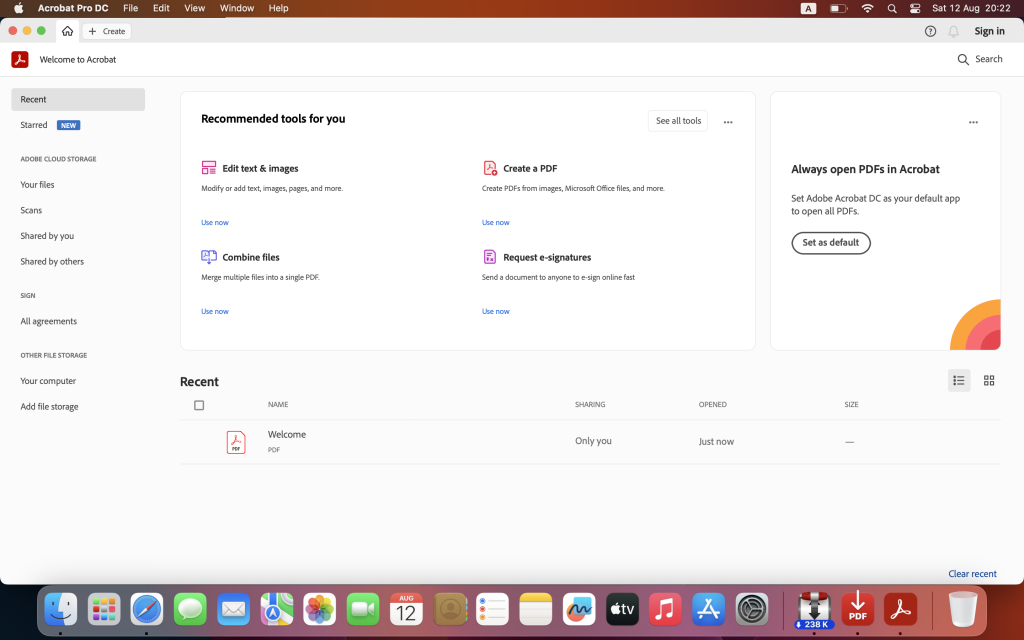
Adobe Acrobat Pro DC is a feature-rich software application designed for creating, editing, converting, and managing PDF documents. It offers a wide range of tools for working with PDFs and is widely used by professionals for various purposes. Here are some of the key features and capabilities of Adobe Acrobat Pro DC:

PDF Creation and Editing:

  • Create PDF files from various sources, including Microsoft Office documents, web pages, scanned paper documents, and more.
  • Edit PDF files directly by making minor edits to text and images using a user-friendly point-and-click interface.
  • Resize, replace, and adjust images in PDFs without the need for the original file or graphic.

PDF Conversion:

  • Convert PDF files to editable Microsoft Office documents, including Word, Excel, and PowerPoint. This helps save time and effort when working with PDF content in other applications.

PDF Export:

  • Export PDF files to various formats, such as Word, Excel, and PowerPoint, while retaining fonts, formatting, and layouts.
  • Create reliable PDF files that can be viewed by anyone using the free Adobe Reader.

Forms Creation and Analysis:

  • Create interactive and fillable PDF forms, whether from professional templates or from scratch.
  • Distribute forms online, collect responses, and analyze results in real-time.
  • Convert existing paper or digital forms into fillable PDF forms.

Document Management:

  • Assemble electronic or paper files into reliable PDF documents, making them easy to share and distribute.
  • Manage document reviews, gather feedback from multiple reviewers, and preserve document format and integrity.
  • Use Adobe Acrobat tools to collect and compile form responses.

System Requirements:

  • Processor: 1.5GHz or faster
  • Operating System: Mac OS Catalina 10.15
  • RAM: 4GB
  • Available Hard-Disk Space: 4.5GB
  • Screen Resolution: 1024×768
  • Web Browsers: Internet Explorer 11, Firefox (ESR), or Chrome
  • Video hardware acceleration (optional)

Adobe Acrobat Pro DC is a versatile tool for working with PDF documents, offering features for creating, editing, converting, and managing PDF content. It is widely used in business, education, and other professional settings to handle PDF documents with ease. You can find more information and download the software from Adobe’s official website.

Download SketchUp Pro 2023 v23.1.341 for Mac

0

Name : SketchUp Pro 2023

Size : 908 MB

Download SketchUp Pro 2023 v23.1.341 for Mac

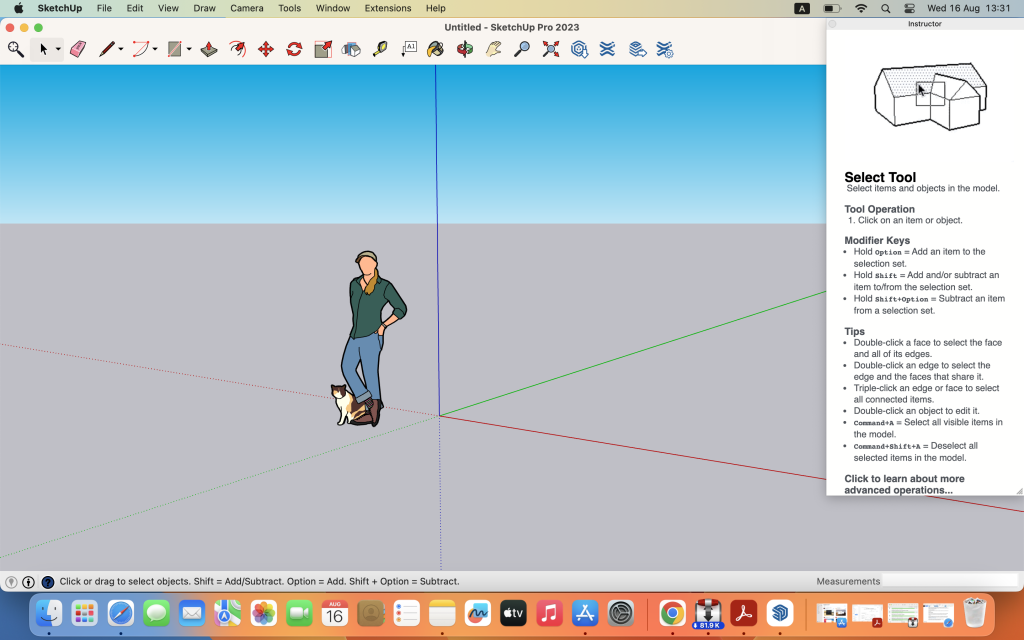
SketchUp is a 3D modeling program that is known for its user-friendly interface and versatility. It is designed to help users create 3D models for a wide range of applications, from architectural design and woodworking projects to more creative endeavors. Here are some key features and uses of SketchUp:

3D Modeling: SketchUp offers an intuitive and easy-to-learn interface that allows users to create 3D models of various objects and structures. It’s commonly used for designing houses, sheds, decks, home additions, furniture, and more.

Design Development: SketchUp is a valuable tool for design development. It enables users to explore and refine their design concepts in 3D, making it easier to visualize and communicate ideas.

Documentation: The software provides tools for creating detailed design documentation, including scaled 2D drawings, annotations, and more. LayOut, a companion application, allows users to create presentation-quality documents.

Collaboration: SketchUp Pro includes Trimble Connect, which offers cloud-based collaboration and storage. This allows users to publish, share, and store their projects in the cloud, making it easier to work with others and access projects from different devices.

VR Model Viewing: SketchUp Pro supports virtual reality (VR) model viewing, enabling users to provide immersive project walkthroughs to clients using devices like Microsoft HoloLens, HTC Vive, Oculus, and mobile devices.

Customization: Users can create custom Styles and Materials to give their projects a unique look. The Outliner feature helps organize and manage complex models. Dynamic Components make it easy to create interactive and parametric models.

Compatibility: SketchUp Pro is compatible with macOS 10.15 or later.

SketchUp is a versatile tool used by architects, designers, artists, woodworkers, and many other professionals for 3D modeling, design, and visualization. Whether you’re designing a new structure or creating 3D models for various applications, SketchUp offers the tools and flexibility to bring your ideas to life. You can find more information about SketchUp and download it from the provided homepage link (https://www.sketchup.com/).
Download Macgo Blu-ray Player Pro V-3.3.22

0

Name : Macgo Blu-ray Player Pro

Size : 46 MB

Download Macgo Blu-ray Player Pro V-3.3.22

Macgo Mac Blu-ray Player Pro is a specialized software designed for Mac computers that allows users to enjoy high-quality entertainment through Blu-ray discs, Blu-ray menu navigation, ISO files, and BDMV folders. Here are some of the key features and capabilities of Macgo Mac Blu-ray Player Pro:

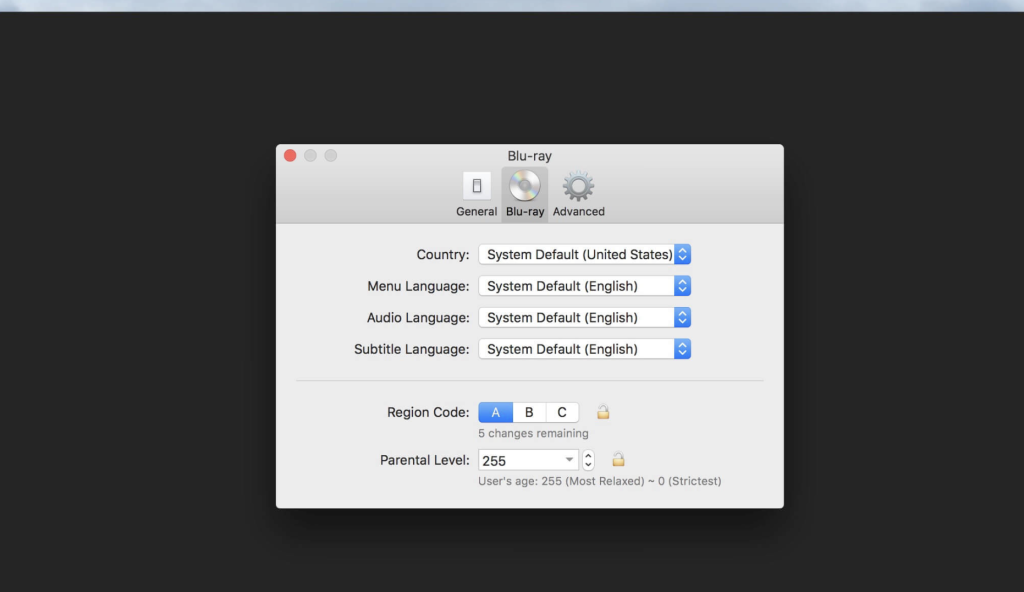
Blu-ray Menu Support: Mac Blu-ray Player Pro supports the original Blu-ray menu, allowing users to navigate and interact with Blu-ray content just like they would on a dedicated Blu-ray player.

Blu-ray Disc and ISO Playback: The software enables users to play Blu-ray Discs, ISO files, and BDMV folders, offering flexibility in accessing and enjoying high-definition content.

Enhanced 4K Video Playback: The Pro version enhances the 4K video viewing experience, ensuring that users can enjoy ultra-high-definition video quality on their Mac.

Original Audio Quality: Mac Blu-ray Player Pro preserves the original audio quality of Blu-ray content, delivering a superior audio experience while watching movies or other media.

Improved Player Performance: The software is optimized with better hardware acceleration, which enhances overall player performance and ensures smooth playback of high-definition content.

Compatibility: Mac Blu-ray Player Pro is compatible with Mac OS X 10.8 or later, making it accessible to a wide range of Mac users.

Macgo Mac Blu-ray Player Pro is a valuable tool for those who want to enjoy high-quality Blu-ray entertainment on their Mac computers, complete with menu navigation and excellent audio and video quality. You can find more information about the software and download it from the provided homepage link (http://www.macblurayplayer.com/macgo-mac-bluray-menu-player-pro.htm).
Download Pixelmator Pro v-3.4.3 for Mac

0

Name : Pixelmator Pro

Size : 602 MB

Download Pixelmator Pro v-3.4.3 for Mac

Pixelmator Pro is a powerful and user-friendly image editor designed exclusively for macOS. It offers a wide range of professional-grade, nondestructive image editing tools, making it a versatile option for a variety of image editing tasks. Here are some of the key features and functions of Pixelmator Pro:

Exceptional Design and Functionality:

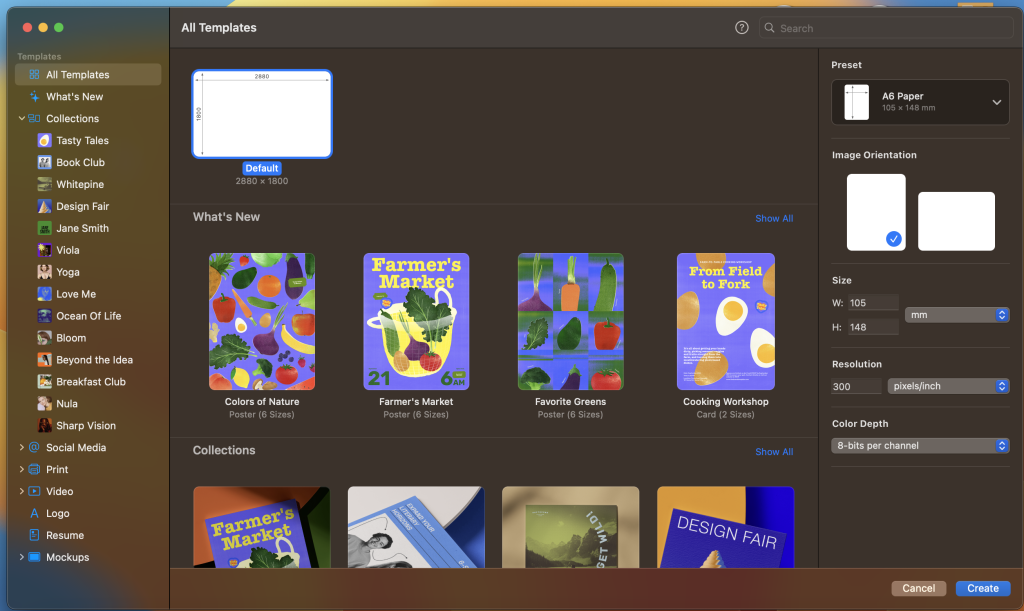
  • The modern, single-window interface is optimized for image editing on a Mac.
  • An intuitive and refined design makes image editing accessible, even for beginners.
  • Native dark and light appearances adapt to the light and dark modes of macOS.
  • Customizable interface allows you to organize your creative environment according to your preferences.
  • Choose from workspace presets tailored for photography, design, illustration, and painting.
  • A full-featured Photos extension allows you to edit images using Pixelmator Pro without leaving the Photos app, saving layered, nondestructive edits directly to your library.

Professional Tools:

  • Offers a wide array of image editing tools for enhancing existing images and creating new ones.
  • Supports nondestructive editing, allowing you to adjust individual changes at any time.
  • Easily move, resize, and arrange objects to create stunning compositions.
  • Includes nondestructive, machine learning-powered color adjustments for precise color control.
  • Superior support for RAW files, enabling editing of RAW images with extended range data.
  • Provides fully-customizable, dual-texture brushes for digital or traditional paintings, with support for digital graphics tablets.
  • Combines built-in effects for creating artistic and special effects.
  • Save adjustment, effect, and layer style combinations as presets for reuse and sharing.
  • Includes hundreds of presets for color adjustments, effects, layer styles, and shapes to speed up image editing.
  • Offers retouching tools for removing imperfections, cloning, and lightening/darkening specific areas.
  • Features reshaping tools for changing the shape of objects or areas in your images.
  • Supports vector graphics designed by the Pixelmator Team, as well as creating your own vector graphics using the Pen tool.
  • Offers a full set of typography tools for designing text.
  • Allows quick creation of curved, circular, and path text.
  • Provides advanced optimization and saving options for web images with file size reduction.
  • Offers batch processing using built-in Automator actions.
  • Supports automation through AppleScript.

Image Editing Enhanced by Machine Learning:

  • Includes machine learning-powered tools like the Repair tool for removing objects and enhancing images.
  • Utilizes ML Enhance for intelligent photo enhancements based on professional photos.
  • Offers ML Super Resolution for zooming and enhancing image resolution.
  • Allows ML Match Colors to copy the look of one photo to another.
  • Provides ML Denoise for noise and compression artifact removal while preserving details.
  • Quick Selection tool for easy and accurate selections.

Compatibility:

  • Opens and edits images in popular formats, including JPEG, TIFF, PNG, PSD, HEIF, SVG, PDF, GIF, BMP, TGA, WebP, and JPEG-2000.
  • Supports Photoshop images with layers.
  • Opens and edits SVG vector images.
  • Easily shares images via Photos, Mail, AirDrop, and other locations.

Built Exclusively for Mac:

  • Designed exclusively for macOS, Pixelmator Pro integrates seamlessly with macOS features and supports macOS Big Sur.

System Requirements:

  • macOS 11.0 or later

Pixelmator Pro is a versatile image editing tool that caters to both beginners and professionals, providing a wide range of features for various creative tasks. You can find more information and download it from the provided homepage link (https://apps.apple.com/pk/app/pixelmator-pro/id1289583905).

Download Rhino 7 for Mac v7.34.23267.11002

0

Name : Rhino 7

Size : 449 MB

Download Rhino 7 for Mac v7.34.23267.11002

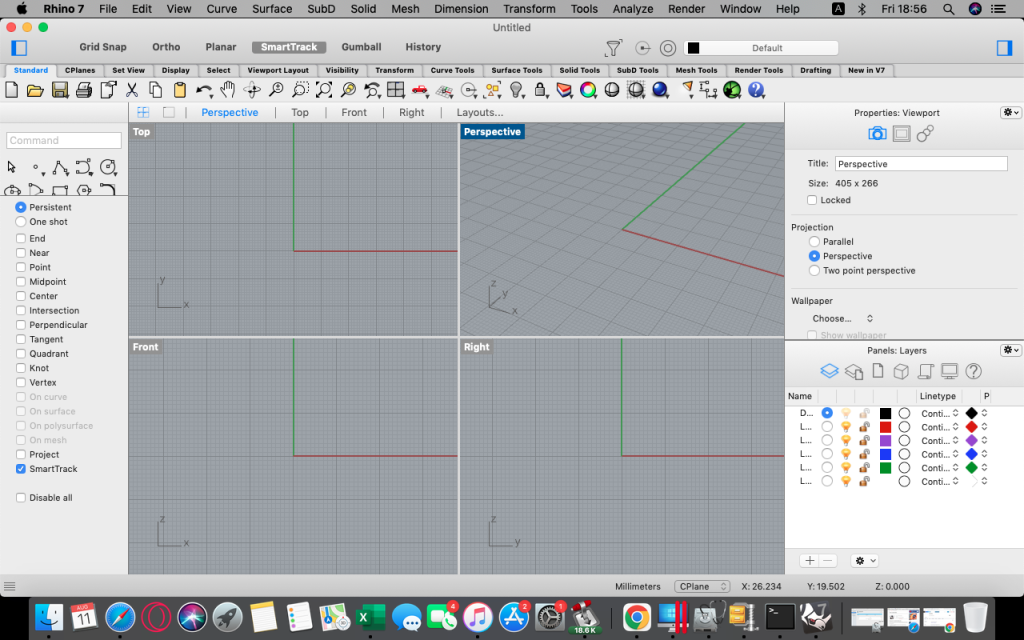
Rhinoceros, commonly referred to as Rhino, is a 3D computer-aided design (CAD) software that provides a wide range of features for creating, editing, analyzing, documenting, rendering, animating, and translating 3D models. It is particularly known for its support of NURBS (Non-Uniform Rational B-Splines) modeling, which allows for the creation of complex, smooth, and precise 3D shapes. Here are some of the key features and capabilities of Rhinoceros:

  1. Versatile 3D Modeling: Rhino offers powerful and uninhibited free-form 3D modeling tools, enabling users to create a wide variety of shapes and designs, making it suitable for tasks like architectural design, industrial design, and more.
  2. High Accuracy: The software provides the accuracy needed for tasks ranging from design and prototyping to engineering, analysis, and manufacturing. This precision is crucial for projects like aircraft design and jewelry creation.
  3. Interoperability: Rhino is compatible with a wide range of design, drafting, CAM (Computer-Aided Manufacturing), engineering, analysis, rendering, animation, and illustration software. It supports various file formats for seamless data exchange.
  4. Mesh and IGES File Handling: The software can read and repair meshes, as well as handle complex and challenging IGES files, which is essential for interoperability and working with data from different sources.
  5. User-Friendly: Rhino is designed to be accessible and easy to learn, allowing users to focus on the design and visualization process without being overly distracted by the software’s complexity.
  6. Hardware Compatibility: It runs efficiently on ordinary laptop computers and doesn’t require specialized hardware, making it accessible to a broad range of users.
  7. Development Platform: Rhino serves as a development platform for hundreds of specialty modeling products, although this feature is available on Windows only.
  8. Affordability: Rhino is known for its affordability, both in terms of the purchase price and the absence of ongoing maintenance fees.

System Requirements:

  • macOS 10.14 or later

Rhino is a widely used CAD software that appeals to a broad user base, including architects, industrial designers, engineers, and artists. The provided homepage link (https://www.rhino3d.com) offers more information about the software, updates, and resources for users interested in 3D modeling and design.

download Sonoma Cache Cleaner 19.0

0

Name : Sonoma Cache Cleaner

Size : 170 MB

download Sonoma Cache Cleaner 19.0

Sonoma Cache Cleaner is a utility software designed for macOS X that offers a range of tools and features for system maintenance, optimization, customization, disaster planning, and antivirus protection. Here are some of the key features and functions of Sonoma Cache Cleaner based on the provided information:

  1. System Maintenance: Sonoma Cache Cleaner provides a comprehensive set of maintenance tools for macOS X. It can perform various tasks to keep your system running smoothly, including virus scanning for internet downloads and automatically repairing permissions after software installations.
  2. Optimization: The software offers optimization features that can improve system performance. It includes tuning internet and file cache settings, implementing RAM disks, and cleaning out cached and stale data. Sonoma Cache Cleaner can also recover disk space by eliminating unnecessary language localization files and slimming Universal Binaries.
  3. Customization: Users can customize their macOS X experience using Sonoma Cache Cleaner. It allows you to control features like Spotlight, Dashboard, and Login Items Folder, tailoring them to your preferences without making permanent or harmful changes to the system.
  4. Disaster Planning: Sonoma Cache Cleaner helps with disaster planning by allowing you to create bootable Installer USB drives from your Sonoma download. These bootable drives can be used to install Sonoma on any supported machine. Additionally, the software can create bootable Emergency Disks with system repair utilities and cache cleaning functions. In case of system issues, you can access Sonoma Cache Cleaner through the command prompt in Single User Mode.
  5. Antivirus Protection: The software includes antivirus features to protect your system from malware. It adds three additional layers of malware protection to macOS Big Sur and includes the ClamAV antivirus built-in. Sonoma Cache Cleaner can scan your downloads in real-time, offering robust virus protection from both Mac and Windows threats.
  6. Compatibility: Sonoma Cache Cleaner is compatible with a wide range of macOS X versions, from 10.4 to 14.0 (Big Sur).

Sonoma Cache Cleaner is described as an award-winning maintenance tool with millions of downloads worldwide, offering a one-stop solution for various macOS X maintenance and optimization needs. The provided homepage link (https://www.northernsoftworks.com/sonomacachecleaner.html) offers more information, updates, and access to the software. Please note that it’s important to exercise caution and ensure the reliability and authenticity of any utility software used on your system.

Download Autodesk Flame for Mac V-2024.1.1

0

Name : Autodesk Flame

Size : 3.1 GB

Download Autodesk Flame for Mac V-2024.1.1

Flame® software is an advanced 3D visual effects tool developed by Autodesk. It is primarily used for fast, interactive 3D visual effects, finishing, compositing, advanced graphics, color grading, conforming, editorial work, and look development in the realm of film and video post-production. Here are some of the key features and components of Flame® software:

  1. 3D Compositing (Action): Flame® offers a feature called “Action,” which combines the interactivity of traditional 2D compositing with the power of 3D visual effects. It allows artists to create complex visual effects and composites in a fast and interactive manner. It includes a “What You See Is What You Get” (WYSIWYG) preview for artists during the session.
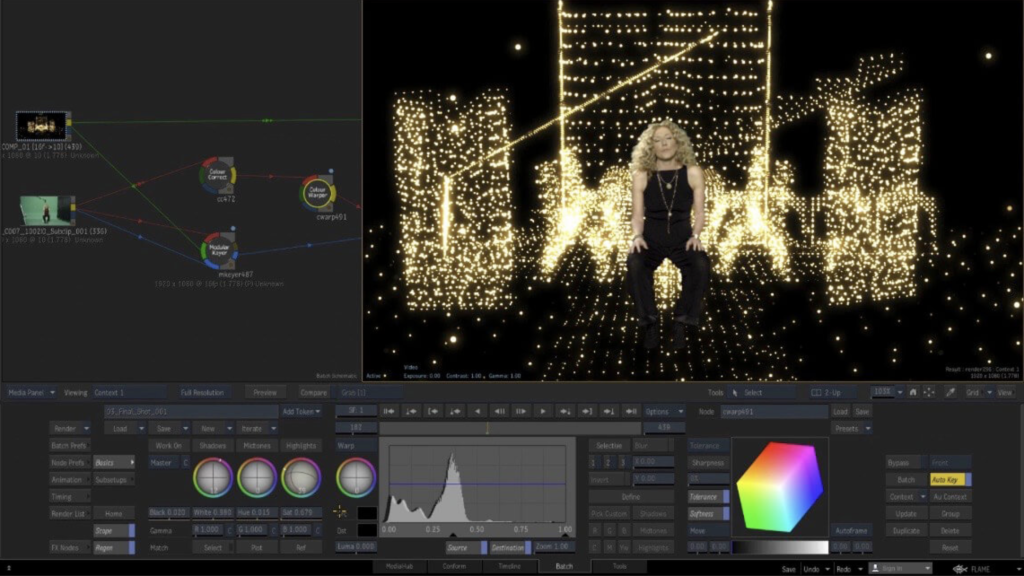
  2. Node-Based Compositing (Batch): Batch is a node-based procedural compositing environment that seamlessly integrates with the timeline and desktop. This environment is designed for combining 2D and 3D elements in a flexible and non-linear way.
  3. Editorial Timeline: Flame® provides an editorial timeline, allowing users to manage projects, create consistent looks, and ensure accurate matching of graded and 3D VFX shots. It also includes scene detection to aid in the editing process.
  4. Matchbox API: Flame® supports the Matchbox API, which enables the use of GPU-accelerated GLSL shaders to solve challenges within the 3D compositing environment, Action.
  5. Action Projection Tracking: This feature allows you to turn a projection into a UV set for the geometry, which is useful for mapping textures onto 3D objects.
  6. Connected Conform Smart Merge: Flame® facilitates the dynamic merging of new editorial cuts with work-in-progress shots late in a project. This is essential for maintaining project consistency during the editing and post-production process.
  7. Python API: Flame® offers a Python API that allows users to drive the Batch environment using scriptable commands. This provides flexibility and automation in the compositing workflow.
  8. Pybox: Pybox is a scriptable handler that enables the processing of images through external renderers, further enhancing the customization and extensibility of the software.

System Requirements:

  • Operating System: macOS Mojave v10.14.x, Catalina v10.15.x, Big Sur v11.1, or later.
  • GPU: Mac-native installed graphics cards with a minimum of 8GB VRAM. Recommended: Radeon Pro Vega II.
  • CPU: Recommended Intel Core i7 or higher. Note that Apple M1 CPUs are currently not supported.
  • RAM: 32GB or 64GB.
  • Display: A display with a resolution of 1920 x 1200 and a 60Hz refresh rate.

Flame® is a powerful and versatile software package used in the film and video post-production industry, particularly in the field of visual effects, editing, and color grading. The provided homepage link (https://www.autodesk.com/products/flame/overview) offers more detailed information, including updates and additional resources for users.
Jameskarke's RSS Feed
Go to Top