Free Macsoftware One click Download
Utility
MacCleaner 3 Pro V- 3.2.1 (080923) for Mac free
03 years

Name : MacCleaner 3 Pro 3.2.1
Size : 127 MB
MacCleaner 3 Pro V- 3.2.1 (080923) for Mac free
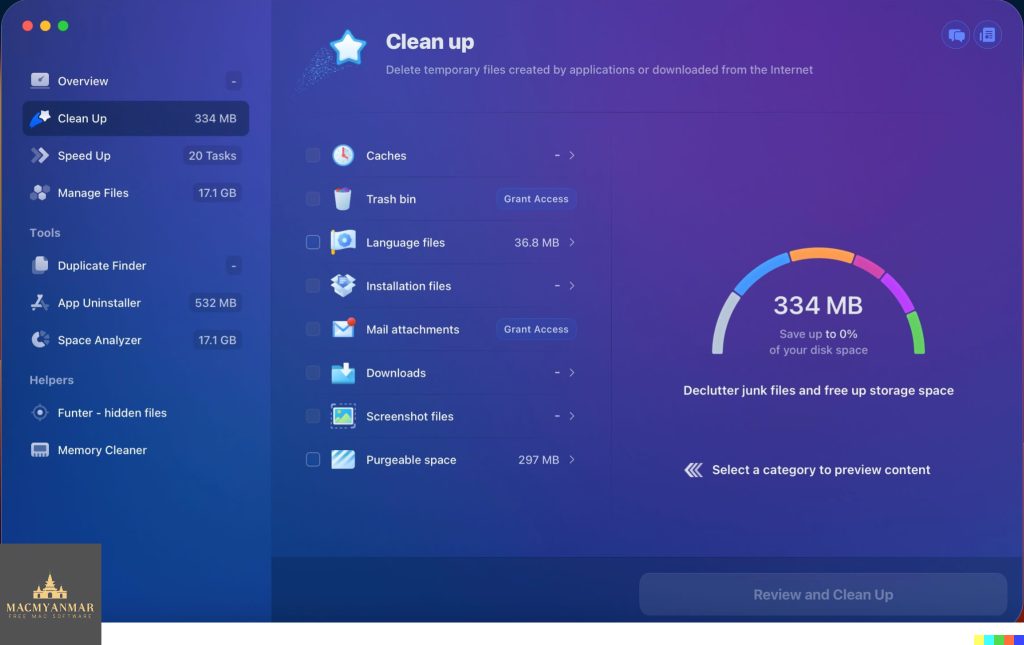
MacCleaner Pro is a software application designed to help you clean up your Mac and optimize its performance. It offers several features and tools that can help speed up a slow Mac, free up disk space, remove junk files, and prevent the “Startup Disk Full” error. Here’s some information about MacCleaner Pro:
Why You Need MacCleaner Pro:
- Macs tend to accumulate junk files over time, which can slow down their performance. MacCleaner Pro provides a set of cleanup tools to help keep your Mac running smoothly.
How to Use MacCleaner Pro:
- Using MacCleaner Pro is straightforward. After launching the application, you’ll see a list of tools, each with a detailed description of what it can do. Simply open the tool you need and follow the step-by-step instructions to start the cleaning process. If you have questions or need assistance, you can visit the Support page or contact the Support team for help.
Benefits of MacCleaner Pro:
- MacCleaner Pro offers a comprehensive set of tools for safe and deep hard drive cleanup. Regularly cleaning your Mac can help maintain its performance and extend its lifespan.
Performance Improvement:
- In addition to freeing up disk space, MacCleaner Pro also monitors your RAM memory usage. It can work in the background and clear inactive RAM when your Mac’s memory is filled up, which can help make your Mac run faster.
What’s New in Version 3.2.1 (080923):
- The release notes for this version were unavailable at the time of the listing update. However, it mentions a fix for activation.
Compatibility:
- MacCleaner Pro is compatible with macOS 10.12 or later.
You can find more information about MacCleaner Pro and download it from its official homepage at https://nektony.com/.
Please note that while Mac optimization tools like MacCleaner Pro can be useful, it’s essential to use them carefully and only from trusted sources to avoid any potential issues with your Mac’s performance or security.
Download CrossOver 23.0.1 for Mac
03 years

Name : CrossOver
Size : 378 Mb
Download CrossOver 23.0.1 for Mac
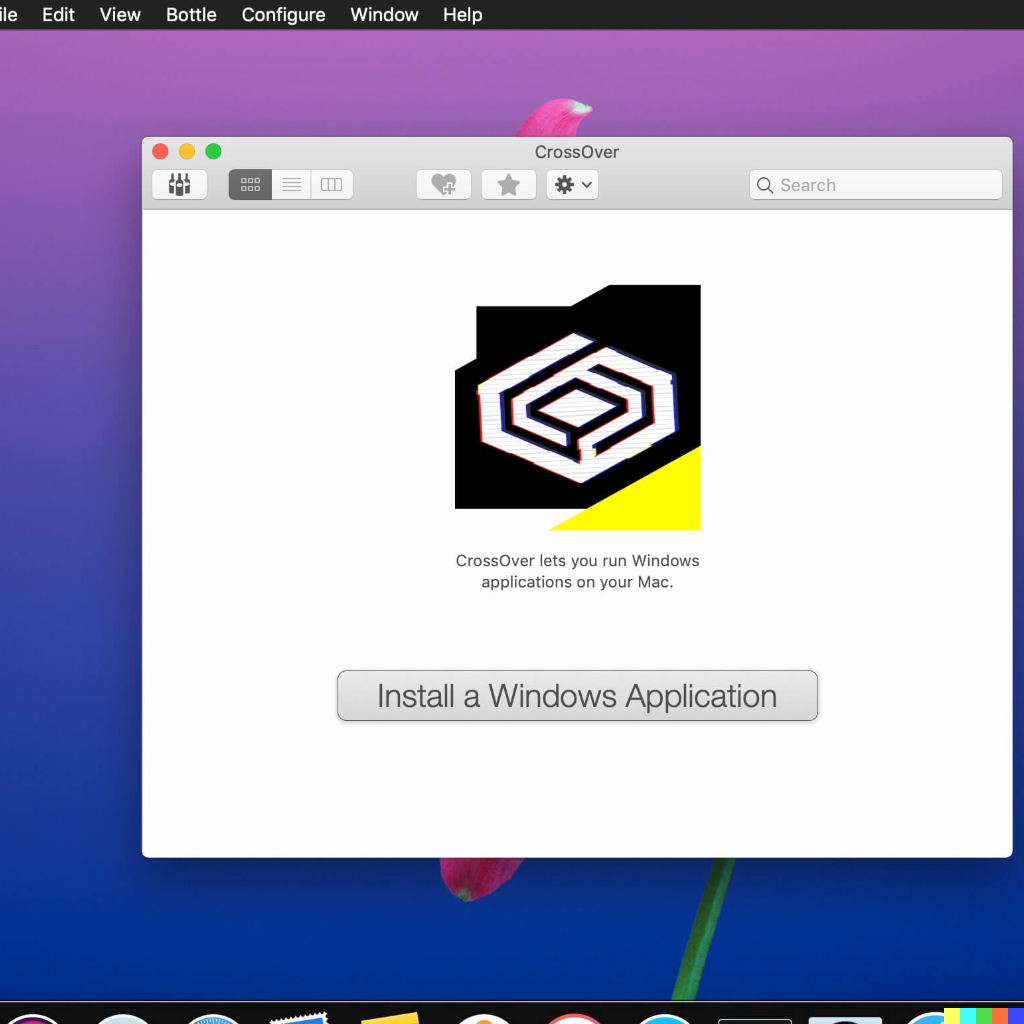
CrossOver Mac is a software application that enables users to run Microsoft Windows software on a Mac computer without the need for a Windows license, rebooting, or using a virtual machine. Here are some key features and compatibility information:
- Native Windows App Support:
- CrossOver Mac allows you to launch Windows applications directly from your Mac’s dock. This means you can run Windows software alongside your macOS applications seamlessly.
- Integration with Mac OS:
- The software integrates Mac operating system functionality into Windows programs. This includes features like cross-platform copy and paste and shared file systems, making it easier to work with Windows apps on your Mac.
- Easy Installation:
- CrossOver Mac offers a feature called CrossTie technology, which simplifies the installation process for many Windows applications. If you have CrossOver installed and the installer for your Windows software, you can click a button in the Compatibility Database, and CrossOver will automatically install the application for you.
- Compatibility:
- CrossOver Mac is compatible with macOS 10.13 or later, and it supports 64-bit systems. This ensures that a wide range of Mac users can utilize the software to run Windows applications on their Macs.
- Documentation:
- It is noted that before installing CrossOver 23.0.0, it is necessary to read the README.pdf document provided in the Extra folder. This document likely contains important instructions and information about the software’s installation and usage.
- Homepage:
- You can find more information about CrossOver Mac on its official homepage at https://www.codeweavers.com/.
In summary, CrossOver Mac is a tool that simplifies the process of running Windows software on a Mac computer, providing a convenient and integrated experience.
NXPowerLite Desktop 10.0.2 Mac free Download
03 years

Name : NXPowerLite Desktop
Size :58 MB
NXPowerLite Desktop 10.0.2 Mac free Download
NXPowerLite is a utility for macOS that specializes in compressing various types of files, including PDF, JPEG, PNG, TIFF, Microsoft PowerPoint, and Word files. This compression process is designed to make files smaller, making it easier to email them as attachments or save storage space. Here are some key features of NXPowerLite:
- File Format Preservation: Compressed files retain the same file format and file extension as the original files. This means that you can continue working with them without any compatibility issues.
- Custom Profiles: NXPowerLite allows you to create custom compression settings profiles. You can quickly select these profiles from the home screen, which enhances productivity by streamlining the compression process.
- Finder Integration: The application integrates with the macOS Finder, allowing you to compress files directly from the Finder’s context menu without having to open the full application. This feature adds convenience to the compression process.
- Local Compression: All compression activities take place locally on your computer, ensuring that your files are not shared or uploaded online. This adds a layer of security and privacy to your file compression.
- Replace or Backup: When compressing files, you have the option to either replace the original file with the optimized version or create a backup of the original file. This choice provides flexibility in managing your files.
- Batch Compression: NXPowerLite supports batch compression, allowing you to compress up to 10,000 files at once. This feature is particularly useful for quickly reducing the size of folders containing multiple files.
- Compatibility: NXPowerLite is compatible with macOS 11.0 (Big Sur) or later versions of the operating system.
- Homepage: For more information about NXPowerLite and to explore its features and offerings, you can visit the official NXPowerLite website: NXPowerLite Homepage.
NXPowerLite is a handy tool for users who need to reduce the size of various types of files while preserving their original format and quality. Whether you want to optimize files for email attachments, free up storage space, or improve file sharing efficiency, NXPowerLite simplifies the compression process on macOS.

Things for Mac V- 3.18.2
03 years

Name : Things
Size : 37 MB
Things for Mac V- 3.18.2
Things is a task management application designed for macOS that provides an elegant and intuitive way to organize and manage your tasks. It combines powerful features with simplicity to make task management easy and enjoyable. Here are some key features and highlights of Things:
- Leopard-Style Source List: Things uses a Leopard-style source list that allows you to easily focus on tasks without the need to switch view modes or deal with complex filter criteria.
- Tagging System: The application features a tagging system that helps you organize tasks with tags. It also includes a magical tag bar that automatically adapts to the currently displayed list, making it easy to drill down into tasks.
- Team Collaboration: Things offers collaboration features, allowing you to delegate tasks to members of your team. This feature is designed to support teamwork and task management.
- No Columns: Unlike traditional task management applications with multiple columns, Things displays task information as needed. This eliminates wasted space and ensures that you see relevant information only.
- Quick Entry HUD: A quick entry Heads-Up Display (HUD) allows you to enter tasks the moment they come to mind. This feature helps you capture ideas and tasks quickly, preventing distractions from unfinished business.
- Open XML File Format: Things uses an open XML file format to store your task data, ensuring that you are not locked into a proprietary system.
- GTD Support: Things is also compatible with the Getting Things Done (GTD) methodology. If you are familiar with GTD concepts, you’ll find it easy to incorporate them into Things.
- Compatibility: Things is compatible with macOS 10.13.0 (High Sierra) or later and is designed for 64-bit processors.
- Homepage: For more information about Things and to download the application, you can visit its official homepage on the Mac App Store: Things on Mac App Store.
Things provides a user-friendly and efficient solution for task management, allowing users to organize their tasks with tags, collaborate with teams, and capture ideas effortlessly. Its focus on simplicity and elegant design makes it a popular choice for users who want a seamless task management experience on macOS.
For Mac WebToLayers v-1.4.0 Download
03 years

Name : WebToLayers
Size : 9 MB
For Mac WebToLayers v-1.4.0 Download
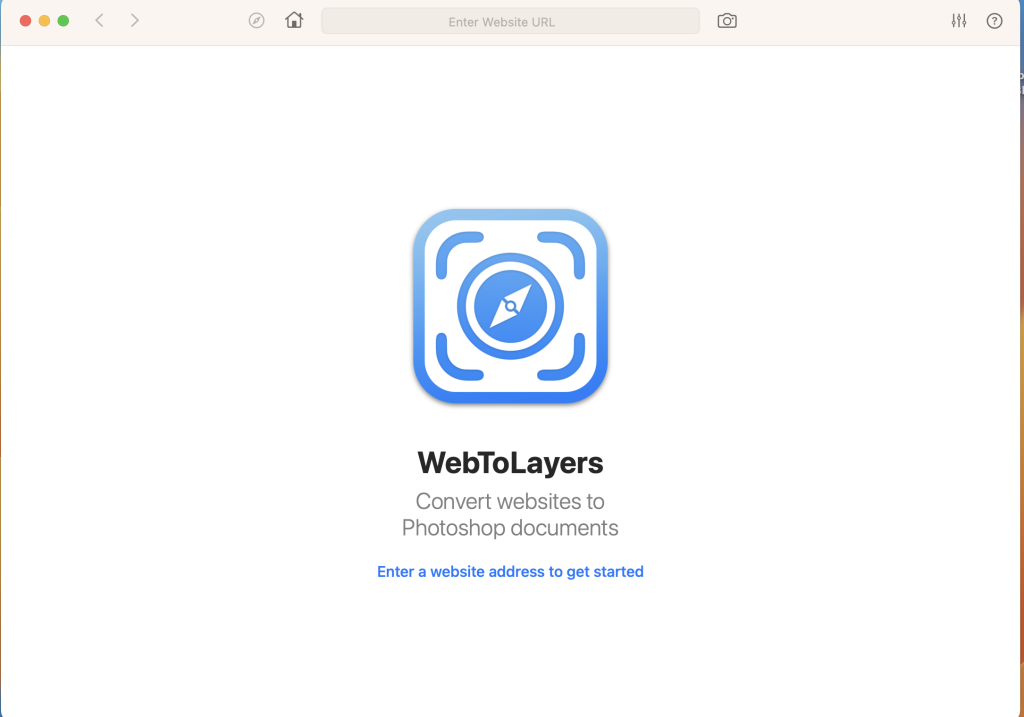
WebToLayers is an application designed for macOS that facilitates the conversion of websites into Photoshop documents (PSD files). This conversion process involves taking screenshots of webpages and creating separate layers for each element found on the webpage. Here’s a breakdown of some of its features:
- Safari Extension: WebToLayers offers a Safari browser extension, which means you can directly use it within your Safari browser to capture and convert webpages into PSD files.
- Custom Page Size: Users have the flexibility to specify custom page sizes, allowing for precise control over the dimensions of the captured web content.
- Custom Web Agent: You can configure the user agent, which allows you to mimic different web browsers or devices. This is useful for capturing webpages as they would appear on various platforms.
- JS Injections: The app supports JavaScript injections, which means you can run custom scripts on the webpage before capturing it. This can be useful for modifying or enhancing the content during the capture process.
- Multi-Language Support: WebToLayers offers language support in English, French, German, Italian, Japanese, Simplified Chinese, and Spanish, making it accessible to a wider audience.
- System Requirements: The app is compatible with macOS 11.0 (Big Sur) or later versions of the operating system.
- Homepage: You can find more information about WebToLayers on its official homepage at https://neededapps.com/webtolayers/.
Overall, WebToLayers appears to be a handy tool for web designers and developers who want to capture and convert web content into PSD files with the convenience of layer separation. It offers various customization options to tailor the capture process to your specific needs.
Download Family Tree Maker 2019 v24.2.2.560 Mac
03 years

Name : Family Tree Maker 2019
Size : 963 MB
Family Tree Maker 2019 v24.2.2.560
Family Tree Maker is a comprehensive software designed to assist individuals in discovering, preserving, and sharing their family history and genealogical research. It offers a range of features and tools to simplify the process of building and documenting your family tree. Here are some of the key features and details about Family Tree Maker:
Key Features:
- Intuitive Family Tree Building: Family Tree Maker provides an intuitive and user-friendly interface for creating and expanding your family tree. It offers simple navigation and tree-building tools suitable for both beginners and experts in genealogy.
- Hint System: The program includes a hint system that assists users in their research. Hints, represented as green leaves or blue squares, connect you to historical records and family trees that may contain valuable information about your ancestors.
- Media Management: You can illustrate your family story with photos, historical records, audio files, and video files. The software offers efficient media management tools, allowing you to add, organize, and incorporate media into your family tree. You can also scan images directly into your tree and create slideshows.
- Digital Companion Guide: Family Tree Maker comes with a Digital Companion Guide that offers step-by-step tutorials and tours of the program’s features. It helps users quickly learn how to maximize the software’s capabilities for genealogical research.
- Mapping: Access interactive street and satellite maps to view important locations in your ancestors’ lives and track your family’s migration paths.
- Charts and Reports: The software offers various colorful family tree charts, including pedigree, descendant, bowtie, and fan charts. You can also generate reports that provide a snapshot of your family tree and assist in planning future research. The Index of Individuals Report includes options for anniversary, birthday, contact lists, and more.
- Additional Features: Family Tree Maker includes a wide range of features, such as themed backgrounds, borders, and embellishments for printing, a locations database with over 3 million place names, online street and satellite maps, and a convenient onscreen Help system.
System Requirements:
- Operating System: OS X 10.10 or later, including macOS Ventura 13.0.
- Hard Disk Space: 900 MB available.
- RAM: 2 GB (4 GB recommended).
- Screen Resolution: 1280 x 800.
What’s New: Unfortunately, specific release notes for the latest version were not available at the time of the post.
For more information about Family Tree Maker and access to the software, you can visit the official website: Family Tree Maker Homepage.
WiFi Explorer 3.5 for Mac Download
03 years

Name : WiFi Explorer
Size: 11 MB
WiFi Explorer 3.5 for Mac Download
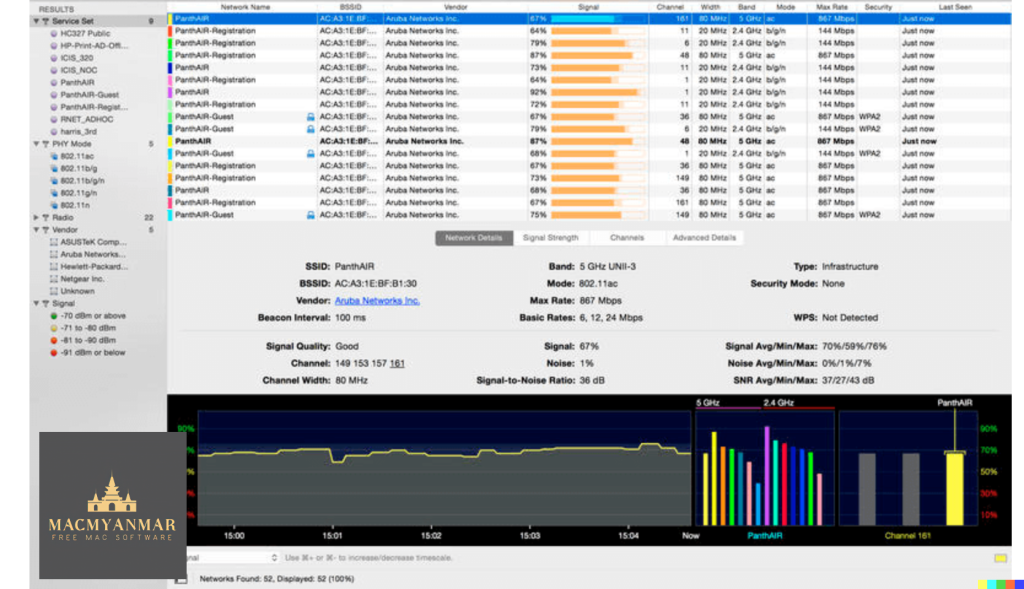
WiFi Explorer Pro is a macOS application designed for WLAN (Wireless Local Area Network) and IT professionals. This tool helps with various aspects of wireless network management and troubleshooting. Here’s a summary of its features:
- Passive and Directed Scan Modes: WiFi Explorer Pro allows you to perform both passive and directed scans of wireless networks. Passive scans are typically used to gather information about nearby networks, while directed scans focus on specific networks or channels.
- Spectrum Analysis Integration: The tool integrates spectrum analysis, which can help identify sources of interference and analyze the overall wireless environment to optimize network performance.
- Custom Filters: You can apply custom filters to narrow down scan results and focus on specific network characteristics or criteria.
- Support for Remote Sensors: This feature likely enables you to connect and use remote sensors for scanning and monitoring wireless networks, even if you’re not physically near the network.
- Support for Networks with Hidden SSIDs: Hidden SSIDs are networks that don’t broadcast their names, and WiFi Explorer Pro supports scanning and working with such networks.
- Additional Columns with Advanced Information: The application provides additional columns that display advanced information about wireless networks, giving professionals more detailed insights.
- Additional Organization Options for Scan Results: You can organize and sort scan results in various ways to better manage and analyze the data.
- Dark and Light Themes: WiFi Explorer Pro offers dark and light themes for user interface customization.
The version you mentioned, 3.5, appears to be a software update, but the release notes were not available at the time of your message. The software is compatible with macOS 10.14.6 or later.
For more information and to download WiFi Explorer Pro, you can visit the official website: WiFi Explorer Pro Homepage.
Please note that software features and compatibility may change over time, so it’s a good practice to visit the official website for the most up-to-date information and any new releases or features.
Download Downie 4.6.26 free on Mac
03 years

Name : Downie 4.6.26
Size : 54 MB
Download Downie 4.6.26 free on Mac
Downie is a simple yet powerful download manager designed for macOS that enables you to quickly and easily save videos from various websites to your local disk drive. It simplifies the process of downloading online videos, making them available for offline viewing using your default media player. Here are some key features and details about Downie:
User-Friendly Video Downloader:
- Downie offers an intuitive and user-friendly interface that makes downloading videos a straightforward process.
Drag and Drop Support:
- You can simply drag and drop video URLs onto the main window of Downie or onto its Dock icon to start the download process.
Download List Management:
- Downie maintains a list of your downloads, allowing you to easily keep track of ongoing and completed downloads. You can also remove items from the list.
Customizable Settings:
- Downie lets you customize settings such as the download location, notifications, and post-processing actions like converting videos to MP4 or extracting audio.
Wide Range of Supported Websites:
- Downie supports over 400 different websites that host video content, including popular platforms like YouTube, Apple, LiveLeak, Vimeo, BBC, and many others.
Request Support for Unlisted Websites:
- If a website you want to download from is not on the supported list, you can send a request email to the Downie developers directly within the app.
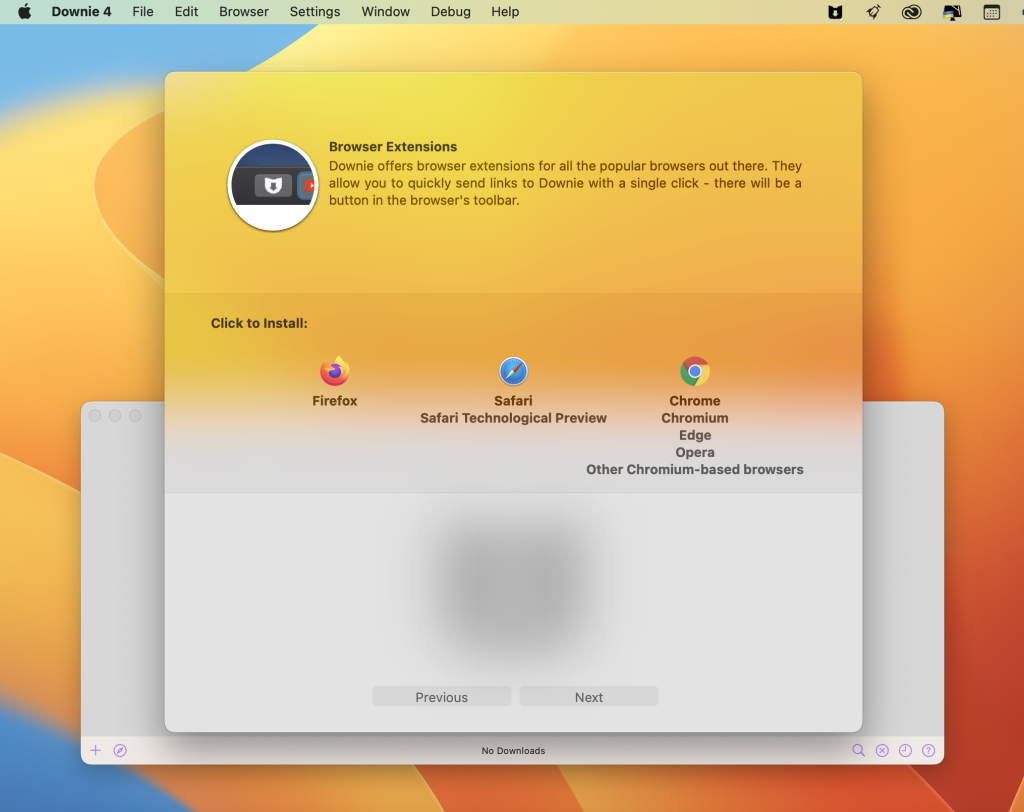
Browser Extensions:
- Downie provides matching extensions for various popular web browsers, including Firefox, Safari, Google Chrome, and Chromium, enhancing your ability to download videos directly from your browser.
Compatibility:
- Downie is compatible with macOS 10.12.6 or later.
Whether you have a slow internet connection or simply want to have offline access to your favorite videos, Downie offers a straightforward solution for downloading online video content. Its extensive website support and user-friendly interface make it a valuable tool for macOS users.
To learn more about Downie and download it, you can visit the official website: Downie Homepage
Download Permute 3.10.9 for Mac
03 years

Name : Permute
Size : 82 MB
Download Permute 3.10.9 for Mac
Permute is a versatile media conversion tool for macOS that simplifies the process of converting video, audio, and image files into various formats. Whether you need to make your media files compatible with your iPad, DVD player, or other devices, Permute provides an easy-to-use interface and a range of features to get the job done. Here are some key features of Permute:
Easy to Use:
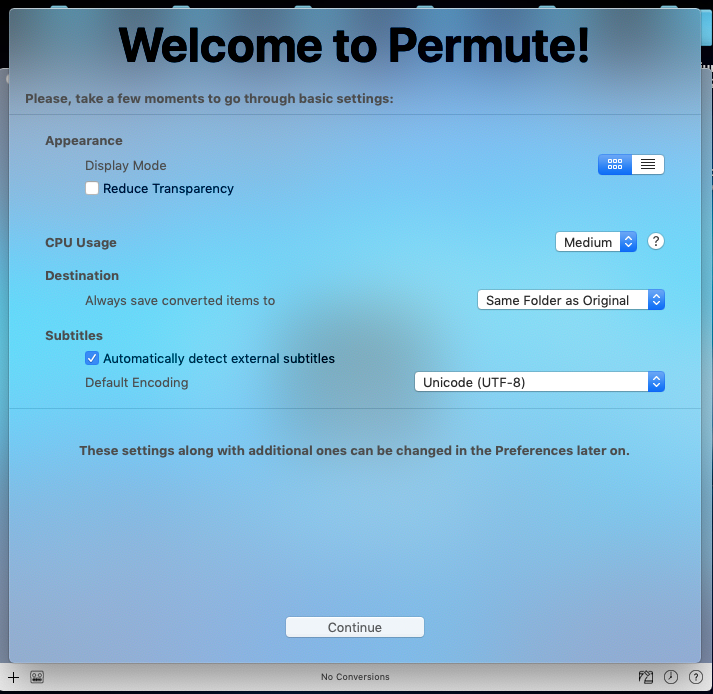
- Permute is designed with a user-friendly interface and drag-and-drop simplicity. It eliminates the need for complicated options and settings, making media conversion straightforward.
Insanely Fast:
- Permute is engineered to be exceptionally fast. It takes care of the heavy lifting, allowing you to select the desired video format, and it performs the conversion quickly. MP4 and HEVC presets leverage hardware acceleration capabilities, resulting in significant speed improvements.
PDF Support:
- Permute 3 includes support for stitching multiple images into a single PDF, providing additional versatility for handling documents.
Wide Format Support:
- Permute supports a wide range of media formats, ensuring that you can convert various file types. It also offers device presets to simplify the conversion process.
Modern Design:
- Whether you prefer dark mode or not, Permute offers a modern and visually pleasing interface. It even adapts its icon to match your macOS theme.
Scheduled Conversions:
- Video re-encoding can be resource-intensive. Permute allows you to schedule conversions for times when your computer is not in use, such as overnight.
Additional Features:
- Permute offers a host of other features, including volume adjustment for audio files and tracks, batch resizing, rotation, and flipping of images and videos, and more.
Completely Rewritten:
- Permute 3 is a complete rewrite of the application, built from the ground up to provide improved performance and capabilities.
UI Redesign:
- The user interface has been redesigned to be faster, more fluent, and visually appealing.
Dark Mode Support:
- Permute fully supports dark mode, including adjusting its Dock icon based on your macOS theme.
Image Stitching:
- You can stitch images together into a PDF document using Permute.
HEVC (H.265) Hardware Acceleration:
- HEVC video encoding now benefits from hardware acceleration, resulting in significantly faster conversions.
Scheduled Conversions:
- You can schedule delayed conversion starts to optimize resource usage.
Groups and Customizations:
- Organize files into groups and customize settings on a per-group basis without modifying the preset.
Multiple Subtitles:
- Add or copy multiple subtitle tracks from the source file.
Compatibility:
- macOS 10.11 or later
Permute is a versatile and efficient tool for converting media files into different formats, making them compatible with various devices and applications. Its user-friendly design and extensive feature set make it a valuable tool for macOS users.
To learn more about Permute and download it, you can visit the official website: Permute Homepage
Download Cardhop 2.2.11 for Mac
03 years

Name : Cardhop
Size : 33 MB
Download Carhop 2.2.11 for Mac
Cardhop is a macOS app designed to simplify and streamline the management and interaction with your contacts. It offers a range of features and actions to make handling your contacts more intuitive and efficient. Here are some key features of Cardhop:
Intuitive Parsing Engine:
- Cardhop’s parsing engine allows you to search, add, edit, and interact with your contacts using simple sentences. It understands natural language input, making contact management more intuitive.
Menu Bar App:
- Cardhop is a menu bar app, designed exclusively for macOS, providing easy access to your contacts without the need to open a separate application.
Instant Compatibility:
- The app instantly works with your existing macOS contacts, requiring no additional configuration.
Contact Groups:
- Quickly toggle contact groups with a single click, making it easy to organize and access specific sets of contacts.
Notes:
- Cardhop offers a convenient way to add notes to your contacts, helping you strengthen your relationships by keeping important information handy.
Recents:
- Easily interact with your recent contacts, saving you time when you need to reach out to people you’ve recently communicated with.
Birthdays:
- Cardhop provides visibility into upcoming birthdays, allowing you to send wishes to your contacts on their special day.
Communication Actions:
- Interact with your contacts quickly using actions such as Call, Copy, Directions, Email, FaceTime, FaceTime Audio, Large Type, Message, Skype, Telegram, Twitter, URL, and VoIP.
Customizable Quick Actions:
- You can customize quick actions on a per-contact basis, enabling single-click actions tailored to specific contacts.
Dark and Light Themes:
- Cardhop offers both dark and light themes, allowing you to choose your preferred interface style.
Compatibility:
- macOS 10.13.2 or later
Please note that specific release notes for version 2.2.11 were not available at the time of this listing.
Cardhop is designed to make managing and interacting with your contacts more efficient and user-friendly. Its intuitive parsing engine and menu bar accessibility provide a streamlined contact management experience for macOS users.
To learn more about Cardhop and download it, you can visit the official website: Cardhop Homepage