Free Macsoftware One click Download
Application
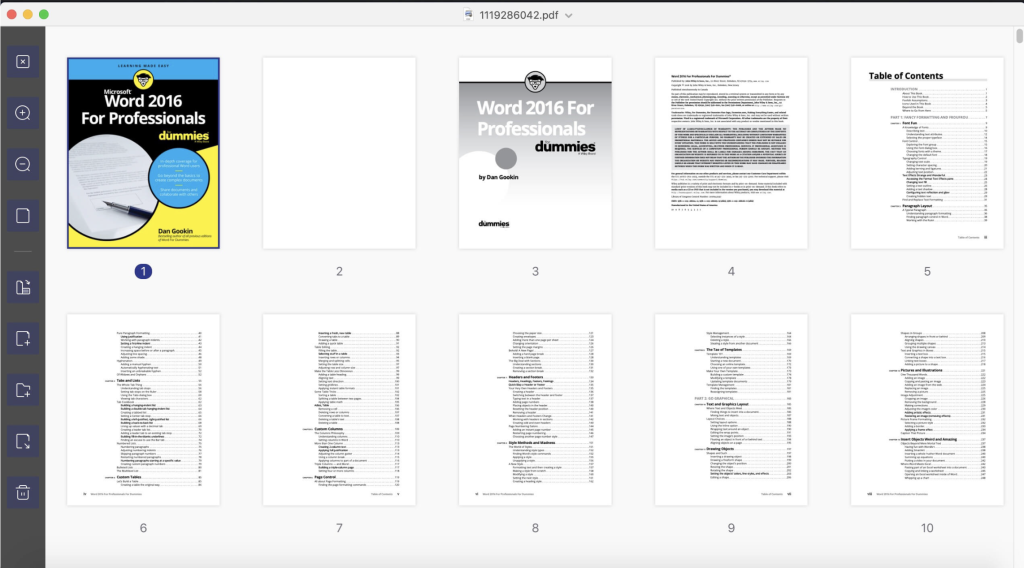
Download Wondershare PDFelement Pro 10.1.2 for Mac OS (OCR)
02 years

Name : Wondershare PDFelement Pro
Size : 730 MB
Download Wondershare PDFelement Pro 10.1.2 for Mac OS (OCR)
PDFelement offers an intuitive platform for creating, editing, converting, and signing PDF documents. The latest version, PDFelement 8, introduces a redesigned user interface, enhanced writing tools, improved team collaboration features, more robust conversion tools, a user management console, and additional features to streamline PDF management.
Here are the key features of PDFelement Pro:
OCR (Exclusive in Pro version):
- Optical Character Recognition (OCR) allows editing and converting characters within scanned PDF files or images.
- Supports recognition of 29 languages.
Create & Sign Forms (Exclusive in Pro version):
- Create fillable PDF Forms from interactive field objects like buttons, check boxes, radio buttons, list boxes, and drop-down lists.
- Supports adding digital signatures to forms.
Merge PDF (Exclusive in Pro version):
- Combine different format files into a new PDF.
Convert PDF (Exclusive in Pro version):
- Supports converting PDF files to various output formats such as EPUB, HTML, Text, RTF.
PDF/A (Exclusive in Pro version):
- Supports PDF/A as an output format compliant with the ISO Standard for long-term archiving.
Batch Processing of PDF Files (Exclusive in Pro version):
- Process PDFs in batches and add backgrounds, watermarks, headers, and footers in batches.
Bates Numbering (Exclusive in Pro version):
- Apply Bates Numbering with advanced formatting.
Redact PDF (Exclusive in Pro version):
- Redact sensitive text and images in PDFs.
Here’s the latest update information:
Version 10.1.2 (OCR):
- Unfortunately, specific release notes for this version were unavailable at the time of the listing update.
Compatibility: macOS 10.15 or later.
For further information and access to the application, visit the official homepage at Wondershare.
Download Wondershare UniConverter for Mac Intel V-15.0.4.560
02 years

Name : Wondershare UniConverter
Size : 310 MB
Download Wondershare UniConverter for Mac Intel V-15.0.4.560
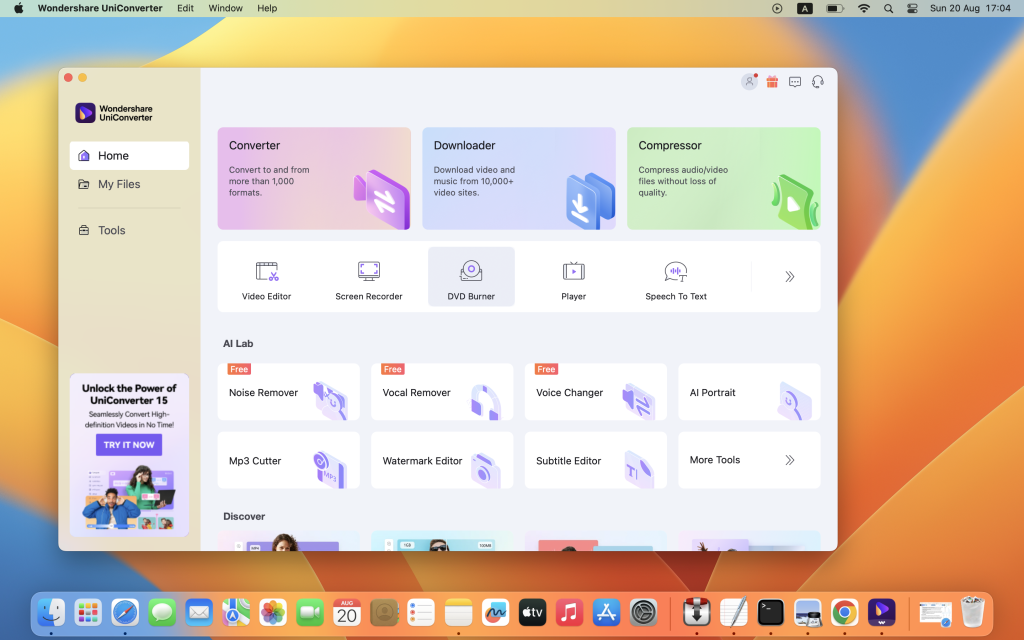
Wondershare UniConverter is a comprehensive video toolbox that offers a range of functionalities, including conversion, editing, enhancement, downloading, burning, organizing, capturing, and video playback. Users can convert videos to and from almost any existing video format, with a notable 30X faster conversion speed.
Wondershare Video Converter Ultimate, a part of UniConverter, provides quick and versatile conversion of movies into formats like AVI, WMV, MP4, MKV, FLV, 3GP, MPG, and even supports 3D and 4K Ultra HD video formats. With support for 159 formats and ongoing additions, it stands as a highly versatile tool. This software also enables burning video files to Blu-ray/DVD discs, DVD folders, or ISO files. Additionally, it allows for the downloading or recording of videos from various platforms such as YouTube, Google, Yahoo, and other video-sharing sites. Users can convert home movies to any video or audio format for playback on a wide range of devices.
Here’s the information for the most recent update:
Version 15.0.4.560:
Unfortunately, specific release notes for this version were not available at the time of the listing update.
Compatibility: macOS 10.11 or later.
For more details and access to the application, visit the official homepage at Wondershare.
Download Wondershare UniConverter 15.0.4.559 only Apple Silicon
02 years
Name : Wondershare UniConverter 15.0.4.559 only Apple Silicon
Size : 270 MB
Download Wondershare UniConverter 15.0.4.559 only Apple Silicon
Wondershare UniConverter offers a comprehensive suite of video tools, allowing users to convert, edit, enhance, download, burn, organize, capture, and watch video files. This versatile software facilitates the conversion of videos to and from virtually any video format, with a remarkable 30X faster conversion speed.
Wondershare Video Converter Ultimate, a part of UniConverter, provides instant conversion of movies to various formats such as AVI, WMV, MP4, MKV, FLV, 3GP, MPG, and even supports the conversion of videos to 3D and 4K Ultra HD formats at exceptionally fast speeds. With support for 159 formats and ongoing updates, it ensures broad compatibility. Users can also burn video files to Blu-Ray/DVD discs, DVD folders, or ISO files. Moreover, the software enables downloading or recording videos from popular platforms like YouTube, Google, Yahoo, and others. It’s also capable of converting home movies to any video/audio format for playback on a wide range of devices.
Here are the details for the latest update:
Version 15.0.4.559 – specifically for Apple Silicon:
Unfortunately, specific release notes for this version were not available at the time of the listing update.
Compatibility: macOS 10.11 or later.
For more information and to access the application, visit the official homepage at Wondershare.
Download Xliff Editor for Mac V-2.9.13
02 years
by Jameskarke
in Application

Name : Xliff Editor
Size : 6 MB
Download Xliff Editor for Mac V-2.9.13
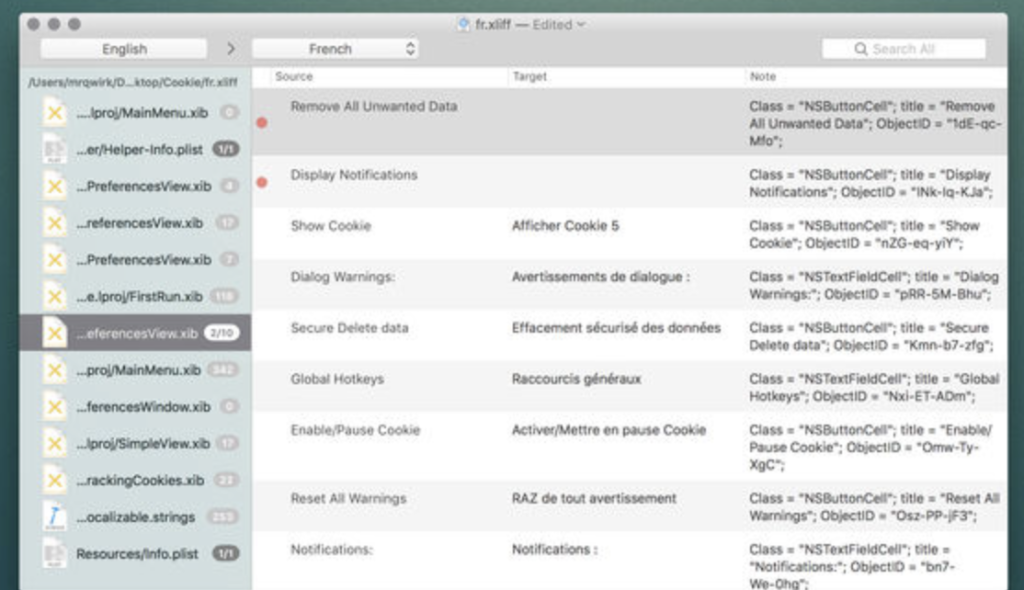
The Xliff Editor is a swift, user-friendly application with a minimal memory footprint. This tool boasts features such as inline tag protection, a fuzzy search function, intuitive shortcuts, the ability to edit multiple files concurrently, and a native spell checker. Additionally, it offers various customization options to align with diverse workflows.
Setting itself apart from other Xliff editors, this editor incorporates a custom-built XML parser, enabling it to adeptly handle even the most intricate Xliff v1.2 files. It seamlessly manages segmentation, inline tags, and alternate translations, ensuring a comprehensive approach to editing.
Here are some key features of the Xliff Editor:
- Highlighted search
- Fuzzy search
- Spell checker
- Easy identification of untranslated strings
- Support for XLIFF and XLF files
- SDLXIFF reading support with the capability to export to XLIFF
- Support for alt-trans and seg-source nodes
- Inline tag protection
- Ability to edit multiple files simultaneously
- Elegant interface
It’s essential to note that currently, only XLIFF v1.2 files are supported by the Xliff Editor.
Compatibility: macOS 10.11 or later.
For further details and access to the application, visit the official homepage at iTunes – Xliff Editor.
Download 4K Tokkit Pro for Mac V-2.4.0
02 years

Name : 4K Tokkit Pro
Size : 139 MB
Download 4K Tokkit Pro for Mac V-2.4.0
4K Tokkit is an all-in-one application designed for seamless downloading of TikTok content. This software enables users to effortlessly download TikTok challenges, captions, entire accounts, hashtags, and individual videos in superior quality. With this tool, users can enjoy TikTok content offline, explore their TikTok feed without interruptions from ads, and conveniently repost clips to various social networks.
Here are the details for the latest update:
Version 2.4.0
Unfortunately, specific release notes for this version were not available at the time of the listing update.
Compatibility: macOS 10.13 or later.
For more information and to access the application, visit the official homepage at 4KDownload.
Download Adobe Photoshop 2024 v25.1
02 years

Name : Adobe Photoshop 2024
Size : 4.1 GB
Download Adobe Photoshop 2024 v25.1
Adobe Photoshop is an industry-standard application for image processing and editing. It offers a comprehensive package of professional tools, aiming to inspire and enhance the creative process.
Key Features of Adobe Photoshop:
- Linked Resources: Change resources and update them across various projects. Links Creative Cloud Library assets, enabling updates in Illustrator, Photoshop, or InDesign projects.
- Artboards: Enhance design efficiency with artboards. Ideal for responsive design across multiple screens, allowing for multiple layouts in various sizes and formats.
- Adobe Stock Store: Find, license, and manage royalty-free images and videos within Photoshop. Choose from 40 million assets and save them to Creative Cloud Libraries for project use.
- Design Space (Preview): Offers a specialized mode for interactions and features, facilitating work on mobile apps and websites by eliminating unnecessary mouse movements.
- Faster Image Export: Redesigned export tools for exporting layers, artboards, or entire documents with a single click. Provides efficient compression, more preview options, and improved web viewing.
- Layer Styles: Add up to 10 instances of chosen layer styles and change them at any time, avoiding the need to rasterize effects in different layer groups.
- iOS Device Previews: Accurate previews of mobile app or web design with real-time feedback for iOS devices through Adobe Preview.
- Healing Brush Performance: Improved performance of the Healing Brush and Patch Tool, rendering effects up to 120 times faster than CS6.
- Glyphs Palette: Access and view glyphs available for the font being used and access frequently used glyphs, similar to Illustrator and InDesign.
- 3D Object Printing: Generate 3D print-ready PDF and SVX files and submit print jobs directly from Photoshop to 3D Hubs for local 3D print service providers.
New Features:
- Generative Expand: Utilize the Crop tool to expand canvas and generate multiple versions of the expanded image with text prompts.
- Global Language Support: Firefly-powered features now support text prompts in 100+ languages, enabling users worldwide to bring their creative vision to life with language preferences.
Compatibility: macOS v10.15 or later, Intel or Apple silicon
For further information or to explore the application, you can visit Adobe Photoshop’s homepage.
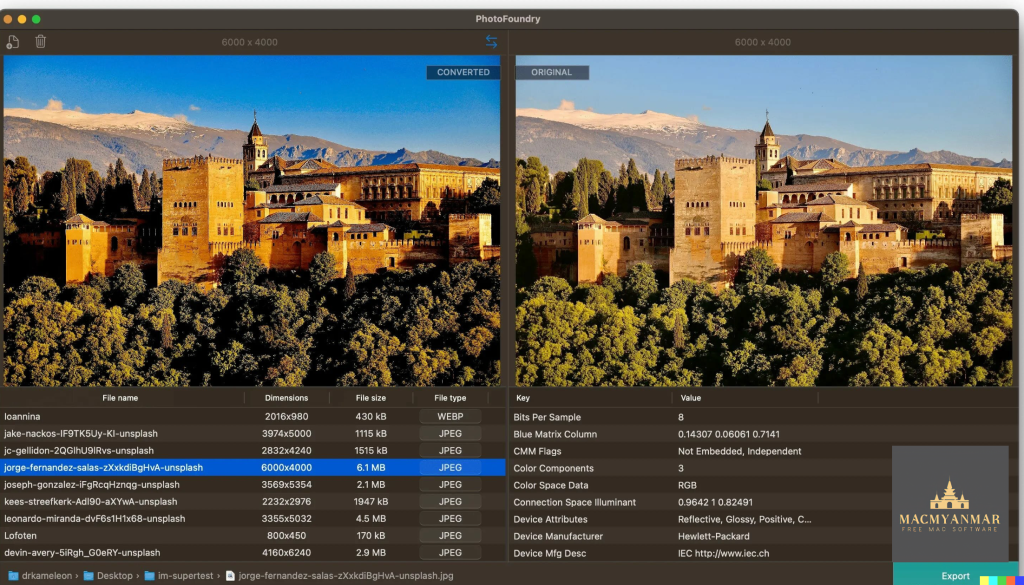
Download PhotoFoundry v- 1.2
02 years
by Jameskarke
in Application

Name : PhotoFoundry
Size : 45 MB
Download PhotoFoundry v- 1.2
PhotoFoundry is a professional batch photo-editing application that offers a wide range of tools to enhance images and streamline editing tasks. This app is equipped with various features, providing an easy-to-use interface and high performance.
Key Features:
- User-Friendly Interface: Easy to navigate and use. Users can open or drag-and-drop photos for seamless editing.
- Speed and Performance: Utilizes highly optimized algorithms for image processing, ensuring fast performance and efficiency.
- Versatility: Supports various image formats, including PNG, JPEG, BMP, TIFF, and GIF. Reads most image formats needed for editing.
- Configurability: Offers nearly 200 actions that are customizable. Users can access blends, color adjustments, and various photo effects easily.
- Live Preview: Allows users to preview changes in real-time, ensuring a clear view of the alterations being made.
- Smart Export: Simple and efficient export functionality to save edited images effortlessly.
What’s New in Version 1.2:
- Added a new section specifically dedicated to photo effects.
- Introduced numerous new actions for a more diverse and robust editing experience.
- Resolved issues regarding incorrect image dimensions.
- Enhanced live preview to prevent flashing during editing.
- Utilizes Preview Mode for side-by-side comparisons.
- Live preview is moved to the left-hand side for better accessibility.
- Expanded support for various file extensions (over 150 supported formats).
Compatibility: macOS 11.0 or later
For further information or to explore the features, you can visit the PhotoFoundry application’s homepage.
Download Iconize for Mac V- 1.2
02 years
by Jameskarke
in Application

Name : Iconize
Size : 5 MB
Download Iconize for Mac V- 1.2
Iconize is a tool designed to assist users in managing and customizing various app icons, supporting Mac, iOS, Android, and even creating favicons for websites. It provides a convenient means to handle icon customization with ease. However, without the specific release notes for version 1.2, the exact enhancements, features, or fixes in this update are not available.
Key Features:
- App Icons Customization:
- One-click icon customization for Mac, iOS, and Android applications.
- Favicon Creation:
- Capability to create favicons for websites.
- Cross-Platform Support:
- Compatibility for managing icons across multiple platforms.
While the details about the improvements introduced in version 1.2 are unavailable, Iconize remains a practical tool for users aiming to personalize and manage their application icons across various devices.
For further information or to explore the features, you can visit the Iconize application’s homepage.
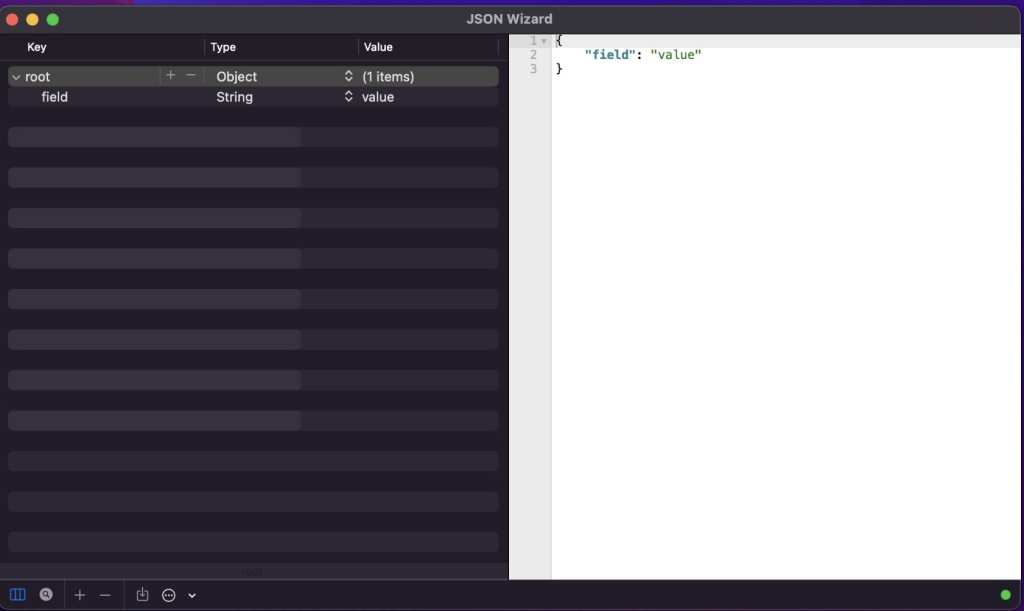
Download JSON Wizard 2.0 for Mac
02 years
by Jameskarke
in Application

Name : JSON Wizard
Size : 7 MB
Download JSON Wizard 2.0 for Mac
JSON Wizard is a versatile tool designed for viewing and editing JSON files as well as importing and exporting various file formats like XML, YAML, PLIST, and CSV. The application provides users with the capability to access the source code directly, featuring live syntax checking and visual editing options.
Key Features:
- File Format Support:
- Import multiple file formats including JSON, XML, property lists (XML or binary), YAML, and CSV.
- Export to JSON, XML, YAML, and property list formats, providing flexibility in file conversion.
- Visual Editing and Live Syntax Checking:
- Edit and view JSON through both the source-code and the Data-tree view.
- Live syntax checking/linter for real-time error identification and notifications.
- Source Beautifier:
- Source beautification feature to enhance the clarity and readability of the code.
- Powerful Search Functionality:
- Advanced search tool to navigate through all tree nodes for swift access to specific nodes.
- Search-by-path feature for easy access to particular nodes within the file.
- Live HTTP Request Tool:
- HTTP request tool with support for GET/POST requests, including additional headers.
Compatibility: macOS 11.0 or later
JSON Wizard offers a range of functionalities and support for various file formats, making it a useful solution for working with JSON files and their alternatives. For more information, you can explore the JSON Wizard application on its homepage.
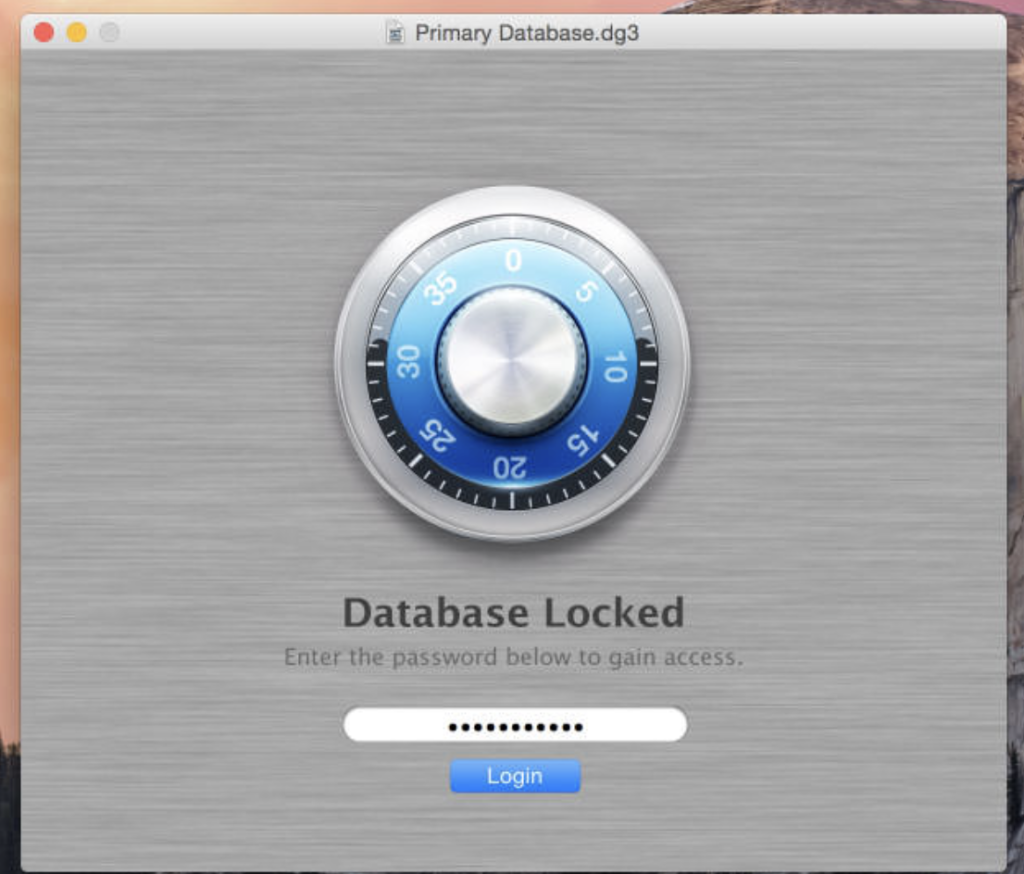
Download Data Guardian for Mac V- 7.6.6
02 years

Name : Data Guardian
Size : 51 MB
Download Data Guardian for Mac V- 7.6.6
Data Guardian is a secure database application designed to address the crucial aspects of security and privacy in today’s digital world. With up to 448-bits of Blowfish encryption, it ensures the protection of your sensitive data. This robust application allows users to create multiple databases, providing a secure platform to store various types of information, such as an address book, customer database, shopping list, journal, password manager, or notepad.
Key features and capabilities of Data Guardian include:
- Strong Encryption: Implements up to 448-bits of Blowfish encryption for safeguarding data privacy.
- Customizable Database: Users can create different categories to store records and apply custom color labels and icons, providing flexibility and personalization.
- Custom Data Fields: Users are not confined to predefined fields, allowing them to input the data they require without restrictions.
- Keychain Integration: Offers integration with Keychain for easy autofilling of passwords on websites.
- Additional Tools: Enables dialing phone numbers through the modem with a single click, creating new email messages, generating secure passwords based on a preferred algorithm, and synchronizing two databases.
Data Guardian provides an array of features that go beyond simple data storage, offering comprehensive security measures and customization options to meet various data management needs.
Compatibility: macOS 10.14.0 or later
For further details, you can visit the Data Guardian homepage at Koingo Software.