Free Macsoftware One click Download

We rank the best UK-licensed online casinos for real money and live craps in 2026, comparing bonuses, games, payouts, and mobile play. read the best online craps casino guide

Name: TechSmith Camtasia 2023.1.2
Size: 366 MB
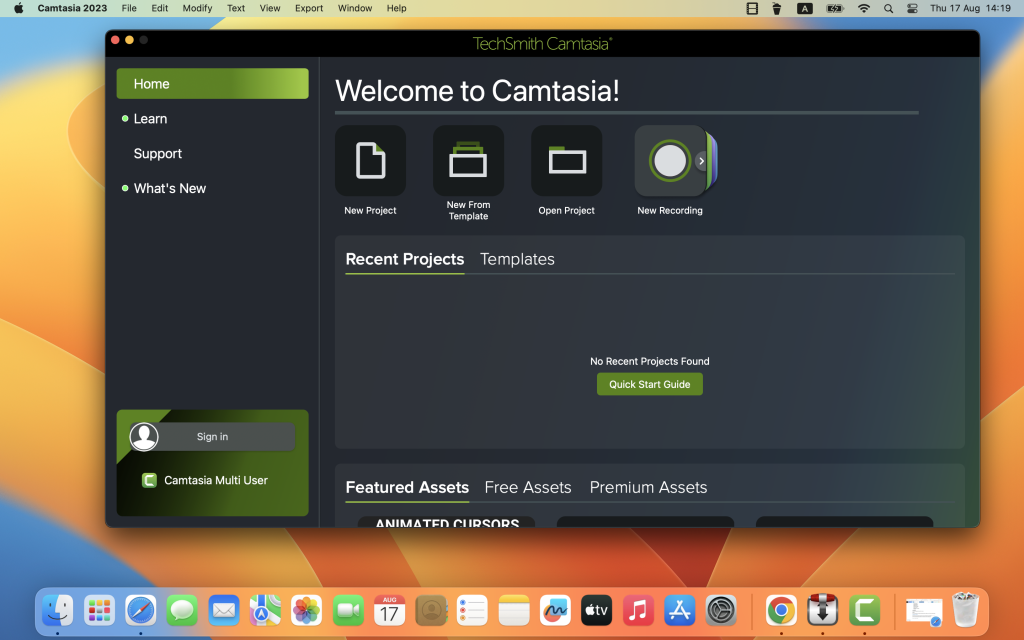
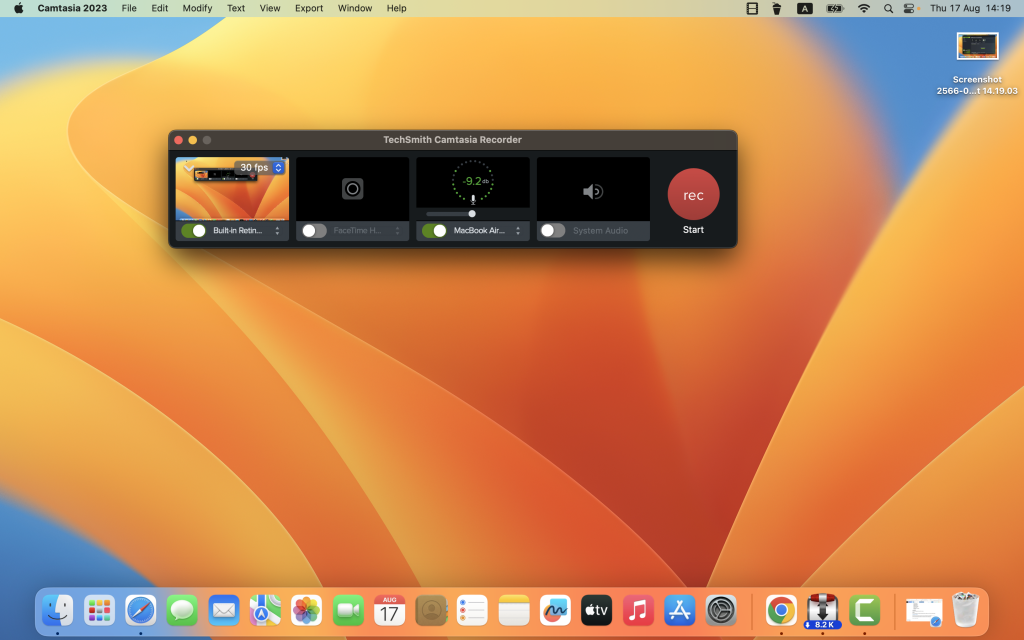
Camtasia 2023.1.2 is a software solution developed by TechSmith for creating and editing videos, especially focused on screen recordings, tutorials, presentations, and various types of instructional content. Here’s a summary based on the information you provided:
What is Camtasia?
Camtasia is a versatile video creation and editing tool designed to help individuals and businesses create professional-looking videos without requiring extensive video editing skills. It is particularly well-suited for creating software demonstrations, product tutorials, online lessons, recorded presentations, and more. Camtasia provides pre-built video templates to simplify the video creation process.
Key Features:
Common Use Cases:
Camtasia is suitable for a wide range of video content creation, including:
Compatibility:
Camtasia is compatible with macOS 11.0 or later.
Website:
For more information and to explore Camtasia’s features in-depth, you can visit their official website: TechSmith – Camtasia
Remember that this information is based on what you provided and my knowledge up to September 2021. For the latest updates and details, it’s always best to visit the official website or relevant sources.

Name : Adobe Photoshop v25 (beta) macOS
Size : 5.4Gb
Welcome to the era of generative AI powered by Adobe’s suite of creative tools. With the full power of generative artificial intelligence, you can now harness your creativity and productivity like never before. This new era is marked by Adobe’s range of products and the capabilities of generative AI, enabling you to create, design, and bring your ideas to life in innovative ways.
Key Features:
Language Support:
Adobe products, including Photoshop, support a wide range of languages, such as English, German, Arabic, Hungarian, Danish, Hebrew, Spanish, Italian, Traditional Chinese, Simplified Chinese, Korean, Dutch, Norwegian, Polish, Portuguese, Turkish, Ukrainian, Finnish, French, Czech, Swedish, and Japanese.
Compatibility:
Adobe’s software suite is compatible with macOS 11.2 and later for both ARM and x86 (64-bit) architectures.
With Adobe’s generative AI and creative tools at your disposal, you can take your creative projects to new heights, unleash your imagination, and share your work with a vibrant community of creators.
For more information about features, updates, system requirements, and language options, you can visit the official homepage: https://www.adobe.com/products/photoshop.html.

Name : Affinity Photo 2.1.1
Size : 909.34 MB
Affinity Photo is a powerful and comprehensive photo editing software designed for professional photographers and visual artists. It offers a multi-platform solution for powerful photo editing and stands as an appealing alternative to other more expensive and widely known similar applications. With a focus on performance, speed, and resource efficiency, Affinity Photo provides a versatile and efficient environment for editing and enhancing photos.
Key Features:
What’s New in Version 2.1.1:
The release notes for version 2.1.1 were unavailable at the time of this listing update.
Affinity Photo aims to provide a fast and efficient photo editing solution for a wide range of Mac users. Its blend of performance, powerful tools, and intuitive design makes it an appealing choice for professionals and enthusiasts alike.
For more information about features, updates, system requirements, and language options, you can visit the official homepage: https://affinity.serif.com.

Name : Affinity Publisher 2.1.1
Size : 800.4 MB
Affinity Publisher is a cutting-edge professional publishing software that empowers users to transform their creative vision into stunning layouts fit for various forms of publication. Whether it’s magazines, books, brochures, posters, reports, stationery, or other design projects, Affinity Publisher provides an incredibly smooth and intuitive platform to seamlessly combine images, graphics, and text into visually appealing layouts ready for printing or digital distribution.
Key Features:
What’s New in Version 2.1.1:
The release notes for version 2.1.1 were unavailable at the time of this listing update.
Affinity Publisher is designed to cater to the needs of professionals and enthusiasts who require sophisticated publishing tools for their creative projects. With a focus on delivering a seamless and intuitive experience, Affinity Publisher equips users with essential features for designing high-quality layouts and content.
For more information, including the latest updates, features, system requirements, and language options, you can visit the official homepage: https://affinity.serif.com/en-us/.

Name : Affinity Designer 2.1.1
Size : 811.12MB
Affinity Designer is an advanced graphic design application tailored for Mac users, providing a comprehensive set of tools and features for creating a wide range of graphic materials, from website designs and interface elements to icons and concept art. With its professional-grade capabilities and fully customizable workspace, Affinity Designer empowers designers to bring their creative visions to life with precision and efficiency.
Key Features:
What’s New in Version 2.1.1:
The release notes for version 2.1.1 were unavailable at the time of this listing update.
Affinity Designer is designed to empower graphic designers with powerful tools, intuitive workflows, and the flexibility to create visually appealing and high-quality graphic materials. Whether you’re a professional designer or an aspiring artist, Affinity Designer’s features and capabilities provide the tools needed to bring your creative ideas to fruition.
For the latest information, features, system requirements, and updates, you can visit the official homepage: https://affinity.serif.com/en-us/.
Name : Blackmagic Design DaVinci Resolve Studio 18.5.1
Size : 4.8GB
DaVinci Resolve is a comprehensive software tool that redefines the boundaries of creative post-production. Combining the power of editing, color correction, visual effects, motion graphics, and audio post-production, DaVinci Resolve offers an all-in-one solution for professionals and enthusiasts alike. With a sleek and modern interface that’s easy to learn, yet incredibly powerful, DaVinci Resolve streamlines workflows by eliminating the need for multiple applications and software switches. It has become Hollywood’s go-to post-production solution, used by high-end professionals working on feature films and television shows.
Key Features:
DaVinci Resolve Color Panels:
For those seeking a tactile and precise editing experience, DaVinci Resolve offers color panels that allow adjustment of multiple parameters at once. These panels, including the DaVinci Resolve Mini Panel and Advanced Panel, provide professional colorists with unparalleled control over the creative process.
DaVinci Resolve has become the industry standard due to its unmatched quality and creative tools. With an ecosystem that covers editing, grading, audio, visual effects, and more, it continues to be the choice of professionals who demand the highest level of excellence in post-production.
Please note that as of my last update in September 2021, there might have been further developments and updates to DaVinci Resolve. For the latest information, features, and system requirements, you can visit Blackmagic Design’s official website: https://www.blackmagicdesign.com.

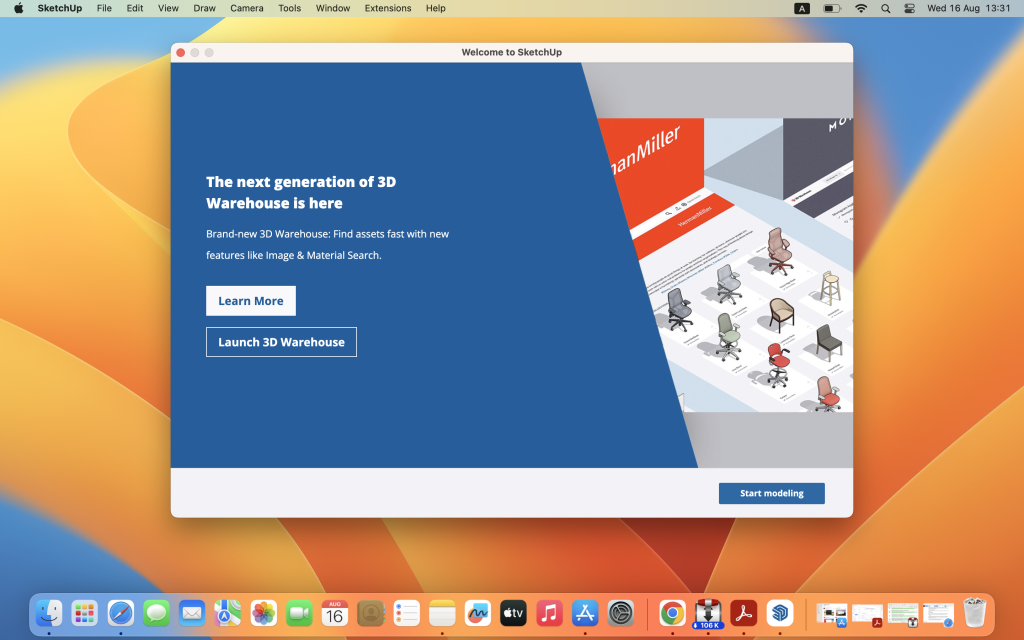
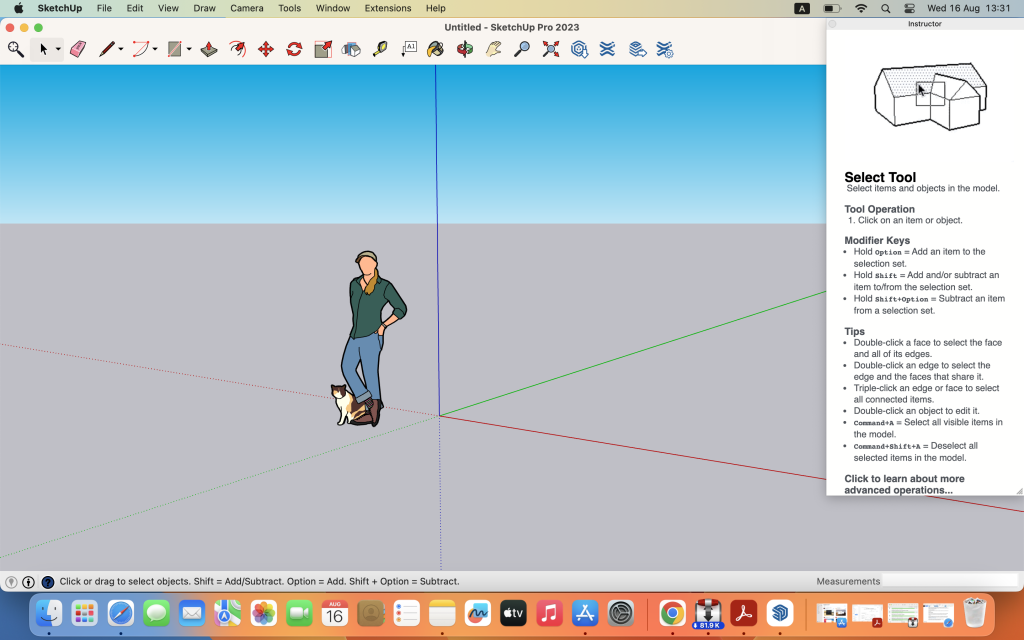
Name : SketchUp Pro 2023 v23.0.418
Size : 893 Mb
SketchUp is a user-friendly 3D modeling program designed to help users explore the world in 3D and create a variety of 3D models, from buildings and structures to woodworking projects and more. The software offers a range of tools that make it easy to create and visualize 3D designs. Here’s an overview of the key features and capabilities of SketchUp:
Easy-to-Learn 3D Modeling:
SketchUp provides a straightforward and intuitive interface that enables users to quickly create 3D models. With a set of simple tools, users can design various objects, buildings, landscapes, and more.
Versatile Applications:
SketchUp is suitable for a wide range of applications, from creating models of houses, sheds, decks, and woodworking projects to more complex designs like architecture, interior design, and engineering projects.
SketchUp Pro for Desktop:
The desktop version of SketchUp Pro offers fast and easy 3D modeling capabilities for a wide range of design projects.
SketchUp for Web:
SketchUp for Web is a powerful online modeler that provides essential features for turning designs into real 3D models directly in a web browser.
Cloud Storage:
SketchUp Pro offers unlimited cloud storage through Trimble Connect, allowing users to share, collaborate, and store their projects securely in the cloud. This adds flexibility and facilitates collaboration with others.
2D Design Documentation:
With LayOut, users can create scaled drawing sets in 2D, which is especially useful for design documentation and communicating design ideas clearly.
VR Model Viewing:
SketchUp Pro offers the ability to view 3D models in virtual reality (VR) on devices like Microsoft HoloLens, HTC Vive, Oculus, smartphones, and tablets. This feature allows users to provide clients with immersive walkthroughs of their projects.
Custom Styles and Materials:
Users can apply custom styles and materials to their projects, making them unique and tailored to their specific vision.
Dynamic Components:
Dynamic Components in SketchUp allow users to create models that have interactive and adjustable properties. This can be especially useful for creating parametric designs and easily modifying components.
SketchUp’s compatibility requires macOS 10.15 or later. If you’re interested in exploring more details about SketchUp, its features, and how it can benefit your design projects, you can visit the official homepage: https://www.sketchup.com/.
As with any software, it’s recommended to review user feedback and explore the features to determine if SketchUp meets your specific 3D modeling and design needs.

Name : Luxion KeyShot Pro 11.3.3.2
Size : 1.66 GB
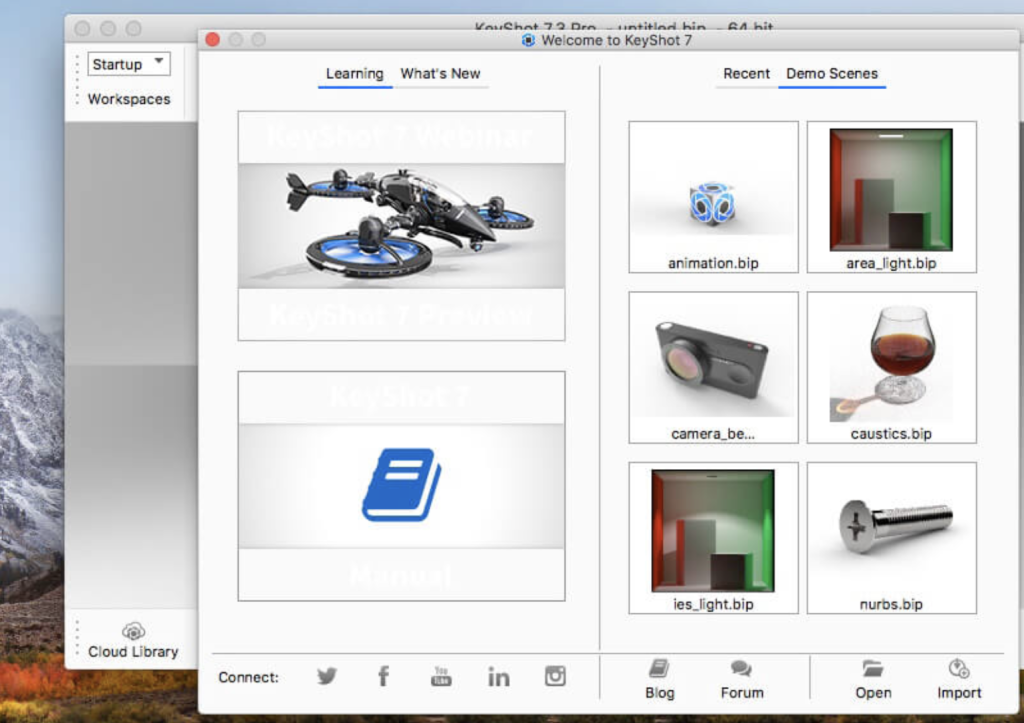
Luxion KeyShot Pro is a powerful rendering and animation software that enables users to create fast, accurate, and stunning visual representations. Designed for a variety of purposes, from product visualization to sales and marketing imagery, KeyShot offers a real-time workflow that allows users to see renderings and animations come to life instantly. Here’s an overview of the key features and functionalities of KeyShot:
Real-Time Workflow:
KeyShot’s real-time workflow allows users to see immediate results as they make changes to their scenes, reducing the time required to achieve the desired visual outcome.
GPU Mode:
KeyShot 9 introduces a GPU-accelerated ray tracing feature powered by NVIDIA RTX with OptiX. This GPU Mode offers real-time rendering and local render output, leveraging multi-GPU performance scaling and dedicated ray tracing acceleration hardware in NVIDIA RTX-capable GPUs.
Denoise:
The Denoise feature eliminates noise from renderings, enhancing their quality and speeding up the rendering process. This feature is available in both CPU and GPU modes and can be used with an unlimited number of KeyShot Image Styles.
RealCloth (PRO):
RealCloth is a proprietary technology that enables the creation and visualization of realistic woven materials. It offers control over the weave pattern and the addition of flyaway fibers, enhancing the realism of fabric materials.
Web Configurator (PRO):
KeyShot 9 introduces the capability to generate interactive product configurators that can be accessed via web browsers. These configurators feature fully-rendered product variations using chosen models, materials, and Studios, providing an engaging product customization experience.
3D Model Library:
KeyShot 9 comes with a new Model Library filled with curated 3D models of high quality. These models include complete materials and textures and can be easily searched, filtered, and added to scenes using drag-and-drop functionality from KeyShot Cloud.
Creative Freedom:
KeyShot 9 enhances creative freedom by offering new materials and textures, providing users with a higher level of detail and control over their visual projects.
Fuzz Material (PRO):
The Fuzz Material geometry shader (available in Pro version) allows users to add a new level of realism to materials by simulating a fuzzy surface. Parameters like length, randomness, and density can be adjusted to achieve the desired effect.
KeyShot is compatible with macOS 10.13 or later. Users interested in exploring more details, features, and the user interface can visit the official homepage of KeyShot: https://www.keyshot.com/.
As with any software, it’s recommended to review user feedback and explore the features to determine if KeyShot meets your specific rendering and animation needs.

Name : Boxy SVG 4.6.1
Size : 166 MB
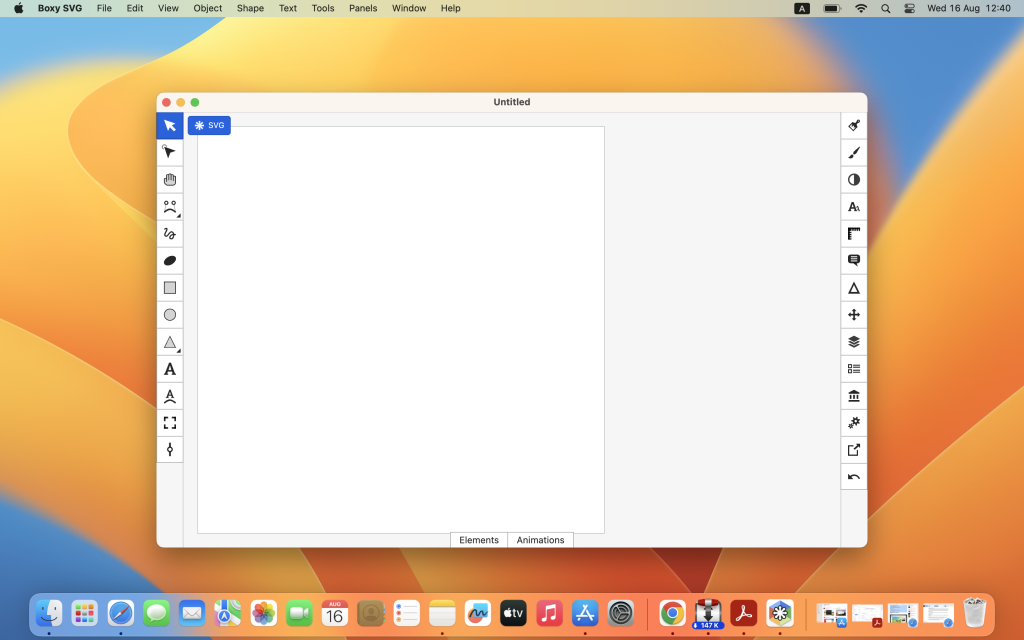
Boxy SVG is an SVG (Scalable Vector Graphics) editor designed to cater to a wide range of users, from non-technical individuals to professional designers and developers. SVG is a standard format for storing vector graphics, making it suitable for creating icons, banners, charts, illustrations, and other graphics that can scale without loss of quality. Here’s an overview of the core features and functionalities of Boxy SVG:
Clean and Intuitive UI:
The user interface of Boxy SVG is designed with inspiration from other popular design tools like Inkscape, Sketch, and Adobe Illustrator. This design approach aims to ensure a familiar and user-friendly experience.
On-Canvas Editing:
The application offers extensive support for editing object geometry, transformations, painting properties, and various other attributes directly on the canvas. This real-time editing capability simplifies the design process.
File Format Support:
Boxy SVG enables users to save their work in both SVG and SVGZ formats. Additionally, it provides export options for PNG, JPG, WebP, PDF, and HTML5 formats, enhancing compatibility with various platforms.
Integration with Open Clip Art Library:
The editor seamlessly integrates with the Open Clip Art Library, offering access to a vast collection of free stock vector arts that can be incorporated into projects.
Google Fonts Integration:
Boxy SVG includes integration with Google Fonts, providing access to a diverse range of free fonts that can be utilized in designs.
Keyboard Shortcuts Customization:
Users have the flexibility to configure keyboard shortcuts for over 100 commands, allowing them to personalize the editing experience.
Guides and Grid:
The application supports manual guides, smart guides, and grid alignment, aiding in precise object placement and alignment.
Path and Arrangement Operations:
Boxy SVG offers a range of path operations such as unite, intersect, subtract, exclude, reverse, and more. It also includes arrangement operations like alignment, rotation, flipping, grouping, and ordering.
Web Developer Features:
For web developers, the application employs a Chromium-based rendering engine. It includes an SVG and CSS code inspector similar to Chrome Dev Tools, making it easier to analyze and edit SVG and CSS code. The SVG output is designed to be clean, preserving IDs, classes, titles, and other metadata.
SVG Sprites Editing:
The editor supports editing SVG sprites, enabling users to work on complex graphics composed of multiple SVG elements.
Compatibility:
Boxy SVG is compatible with macOS 10.15.0 and later versions, and it’s also compatible with Apple M1 processors.
For more information about Boxy SVG, its features, and its user interface, you can visit the official homepage on the Apple App Store: https://geo.itunes.apple.com/app/id611658502.
As with any software, it’s recommended to review user feedback and explore the features to determine if Boxy SVG meets your specific design and editing needs.

Name: Iridient Developer 4.0.0
Size : 35.0 MB
Iridient Developer is a powerful RAW image conversion application designed exclusively for macOS. It empowers advanced photographers with full control over their digital photographs while still providing an easy-to-use interface for batch conversion and basic adjustments for casual users. Here’s an overview of the key features and capabilities of Iridient Developer:
Compatibility: Iridient Developer requires macOS 10.13 or later.
For more information and detailed feature explanations, you can visit the official homepage of Iridient Developer: https://www.iridientdigital.com/products/rawdeveloper.html.