We rank the best UK-licensed online casinos for real money and live craps in 2026, comparing bonuses, games, payouts, and mobile play. read the best online craps casino guide

Posts by Jameskarke
Duplicate File Finder Pro 7.2.0 For Mac Free Download
0
Name : Duplicate File Finder Pro 7.2.0
Size : 39 MB
Duplicate File Finder Pro 7.2.0 For Mac Free Download
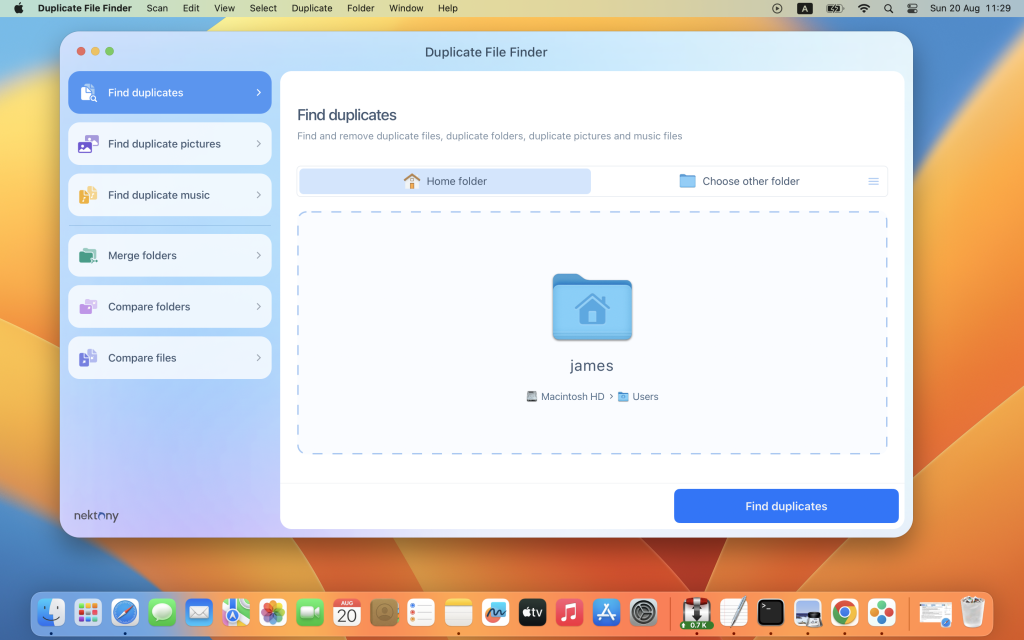
PrimeFile is a free utility for macOS that simplifies the process of finding and managing duplicate files on your Mac. It offers a user-friendly interface and various features to help users identify and remove duplicate files efficiently. Here are the key features of PrimeFile:
- Fast Scanning Algorithm:
- PrimeFile employs a fast scanning algorithm that quickly scans your selected folders or drives for duplicate files.
- You can drag and drop as many folders as you like and initiate the scan with a simple click.
- Scan for Duplicates in Multiple Locations:
- The application allows you to scan for duplicates in multiple folders or drives on your Mac.
- It also supports external drives and mounted network folders, extending its utility beyond the local system.
- Results Overview:
- PrimeFile provides a visual chart report during the scanning process, giving you an overview of the results.
- The duplicate files are categorized by types, such as images, videos, music, archives, documents, and more.
- Built-in Duplicates Search:
- The app includes a built-in duplicates search feature.
- It offers a preview and quick look for every file, making it easy to identify duplicates.
- Duplicates Management:
- PrimeFile allows you to sort duplicates by various criteria, including name, size, total size, type, and duplicates count.
- You can select multiple duplicate files for removal with a visual progress bar.
- Smart duplicates auto-selection helps you streamline the selection process.
- You can choose to move selected duplicates to the Trash or permanently remove them.
- Pro Upgrade (In-App Purchase):
- Upgrading to the Pro version via in-app purchase offers additional features, including the ability to find duplicates in hidden folders and duplicate folders.
- It also allows you to find similar folders that contain both unique and duplicate files.
- Intelligent cleanup hints are available in the Pro version to further assist with managing duplicates.
Compatibility: PrimeFile is compatible with macOS 10.12 or later.
PrimeFile is a practical tool for Mac users looking to declutter their storage by identifying and removing duplicate files. Its intuitive interface and scanning options make it accessible to users of various skill levels, and the Pro version offers advanced features for more comprehensive file management.

Magic Disk Cleaner 2.3.2 For Mac free Download
0
Name : Magic Disk Cleaner 2.3.2
Size : 5 MB
Magic Disk Cleaner 2.3.2 For Mac Free Download
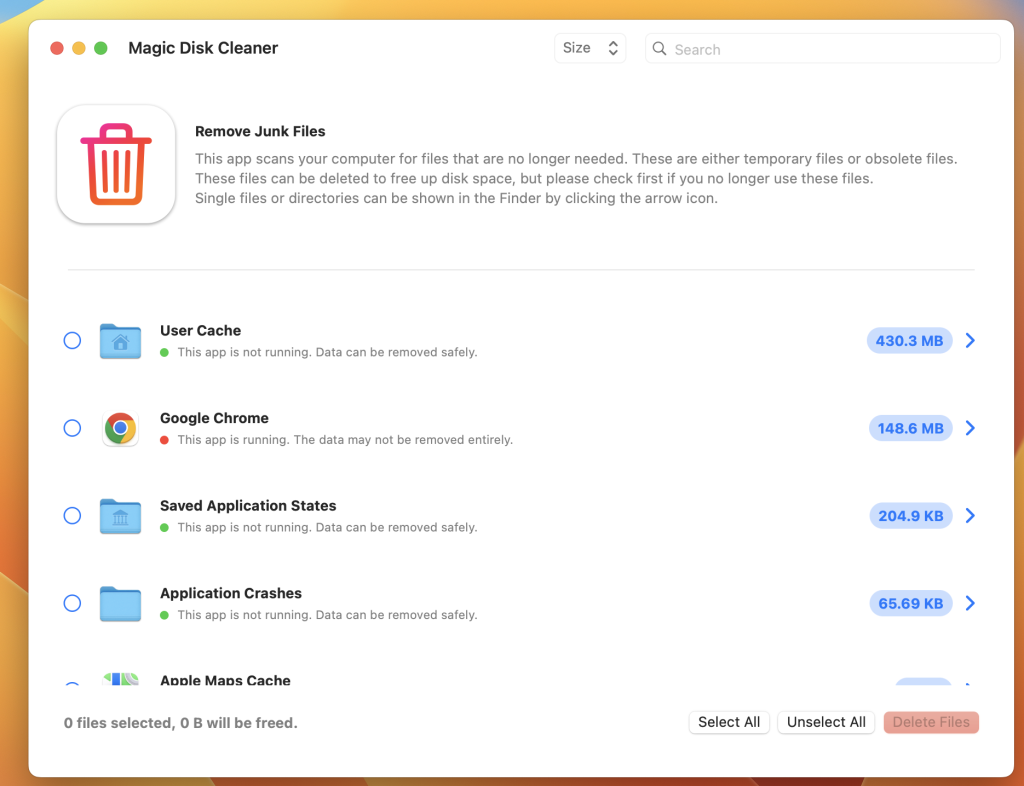
Magic Disk Cleaner is a macOS application designed to help users quickly identify and delete temporary files and data that can take up valuable disk space on their Mac. It offers a simple and straightforward approach to freeing up storage space. Here are the key features of Magic Disk Cleaner:
- Fast Search:
- Magic Disk Cleaner performs a rapid scan of your computer to identify temporary files and data that can be safely removed.
- It helps you quickly locate and delete these files, making the cleaning process efficient.
- User-Friendly Interface:
- The application offers an easy-to-use interface, and the search for temporary files begins immediately upon launching the app.
- With just one click, you can initiate the process to delete the identified files.
- Manual Deletion Control:
- Magic Disk Cleaner does not automatically delete any data without your consent. You have full control over which files are deleted and which ones you want to keep.
- This manual control ensures that you can review the list of identified files before taking any action.
Compatibility: Magic Disk Cleaner is compatible with macOS 11.0 or later.
This application is available on the Mac App Store, where you can download and install it to help manage and free up disk space on your Mac by removing unnecessary temporary files.
Magic Disk Cleaner is a useful tool for Mac users who want a straightforward way to clean up their system by removing temporary files and reclaiming storage space. Its simplicity and manual control make it accessible to users of all levels of expertise.

Native SQLite Manager 1.25.2 For Mac Free Download
0
Name : Native SQLite Manager 1.25.2
Size :87 MB
Native SQLite Manager 1.25.2 For Mac Free Download
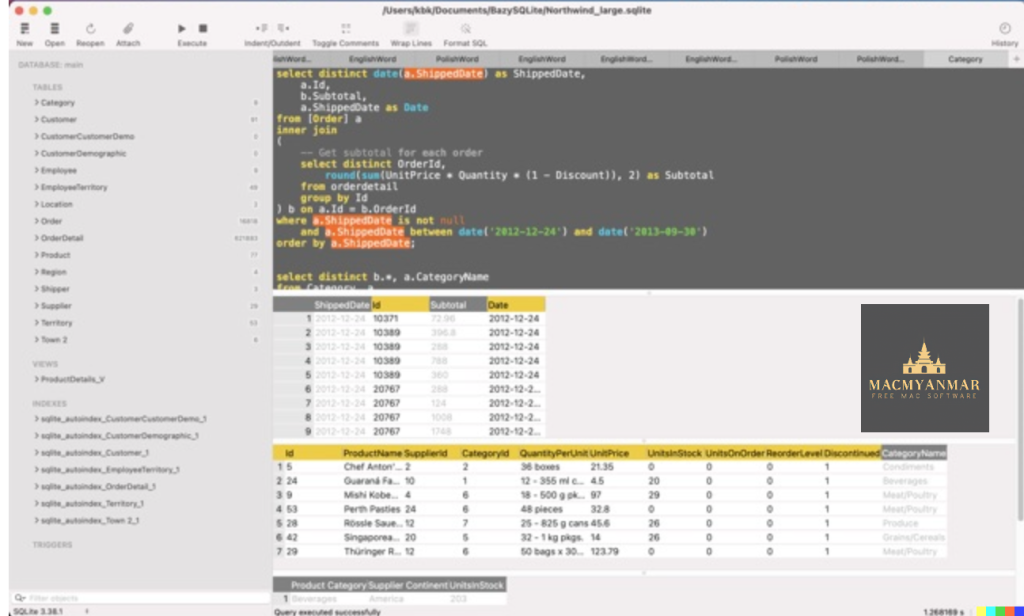
Native SQLite Manager is a macOS application designed to provide a minimalist yet functional environment for managing SQLite databases. It offers several features to streamline the process of working with SQLite databases. Here are the key features of Native SQLite Manager:
- SQLite Version Compatibility:
- Native SQLite Manager supports multiple versions of SQLite, ensuring compatibility with a wide range of SQLite databases.
- SQLCipher Support:
- SQLCipher is supported, which means you can work with encrypted SQLite databases using this manager.
- SQLite Extensions:
- The application supports SQLite extensions, allowing you to utilize additional features and functionality as needed.
- Autocompletion and Syntax Highlighting:
- Native SQLite Manager provides autocompletion and syntax highlighting, making it easier to write and edit SQL queries.
- Customizable Themes:
- Users can customize the application’s theme to match their preferences, providing a personalized working environment.
- SQL Formatter:
- The manager includes an SQL formatter, which helps organize and format SQL queries for improved readability.
- Data Export and Import:
- You can export data from your SQLite databases to various formats, including CSV, JSON, and XML.
- Importing data from CSV files is also supported, simplifying the process of populating your databases.
- Minimalist Interface:
- Native SQLite Manager is designed with a minimalist interface, focusing on essential database management tasks without unnecessary clutter or complexity.
Compatibility: Native SQLite Manager is compatible with macOS 10.15 or later and is designed to work on both Apple Silicon and Intel Core processors.
This application is available on the Mac App Store, where you can find it for download and installation.
Native SQLite Manager aims to provide a straightforward and efficient environment for working with SQLite databases, making it suitable for developers and users who require a minimalist yet capable SQLite database manager.

Glyphs 3.1.1 (3135) For Mac Free Download
0
Name : Glyphs 3.1.1 (3135)
Size : 29 MB
Glyphs 3.1.1 (3135) For Mac Free Download
Glyphs is a Mac OS X application designed for creating and modifying fonts with simplicity and efficiency in mind. It provides a range of tools and features that make font design accessible to both beginners and experienced type designers. Here are some key features and functionalities of Glyphs:
- Font Creation and Modification:
- Glyphs allows users to create new fonts from scratch or make modifications to existing font files.
- The app simplifies the font creation process, making it accessible to users with varying levels of experience.
- Sketch and Digitize Fonts:
- Users can sketch font letterforms by hand and easily digitize their sketches within Glyphs.
- The app guides users through the process of creating complete OpenType fonts step by step.
- Type Design Tools:
- Glyphs provides smart vector tools optimized for designing typefaces.
- Features like interpolated nudging, curvature control, batch editing, and more make type design efficient.
- Multilingual Font Development:
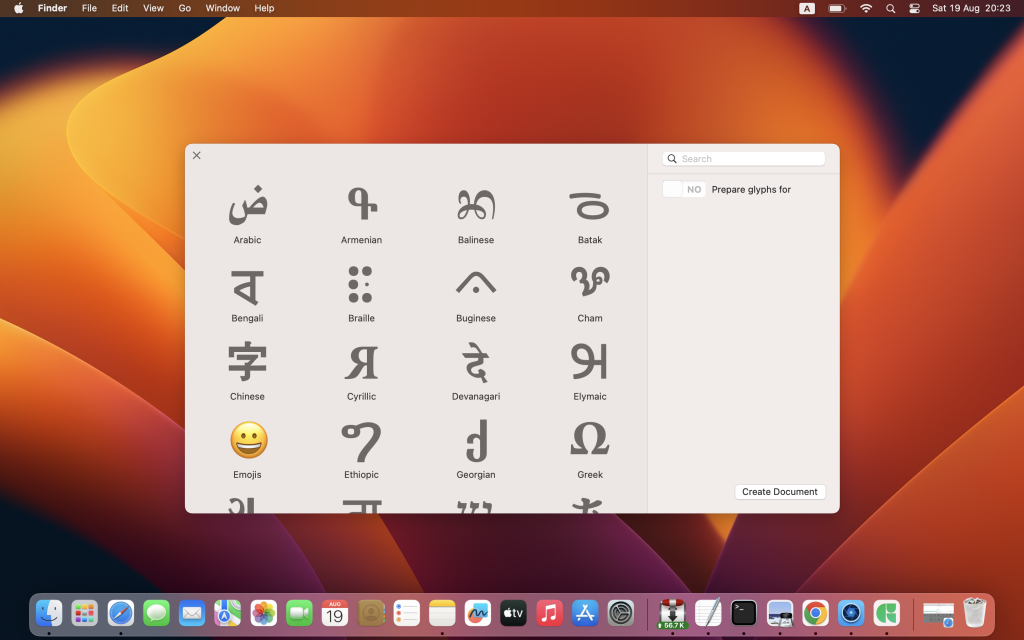
- Glyphs supports multiple languages and character sets, making it suitable for multilingual font development.
- It offers features like human-readable glyph names, automatic alignment of diacritics, mark positioning, and Unicode 7 support.
- Word Context Editing:
- The edit view in Glyphs also serves as a text editor, allowing designers to see their fonts in a word context.
- This feature helps in drawing, editing, spacing, and kerning glyphs in a more practical context.
- Color Fonts:
- Glyphs supports the creation of color fonts with multi-layer previews and specialized editing tools.
- Users can export layer fonts, Microsoft-style color web fonts, or Apple-style emoji fonts.
- OpenType Features:
- Glyphs automates the creation of OpenType features by analyzing glyph names and shapes.
- It can generate feature code for ligatures, figure sets, positional forms, localizations, fractions, stylistic sets, small caps, and more.
Compatibility: Glyphs is compatible with macOS 10.11 or later.
Please note that specific details about updates and changes in version 3.1.1 (3135) are unavailable in the provided information.
Glyphs is a versatile tool for font design, offering a user-friendly interface and a range of features to help users create and modify fonts of various styles and complexities. Whether you’re designing text typefaces or decorative fonts, Glyphs provides the tools needed to bring your font ideas to life.

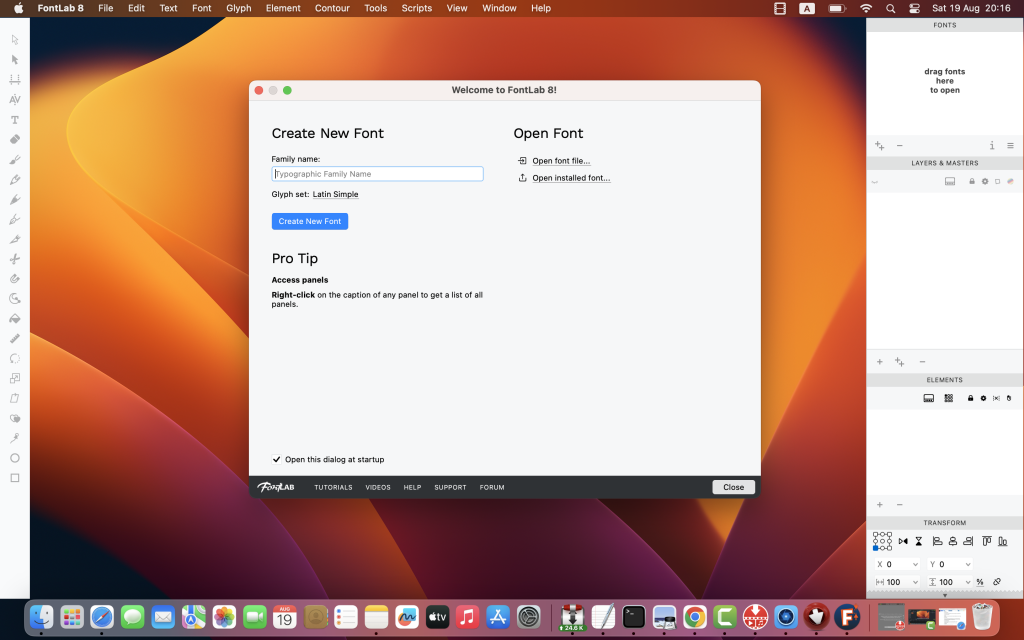
FontLab 8.2.0.8620.0 macOS Free Download
0
Name : FontLab 8.2.0.8620.0 macOS
Size : 103 MB
FontLab 8.2.0.8620.0 macOS Free Download
FontLab 7 is a comprehensive and professional font editor designed for type designers and font enthusiasts. It offers a wide range of features and tools for creating, editing, and managing fonts of various styles and writing systems. Here are some key features and capabilities of FontLab 7:
- Font Creation and Modification:
- Create new fonts from scratch or open existing font files for modification.
- Edit font glyphs, adjust curves, and fine-tune character shapes with precision.
- Font Drawing and Design:
- FontLab provides advanced drawing tools for designing and refining font characters.
- Responsive contour operations simplify the design process, making it efficient for both beginners and experts.
- Spacing and Kerning:
- Control and adjust the spacing between characters and kerning pairs to ensure balanced and visually pleasing typography.
- Hinting:
- FontLab supports hinting, which is essential for ensuring font readability on screen and in digital formats.
- Export Options:
- Export fonts in various formats, including desktop, web, color, and variable OpenType fonts.
- FontLab supports a wide range of Unicode writing systems, from Latin and Cyrillic to Arabic, Hebrew, Indic, Chinese, Japanese, emoji, symbols, and icons.
- Color and Variable Fonts:
- FontLab 7 introduces support for color fonts, allowing designers to create fonts with colorful and expressive characters.
- Variable fonts are also supported, enabling the exploration of new possibilities in font design.
- Compatibility:
- FontLab 7 is compatible with macOS 10.13 or later.
Please note that specific details about updates and changes in version 8.2.0.8620.0 are unavailable in the provided information.
FontLab 7 is a powerful tool for font designers and typographers, providing a wide range of features to create, edit, and export fonts in various formats. Whether you’re designing fonts for print, web, or digital use, FontLab 7 offers the tools and flexibility needed to bring your typography projects to life.

Airy Pro 3.28 macOS Free Download
0
Name :Airy Pro 3.28 macOS\
Size : 29 MB
Airy Pro 3.28 macOS Free Download
Airy Pro 3.28 is a macOS application designed for downloading videos from YouTube, allowing users to save videos for offline viewing, extract audio in MP3 format, and manage various download preferences. Here are the key features and functionalities of Airy:
- YouTube Video Download:
- Airy provides a simple and user-friendly way to download videos from YouTube to your Mac.
- You can initiate multiple downloads simultaneously, saving time and effort.
- Select the format (e.g., MP4, FLV, 3GP) and desired resolution for the downloaded videos.
- YouTube Playlist and Channel Downloads:
- Airy supports the download of entire YouTube playlists and channels.
- Simply copy and paste the playlist or channel link, choose the format and resolution, and click “Download” to save multiple videos at once.
- YouTube to MP3 Conversion:
- Airy allows you to extract audio from YouTube videos and save it as MP3 files.
- The extracted audio files come with titles and album art for easy organization.
- You can also choose other audio formats for conversion if needed.
- Browser Integration:
- Airy can be integrated into popular web browsers like Safari, Chrome, Firefox, and Opera.
- This integration enables you to download YouTube videos directly from the browser with ease.
- Preferred Video Quality:
- Users can choose their preferred video quality when downloading videos.
- Airy supports various resolutions, including HD, 4K, and 8K Ultra HD.
- You can select the most suitable format and resolution based on the device or player you intend to use.
- Login and Password Support:
- Airy allows for downloading of age-restricted and protected videos.
- Users can log in to their YouTube accounts within the app to access and download such content.
- Login credentials can be saved for future use.
Compatibility: Airy is compatible with macOS 10.9 or later.
Airy offers a convenient solution for users who want to download YouTube videos to their Mac computers, extract audio, and manage their download preferences. Whether you need to save videos for offline viewing or simply want to enjoy YouTube content in audio format, Airy provides the necessary tools and flexibility to meet your needs.

Keep It For Mac Free Download
0
Name : Keep It 2.2.11
Size : 28MB
Keep It 2.2.11
Keep It is a versatile note-taking and information management app available for Mac, iPhone, and iPad. It’s designed to help users capture and organize various types of content, including notes, web links, documents, and more. Here are some key features and functionalities of Keep It:
- Notes and Links:
- Create notes with various built-in styles that ensure readability across all devices.
- Notes can include checklists, bullet points, numbered lists, images, links, and attachments.
- Save web links directly to Keep It for later reference. You can view them within the app, open them in your web browser, or save them as PDFs for offline reading.
- Files:
- Keep It allows you to add virtually any type of file to the app or save files to specific folders.
- You can open these files for editing in their original applications.
- Changes made to files in Keep It are automatically synchronized across all your Macs and iOS devices if you use iCloud.
- Preview and Edit:
- Keep It generates thumbnails and summaries for many types of files, enhancing the organization and search capabilities.
- The app can edit its own notes, rich and plain text files, and offer previews for PDFs, images, web pages, and other documents.
- Search and Filter:
- Keep It provides a powerful search function that can search the content of most files.
- As you type, search suggestions appear, allowing you to quickly narrow down your search results.
- You can save searches for future use.
- The Tag Filter feature helps you find items based on their assigned tags, making organization and retrieval easier.
- Organize:
- Use folders to organize items hierarchically, providing a structured way to manage your content.
- Bundles allow you to group related items together without moving them from their original locations.
- Labels can be applied to color-code items for easy visual identification.
- More Lists:
- The Recents list shows recently added or viewed items, with the most recent at the top.
- Favorites provide quick access to your preferred items.
- Deleted Items are retained for 30 days before being automatically removed.
- User Interface:
- Keep It offers a compact mode, ideal for use alongside other apps or in split-screen mode on your Mac.
- It can be integrated with other apps, allowing you to easily add content from various sources using the app’s share extension.
- Compatibility:
- Keep It is compatible with macOS 11.3 or later.
Keep It is designed to be a comprehensive solution for managing and organizing information across multiple devices. Whether you need to capture quick notes, save web links, or store and access various types of documents, Keep It provides a range of features to help you stay organized and find what you need when you need it.

VideoDuke For Mac Free Download
0
Name : VideoDuke 2.14 macOS
Size : 60MB
VideoDuke 2.14 macOS Free Download
VideoDuke is a versatile video downloader for Mac users, designed to make the process of downloading videos from various websites easy and efficient. Here are some of the key features and capabilities of VideoDuke:
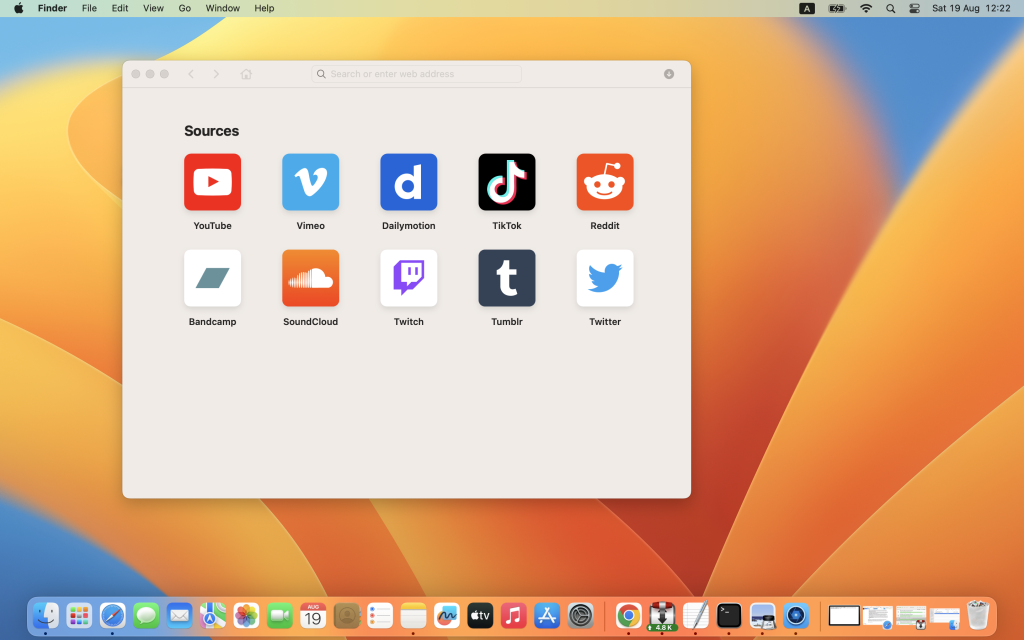
- Wide Website Support: VideoDuke is compatible with many popular video websites, including YouTube, Vimeo, and Dailymotion. This broad support ensures that you can download videos from a variety of sources.
- Multiple File Formats: You have the option to save downloaded videos in various file formats, including 3GP, MP4, M4V, FLV, and others. This flexibility allows you to choose the format that best suits your needs.
- Preferred Resolutions: VideoDuke enables you to select your preferred video resolution when downloading videos. Options typically include 360p, HD 720p, HD 1080p, and more, ensuring you get the quality you want.
- Simple Mode: In the Simple mode, VideoDuke provides quick access to music videos, movies, TV shows, and cartoons from supported websites. You can easily download videos with just a single click.
- Playlist and Channel Downloading: You can use VideoDuke to download complete YouTube playlists and channels. Additionally, you can select the quality for each video within the playlist, catering to your specific preferences.
- MP3 Downloader: VideoDuke can also download YouTube videos as audio files. This feature allows you to extract the audio soundtrack from a video without the need for conversion. Audio files can be saved in formats like WebM, MP3, and others.
- Advanced Mode: In the advanced mode of VideoDuke, you gain more control and options for downloading content. You can see all resources fetched from a web page, including video, audio, Flash animations, images, and more. This mode provides a deeper level of customization.
- Search Functionality: You can use VideoDuke’s built-in search feature to find videos directly within the app. It supports quick access buttons to popular video websites, making it convenient to search for and download videos.
- Compatibility: VideoDuke is compatible with macOS 10.10 or later, ensuring broad support for Mac users.
VideoDuke offers a user-friendly interface and a range of features that make it a powerful tool for downloading videos from the web. Whether you want to save videos for offline viewing, extract audio, or download entire playlists, VideoDuke provides the tools to do so with ease.

PullTube Free Download for Mac
0
Name : PullTube 1.8.5.17
Size : 119MB
PullTube 1.8.5.17 For Mac OS Free Download
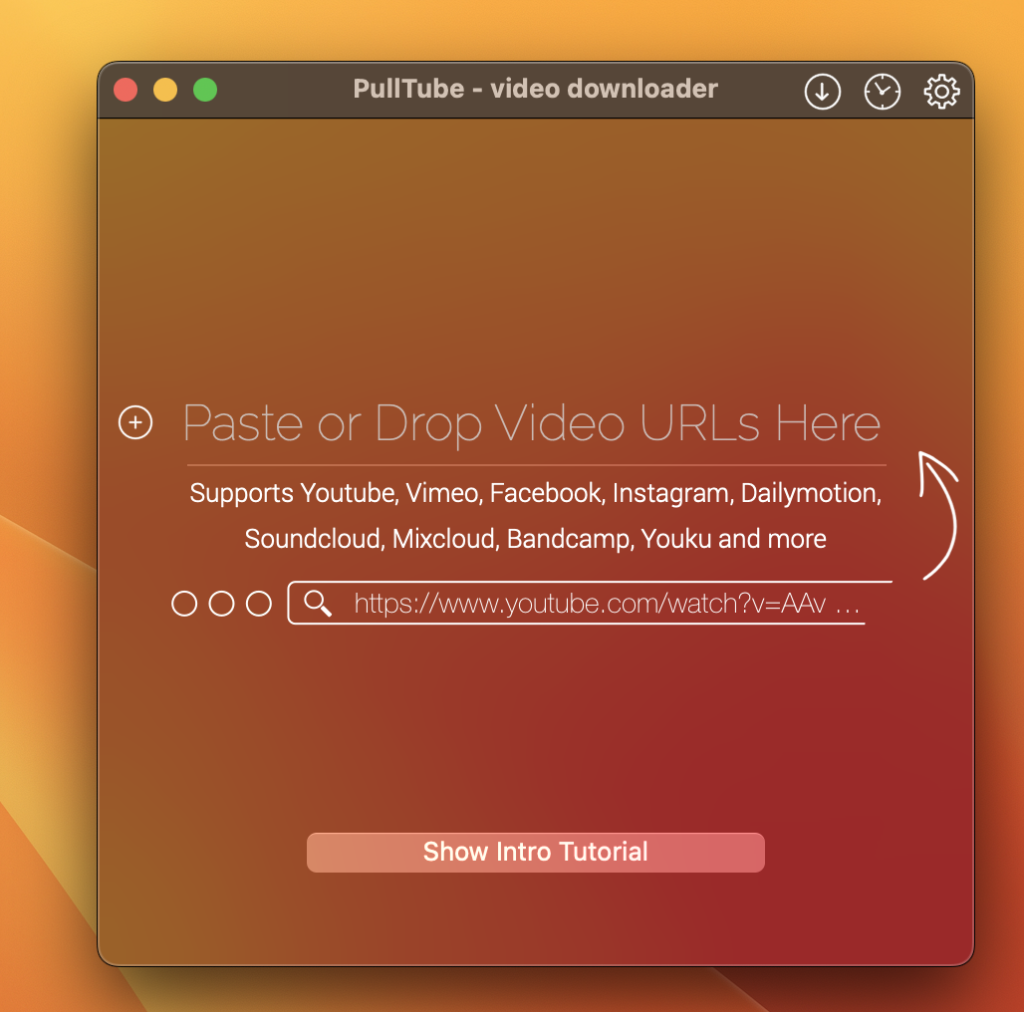
PullTube is an online video downloader designed for Mac users, offering a streamlined and user-friendly workflow for downloading videos from platforms like YouTube and Vimeo. Here are some key features of PullTube:
- Video Downloading: PullTube allows you to quickly download videos from YouTube and Vimeo. It supports videos of any duration or size.
- Quality Control: You have control over the output quality when downloading videos. This means you can choose the resolution and format that best suits your needs.
- Audio Extraction: In addition to downloading videos, PullTube enables you to extract the audio from videos and save it in MP3 or M4A file formats. This can be handy for creating audio-only files from video content.
- Resolution Support: PullTube supports various video resolutions, including 4K, HD, and 60fps, ensuring you can download videos in the quality you prefer.
- User-Friendly Interface: The app boasts a beautiful and flexible user interface with a dark theme, making it easy on the eyes. This interface is designed for a pleasant user experience.
- Notification Integration: PullTube integrates with the macOS Notification Center, providing completion alerts. This feature allows you to stay informed about the status of your downloads.
- Platform Expansion: The app mentions that it supports YouTube and Vimeo and hints at the possibility of adding more platforms based on user requests. This suggests a commitment to improving and expanding the app’s capabilities.
Compatibility: PullTube is compatible with macOS 10.12 and above.
Please note that specific details about updates and changes in version 1.8.5.17 are unavailable in the provided information.
If you need a reliable and user-friendly tool for downloading online videos and extracting audio from them, PullTube appears to be a viable option for Mac users.
iReal Pro 2023 For Mac Free download
0
Name : iReal Pro 2023.7
Size: 86 MB
iReal Pro 2023.7 macOS
iReal Pro is a versatile and powerful tool for musicians of all levels to enhance their practice and performance. Here’s an overview of its key features:
- Virtual Band Accompaniment:
- Simulates a realistic sounding band to accompany your practice sessions.
- Offers 50 different accompaniment styles, including Swing, Ballad, Gypsy Jazz, and more.
- Personalize each style with various instrument sounds, such as piano, guitars, bass, drums, and more.
- Record yourself playing or singing along with the virtual accompaniment.
- Song Management:
- Allows you to play, edit, and download thousands of songs.
- Features an Editor to create and edit your own songs and chord charts.
- Create and manage playlists for easy access to your favorite songs.
- Chord Diagrams and Fingerings:
- Provides chord diagrams for guitar and ukulele, as well as piano fingerings for chord charts.
- Offers scale recommendations for each chord, aiding in improvisation.
- Customized Practice:
- Includes 50 exercises for practicing common chord progressions.
- Allows you to transpose any chart to a different key or number notation.
- Supports looping of selected measures for focused practice.
- Advanced practice settings like automatic tempo increase and key transposition.
- Global transposition options for horn players in Eb, Bb, F, and G.
- Sharing and Exporting:
- Share individual charts or playlists with other iReal Pro users via email and forums.
- Export charts as PDF and MusicXML for printing and further editing.
- Export audio in formats like WAV, AAC, and MIDI.
- Upload your songs and playlists to iCloud for backup and synchronization across your iCloud-enabled devices.
- Compatibility:
- Compatible with macOS 10.13 or later.
- In-App Purchases:
- The Full Version of the app is included, so you can access all features without additional purchases.
iReal Pro is endorsed and used by music students, teachers, and renowned music schools like Berklee College of Music and Musicians Institute. It provides a convenient way to practice and improve your musical skills, offering a virtual band to accompany you and a wealth of tools for song management and customization. Whether you’re a beginner or an experienced musician, iReal Pro can be a valuable tool in your practice and performance toolkit.
